Playback in live view
Playback in live view
General
There are three different options for playback:
• Through the event search in the main menu
• From the live display
• Via Log Information in the maintenance menu.
Note
The “Previous/Next file/day/event” buttons are al-
located as follows, depending on the playback
mode:
Normal playback:
Pressing one of the buttons switches playback to
the previous/next day.
Event search:
Pressing one of the buttons switches playback to
the previous/next event.
Data export:
Pressing one of the buttons switches playback to
the previous/next file.
Note
It is possible to start playback on up to four cam-
era channels with 1080p or six camera channels
with 720p at the same time.
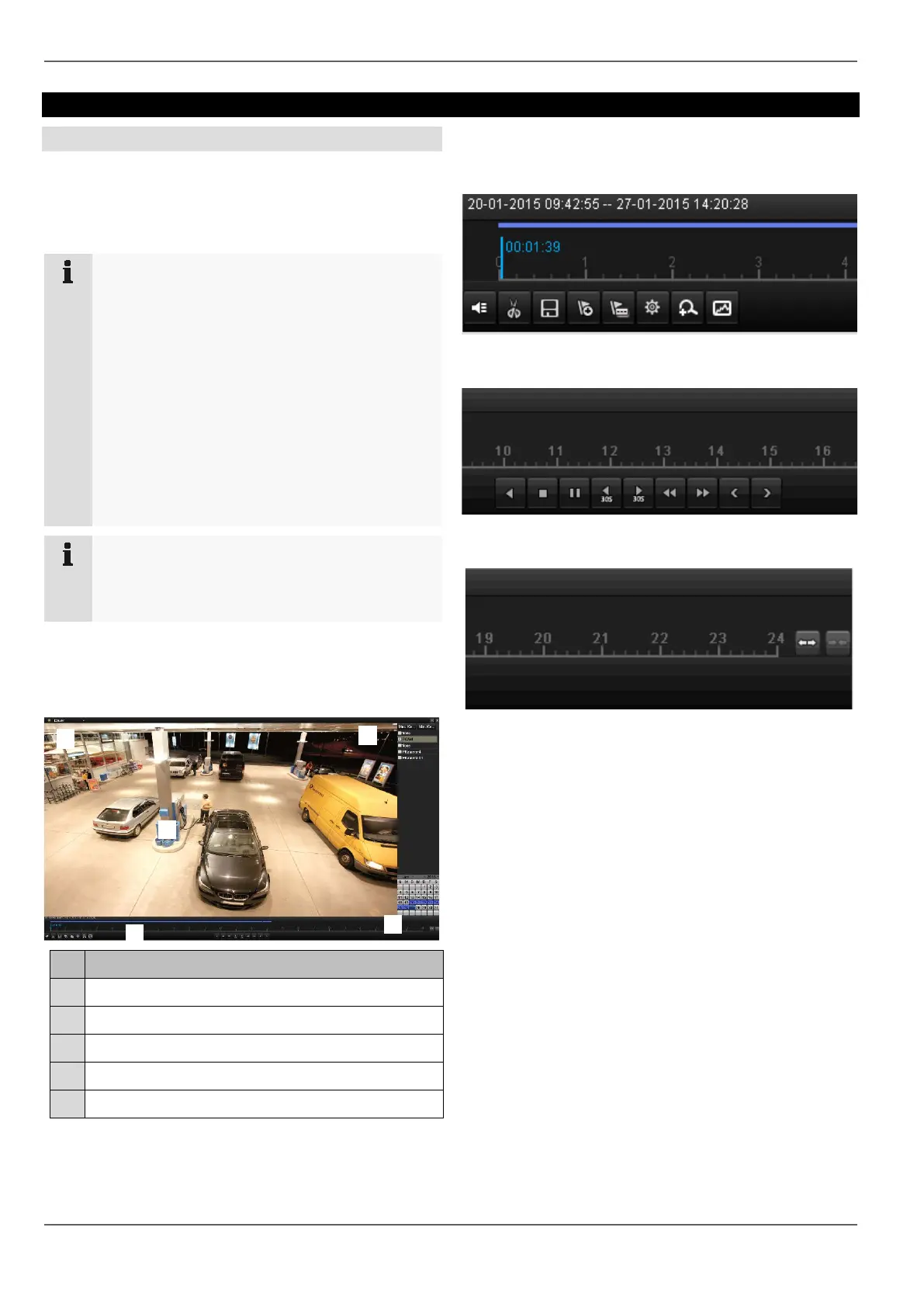
Playback screen
Playback is controlled via the control panel:
No.
Area
Running playback with date and time
Selection of camera for playback
Calendar with recording type
Control panel with time bar (see right)
Selection of playback type
Control via the control panel
The control panel (4) is used to control running playback.
The symbols have the following meanings:
23



 To Next Page