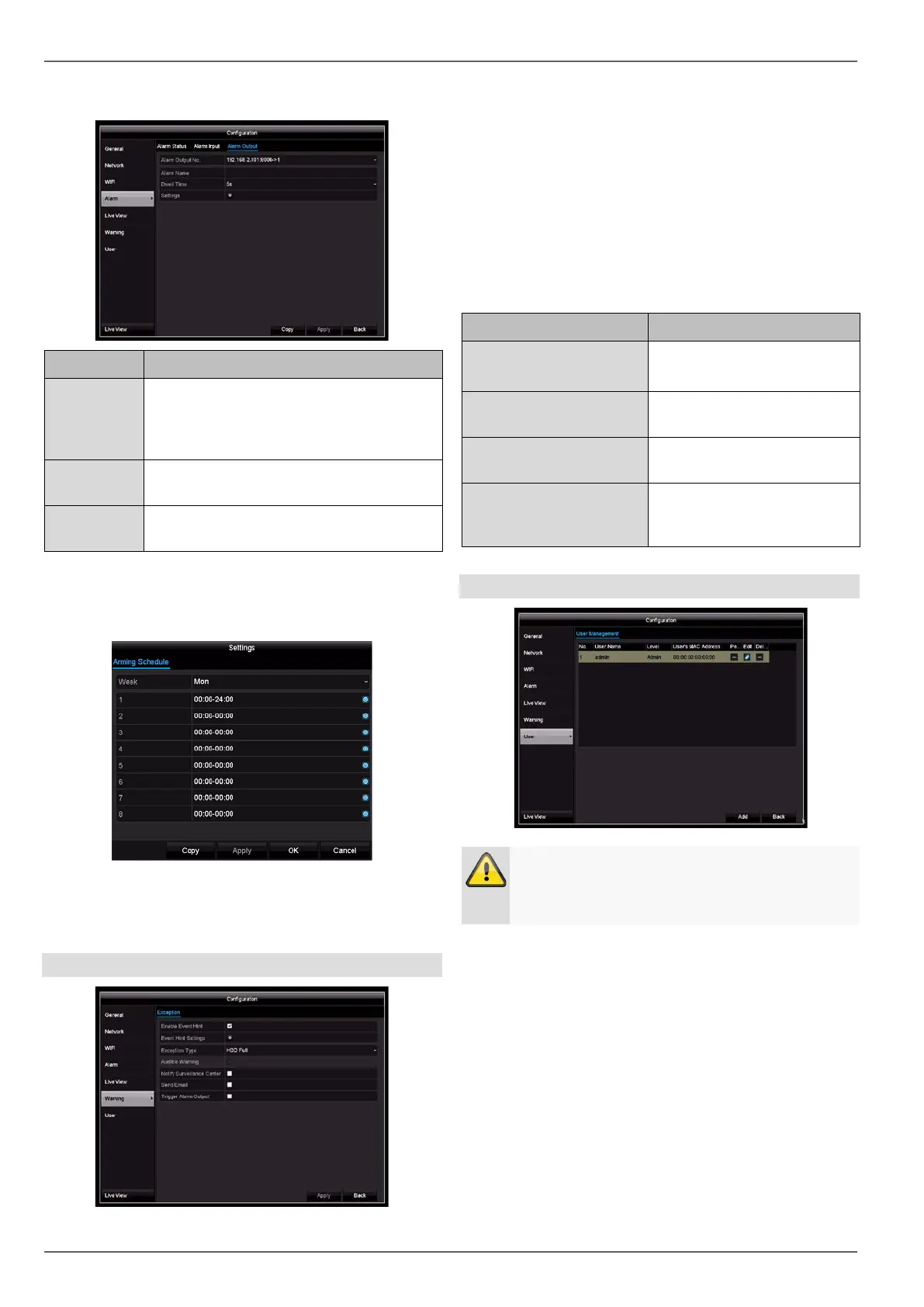
Configuration
Alarm Output tab
Parameter Setting
Alarm Out-
put
Select the alarm output to adjust the set-
tings. You can select the alarm output for
a network camera using the network ad-
dress data.
Alarm Name Enter a clear
description, e.g. warehouse
door contact
Dwell Time
Select the dwell time for switching the
alarm output.
• Activate the alarm output by ticking the “Settings”
box.
• Define the time schedule for the recorder alarm out-
put in the event of an alarm under “Settings”.
• Click on Copy to apply these settings to other cam-
eras.
• Confirm the settings by clicking on Apply and exit
the menu by clicking on Back.
Exceptions
Set the response of the recorder for warning messages
and system events here. To do this, activate the “Enable
Event Hint” setting.
You can trigger a warning for the following error types:
HDD Full
HDD Error
Network Disconnected
IP Conflicted
Illegal Login
Recording Error
Parameter Notifications
Audible Warning The device does not have an
audible warning.
Notify Surveillance Cen-
tre
A notification is sent to the
CMS software event log.
Send Email An email is sent to a specified
email address. See page31
Trigger Alarm Output
The selected alarm output is
switched in the event of a
fault.
User
Warning
Note down the admin. The preset password is:
In user management, you can add new users, delete us-
ers and amend existing settings.
1. To add a new user, select Add.
35



 To Next Page