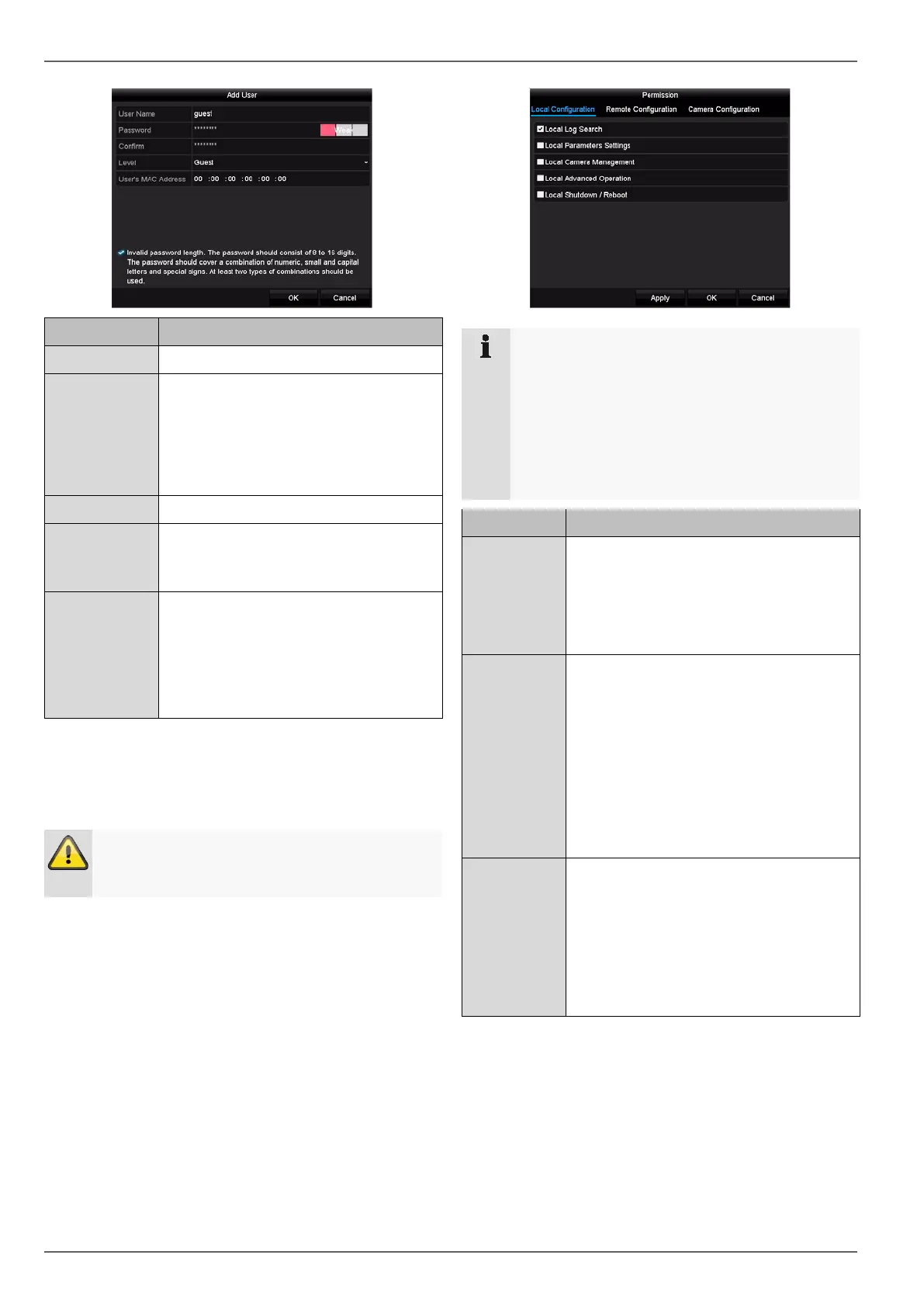
Configuration
Parameter Setting
User name Unique identification
Password Access code for the device, for the pur-
pose of device management
Note: change your passwords regularly,
using a combination of letters and num-
bers etc. and note
stored in a safe place.
Confirm Enter the access code again for security
Level IMPORTANT:
More permissions can be set on the Op-
erator level than on the Guest level.
User’s MAC
Address
MAC address of the network adapter of
the PC used by the corresponding user
Note:
This limits access to the PC, for which
the MAC address has been entered
here.
2. Enter the name and password and confirm the pass-
word in the field below.
3. Select the level and enter the MAC address.
4. Confirm the settings by clicking on OK.
Warning
Follow the instructions below on assigning access
rights.
Setting permissions
Control the access permission of the user by clicking on
the “Permission” icon. Only the access data of users
added manually can be changed:
Note
The user can adjust the settings locally, i.e. on the
device, or change the parameters.
The user can access the device via the network
connection.
Settings relating to permission to access individ-
ual cameras (via the network or locally) can be
Parameter Setting
Local Config-
uration
Local Log Search
Local Parameter Settings
Local Camera Management
Advanced settings
Local Shutdown/Reboot
Remote Con-
figuration
Camera Permission:
Remote Log Search
Remote Parameters Settings
Remote Camera Management
Remote Video Output Control
Two-way Audio
Remote Alarm Control
Advanced Settings
Remote Reboot
Camera Con-
figuration
Camera Permission:
Remote Live View
Local Manual Operation
Remote Manual Operation
Local Playback
Remote Playback
Local Video Export
36



 To Next Page