Configuration
Configuration
Note
The Configuration menu is used to manage all de-
vice settings.
Warning
Ensure that the date and time are set correctly.
NOTE:
Subsequent alterations may lead to loss of data.
Ensure data is backed up beforehand.
Overview
Menu Setting
General Language, video, time, date, mouse,
password, daylight saving time and
other settings
Network Required network settings (manual IP,
DHCP, PPPOE, DDNS etc.) and over-
view of network status
Wi-Fi Access point settings
Alarm Settings for the alarm I/Os for the IP
cameras
Live view Display settings and assignment of the
event output
Exceptions Response of the device in exceptional
cases (hard disk drive full, network dis-
connected etc.)
User Adding and changing users and as-
signing access rights
35
General settings
Tab Setting
General General system settings
DST settings Daylight saving time settings
More settings More system settings
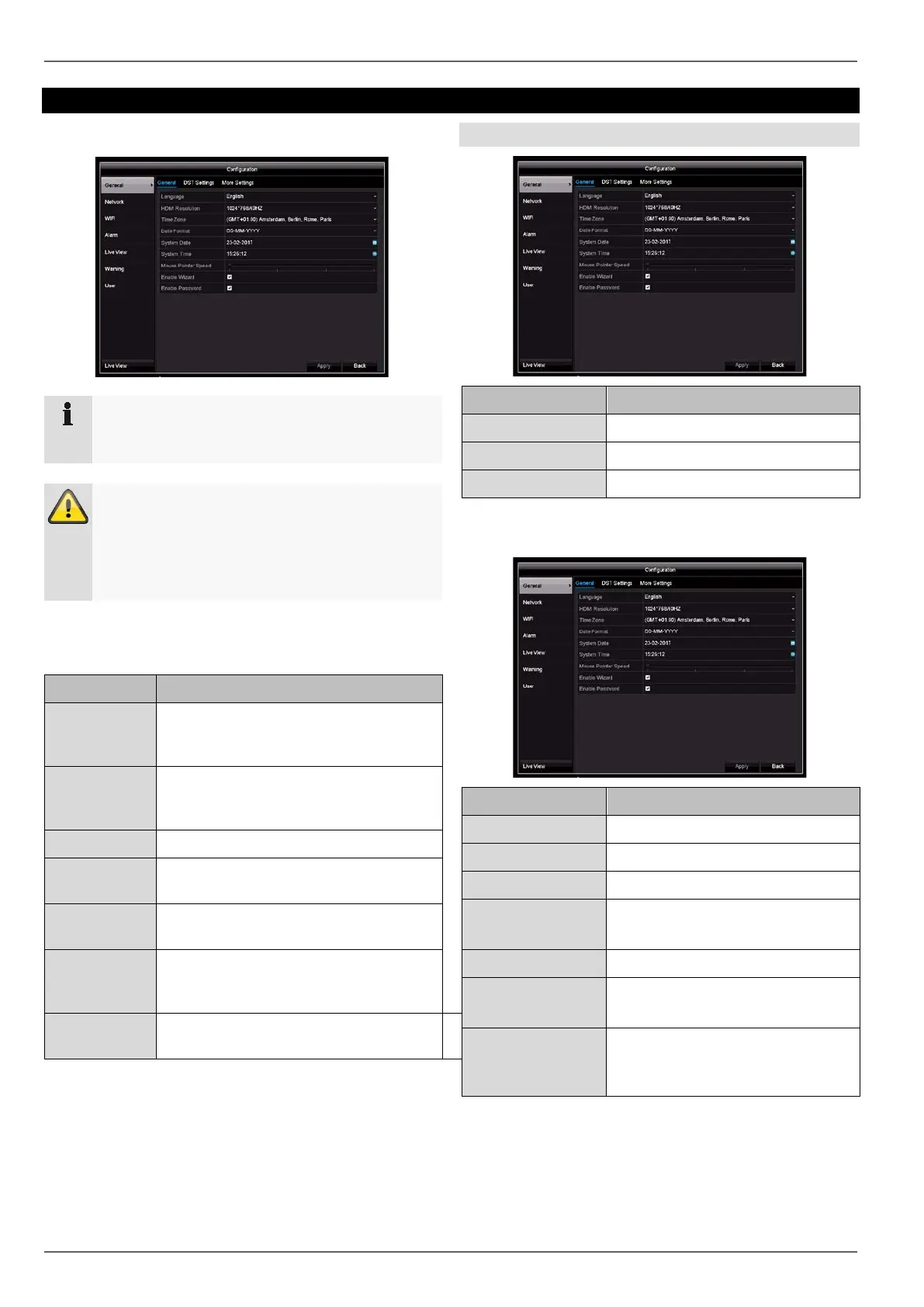
General tab
Parameter Setting
Language On-screen display language
Resolution Monitor resolution
Time zone GMT (Greenwich Mean Time)
Date format MM-DD-YYYY, DD-MM-YYYY,
YYYY-MM-DD
System time Date, time
Mouse pointer
speed
Slider (left = low speed,
right = high speed)
Enable wizard Box ticked:
The wizard will appear when the
system is started up.
27



 To Next Page