Configuration
Enable password Box not ticked:
A password does not need to be en-
tered into the recorder itself. How-
ever, the password does need to be
entered if accessing via the net-
work.
Box ticked:
The password needs to be entered
in order to use the menu.
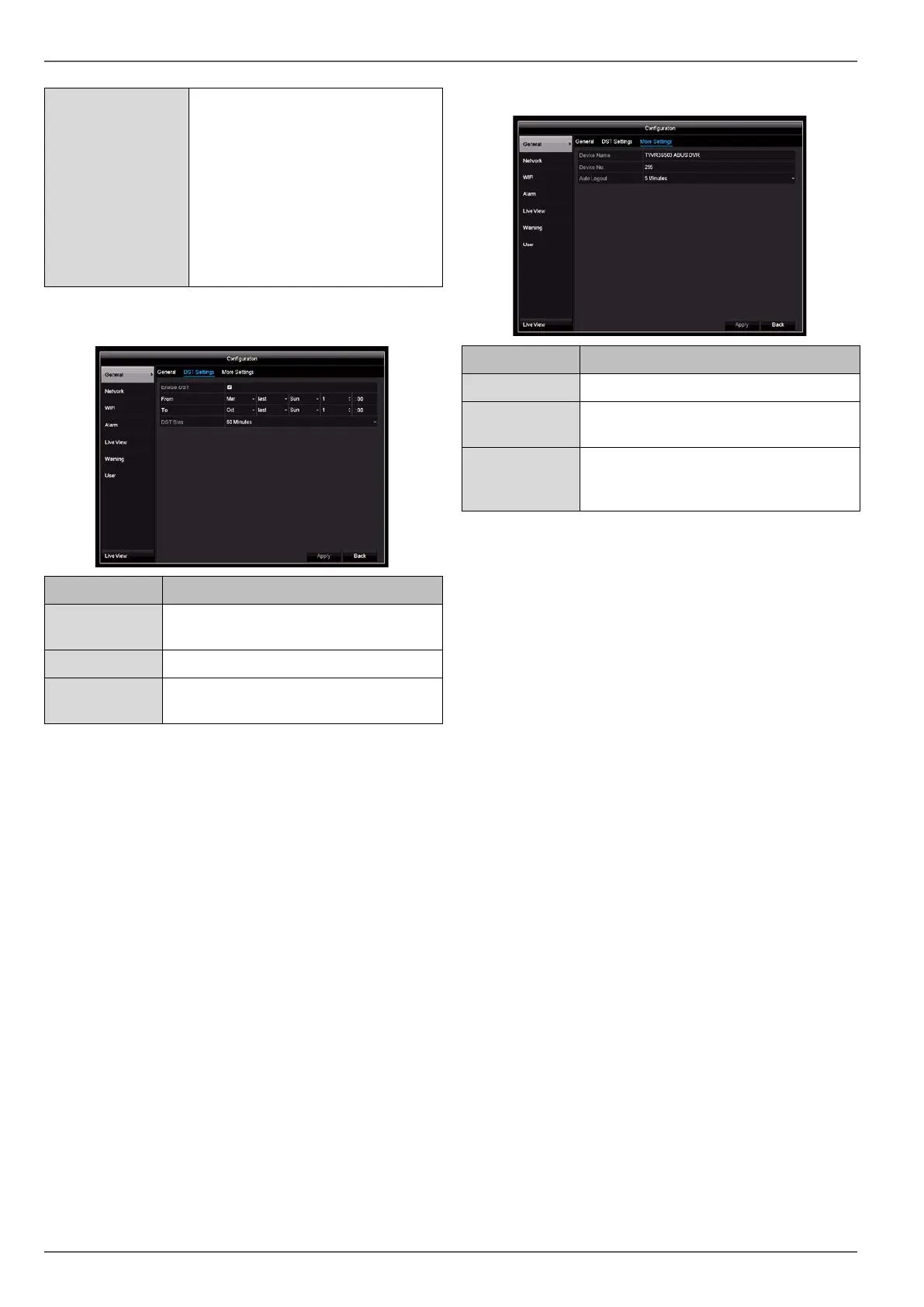
DST settings tab
Parameter Setting
Enable DST
If the box is ticked, a specific start/end
date can be selected.
From/to Start/end date for daylight saving time
DST bias Daylight Saving Time bias: correction of
daylight saving time to reference time
More Settings tab
Parameter Settings
Name Unique specification of the device
No. Used for unique identification when us-
ing CMS software
Auto. log off Never/1–30 minutes: controls how long
the menu is displayed before it is hidden
again
Confirm the settings by clicking on Apply and exit the
menu by clicking on OK.
28



 To Next Page