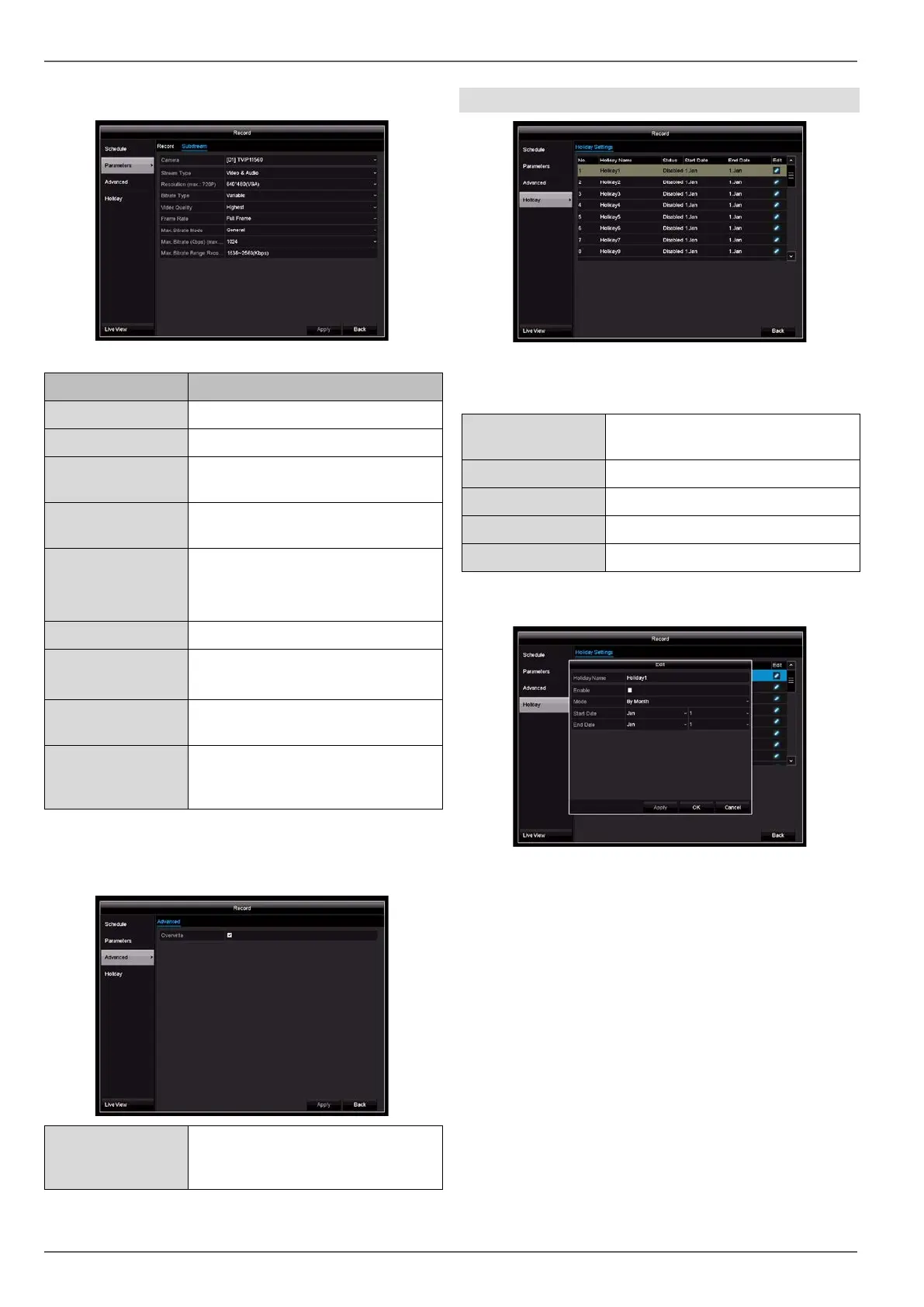
Substream tab
The following parameters can be set:
Parameter Setting
Camera Camera to be set
Stream Type Predefined video stream
Resolution Auto, 4CIF(704x576),
CIF(352x288), QCIF(176x144)
Bitrate Type Select a variable or constant bi-
trate
Video Quality There are various quality levels:
+++: medium quality
++++++: high quality
Frame rate Settings for the stream frame rate
Max. Bitrate
Mode
General: Pre-defined bit rates
Custom (32–3072)
Max. Bi-
trate(Kbps)
Display of the maximum bitrate
Max. Bitrate
Range Recom-
mended
192~320 (Kbps)
Confirm the settings by clicking on Apply and exit the
menu by clicking on Back.
Advanced settings
Overwrite Specify whether older recordings
should be overwritten when the
hard disk drive is full.
Holiday
In this submenu, there are 32 different recording settings
for holidays or bank holidays.
Name Manually enter the name of the
holiday or bank holiday
Armed Enable or disable the set holiday
Model By Date/By Week/By Month
Start Time Select the start date/start time
End Time Select the end date/end time
Click on the “Edit” icon to apply these settings.
Confirm your settings by clicking on Apply and then OK.
45



 To Next Page