11
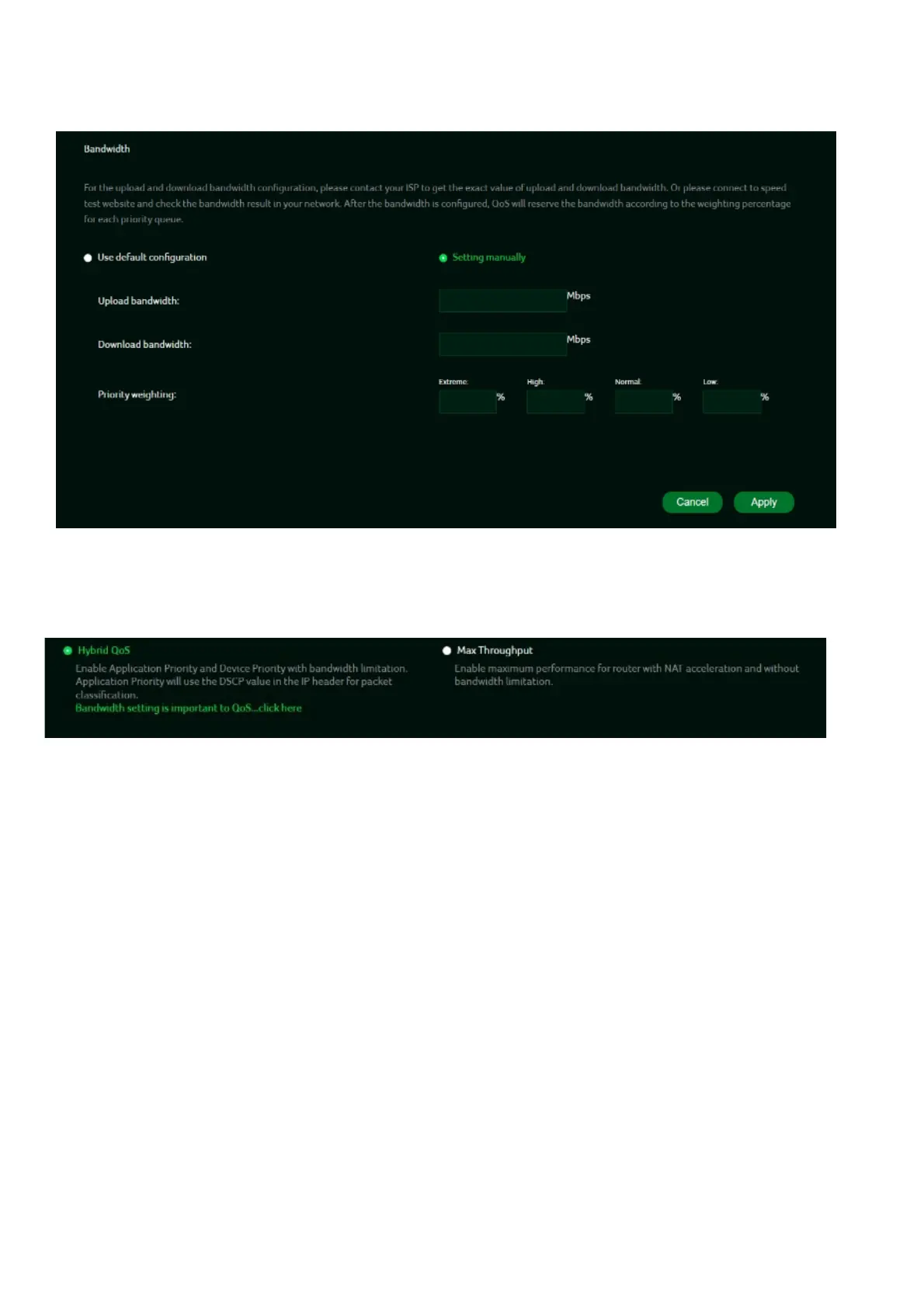
To configure upload and download
bandwidth
, please contact your ISP for the exact
values. Once the bandwidth is set, QoS will allocate it according to the weighting
percentage of each priority queue.
You may select “use default configuration” and click on “Apply bandwidth”. you can
select “setting Otherwise, manually” and enter the required upload and download
bandwidth with priority weighting.
To enable maximum router performance with NAT acceleration and without
bandwidth limitations, please select the "
Max Throughput
" option.



 To Next Page