22
11.
Home Network Security
The Home Network Security tab includes network security settings as well as web and
app controls within the parental control feature. Both of these features require
acceptance of the Trend Micro license agreement before they can be enabled.
11.1
Network Security Setting
*/
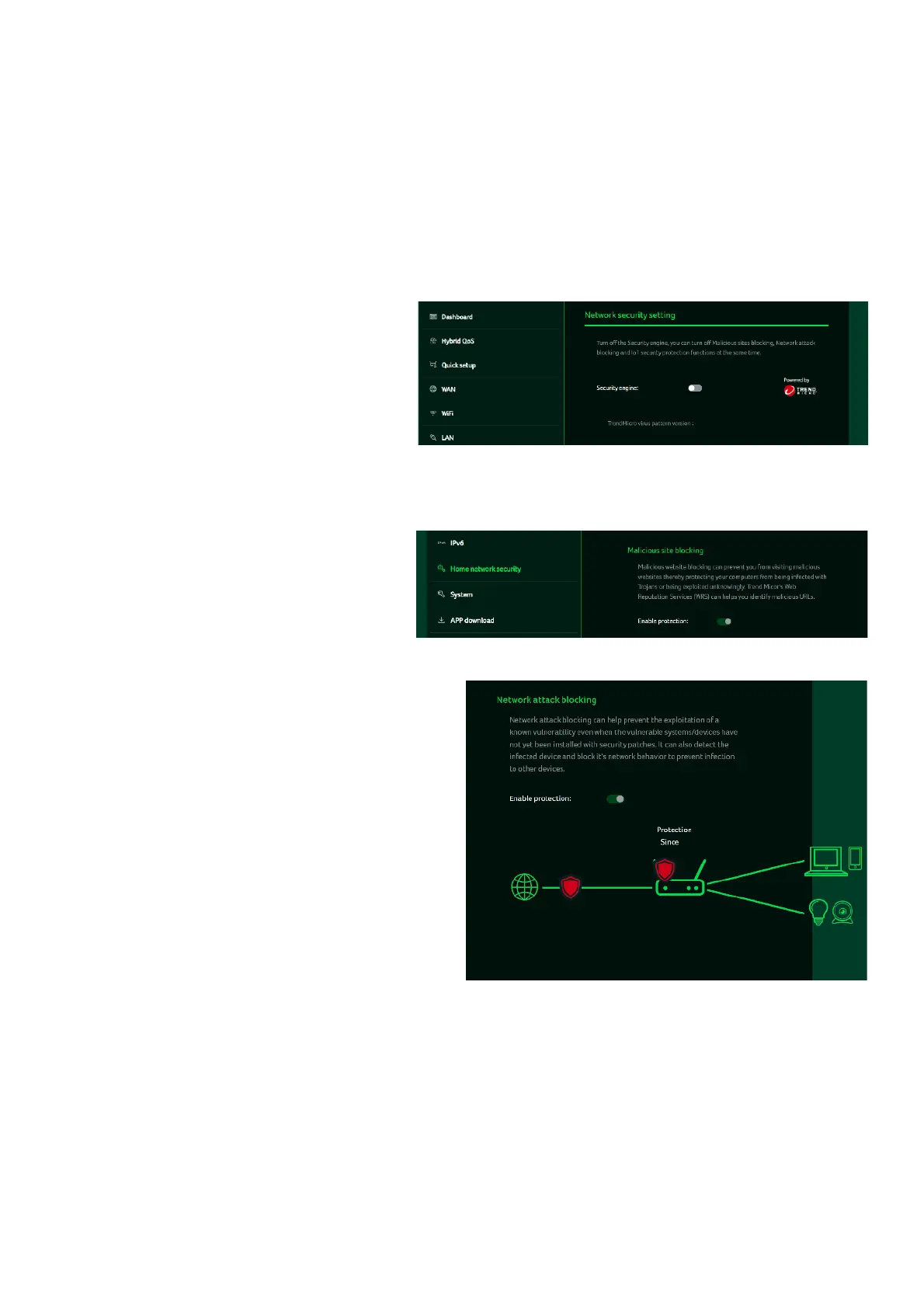
This tab contains the network
security-related information,
powered by Trend Micro,
where you can turn on/off the
security engine and enable
protection against malicious
sites, network attacks and
harmful connections coming
from IoT devices.
Malicious site blocking
prevents unwanted sites from
opening, thereby protecting your
computer from Trojan infections.
The "Trend Micro Web Reputation
Service (WRS)" feature identifies
malicious URLs and allows you to
take action against them.
By enabling
Network attack
blocking
feature, the router
detects the infected devices
and block its network behavior
to prevent infection in other
devices.



 To Next Page