26
12.8
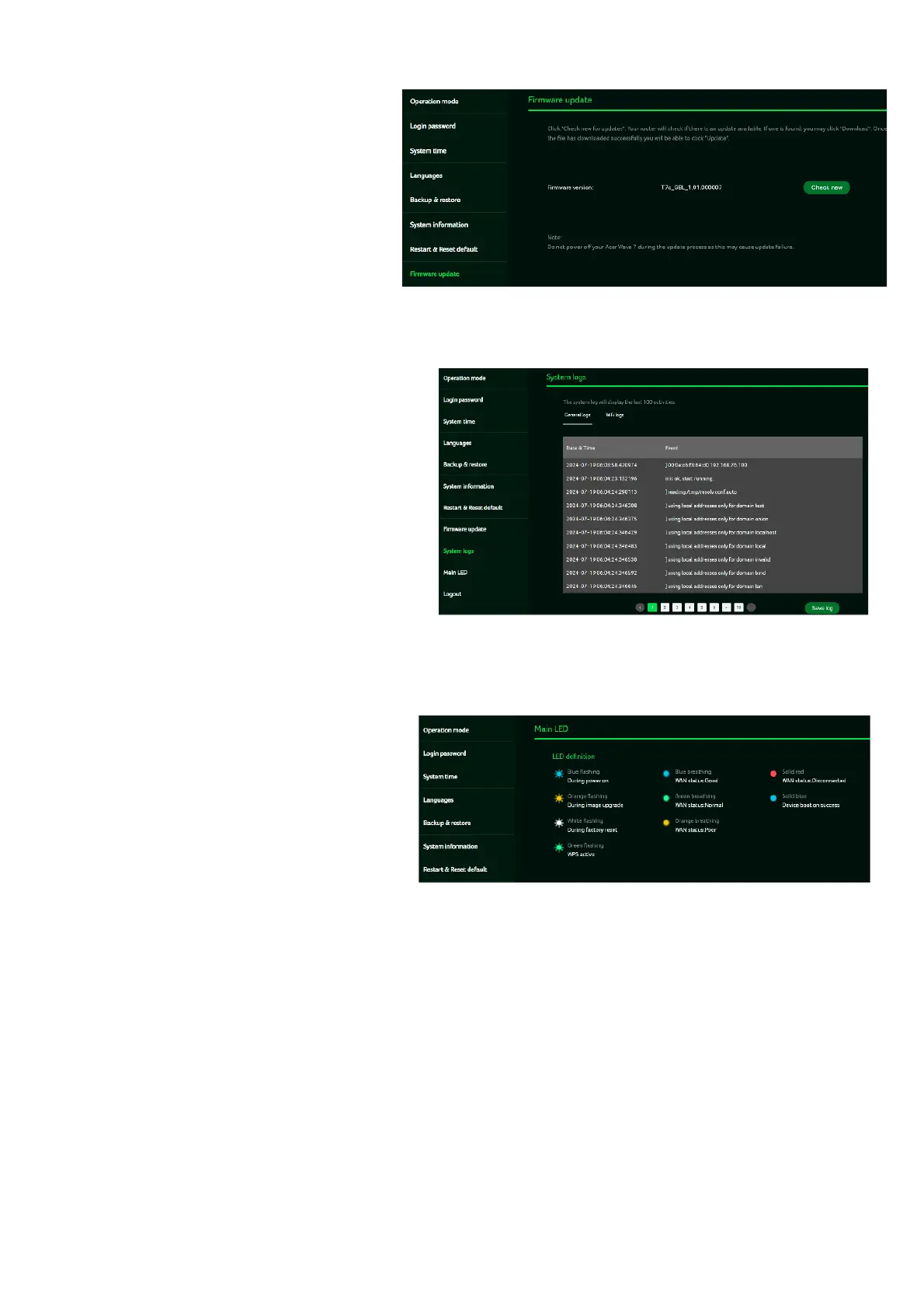
Firmware Update
In this tab, you can check the
existing firmware version and
also, click on “check new”,
to see if there is an update
available.
You may click on the top right
icon “New firmware available” to
upgrade the Acer WAVE 7 with the
latest firmware.
12.9
System Log
The System logs consists of
general logs and Wi-Fi logs.
It will display here all the recent
100 activities you have done
with the router.
You can save the system logs by
clicking the “Save log” button at
the bottom of the page. The main
purpose of savings logs is to allow
the logs to be saved and sent back
to Acer for analysis, if there are
issues encountered.
12.10
Main LED
This tab displays information
about LED colors and its
indication. These LED indicators
will help you to know and
understand router behavior.



 To Next Page