24
12.
SYSTEM
12.1
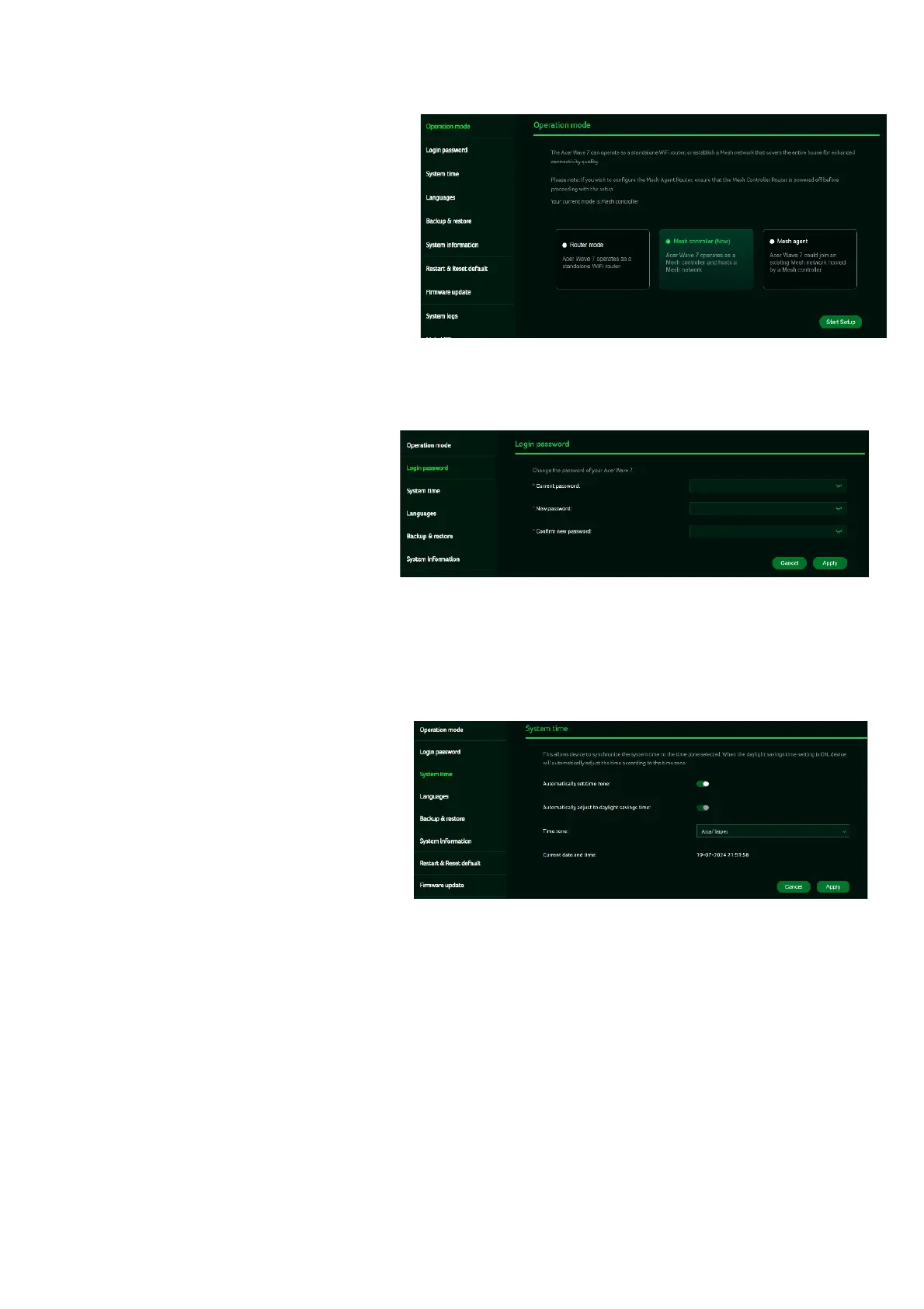
Operation Mode
In this tab, you can view the
different operation modes of the
router. This is basically same view as
we have in the quick setup, as we can
set the operation mode from here.
12.2
Login Password
You can change the password of
your Acer WAVE 7 from this page.
To make a new password, you need
to enter your current password first.
Please use a strong password to
keep it secure.
12.3
System Time
This tab allows you to synchronize
the device time with the system time
by enabling “Automatically set time
zone”.
By enabling “daylight savings time”,
the device will automatically adjust
the time according to the time zone.



 To Next Page