25
2.4
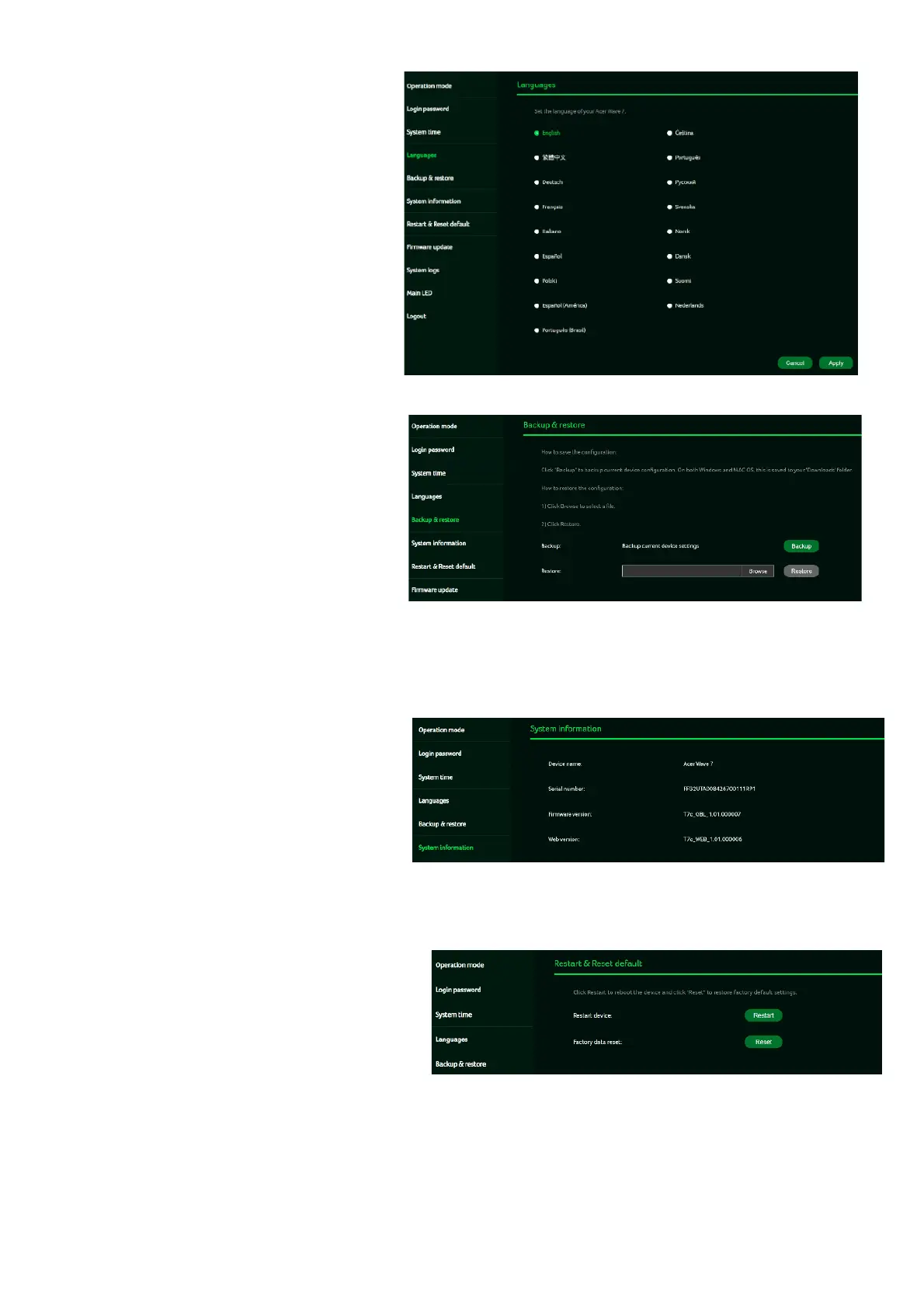
Languages
You can select the language of
your Acer Wave 7 from
this tab.
12.5
Backup and Restore
In this tab, you can check how
to save the configuration:
Click on "Backup" to backup
current device configuration.
On both Windows and
MAC OS, this is saved to
your 'Downloads' folder.
How to restore the configuration:
1) Click Browse to select a file
2) Click Restore
12.6
System Information
It shows key device information
of Acer Wave 7, such as:
• Device name
• Serial number
• Firmware version
• Web version
12.7
Restart and Reset Default
From this tab, you can click on
“Restart device” to reboot the
router and click on “Factory data
reset” to restore the factory
default settings.
Please check if you bind your device
with Predator Connect Mobile App.
After the factory reset, please don’t
forget to unbind the device from the
mobile app.



 To Next Page