16
7.3
DMZ
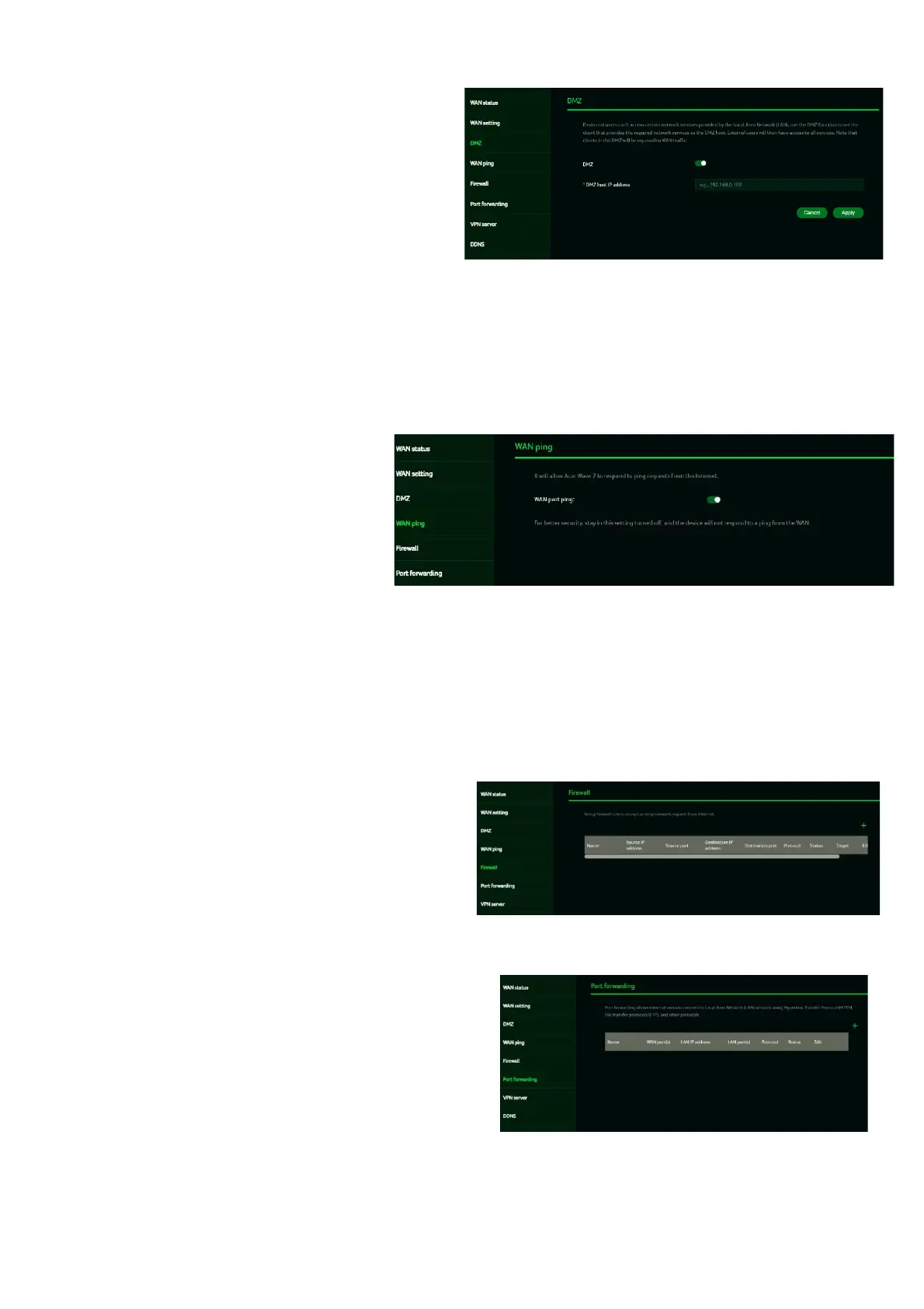
A DMZ (Demilitarized Zone) is a physical or
logical subnetwork that exposes an
organization’s public-facing services to an
untrusted, typically larger network such as
the Internet.
If external users are unable to access
specific network services provided by the
Local Area Network (LAN), use the DMZ
function to designate the client offering
these services as the DMZ host. Enter the
host’s IP address, and external users will
then have access to all the services
provided by that host.
7.4
WAN Ping
Enabling this feature allows the
WAN port of the Acer Wave 7 to
respond to ping requests sent to
the WAN IP address from the
Internet.
For enhanced security, keep this
feature turned OFF to prevent the
device from responding to WAN
pings.
7.5
Firewall
Set up a firewall rule to either accept or block
network requests from the Internet. To configure a
firewall rule, click the (+) icon and enter the name,
source and destination ports and IP addresses,
protocol, target, and status information.
.
7.6
Port Forwarding
This feature enables external users to connect
to Local Area Network (LAN) services using
protocols such as Hypertext Transfer Protocol
(HTTP), File Transfer Protocol (FTP), and
others. To add an application, click the (+) icon
and select the desired service.



 To Next Page