6
3.
Initial Configuration
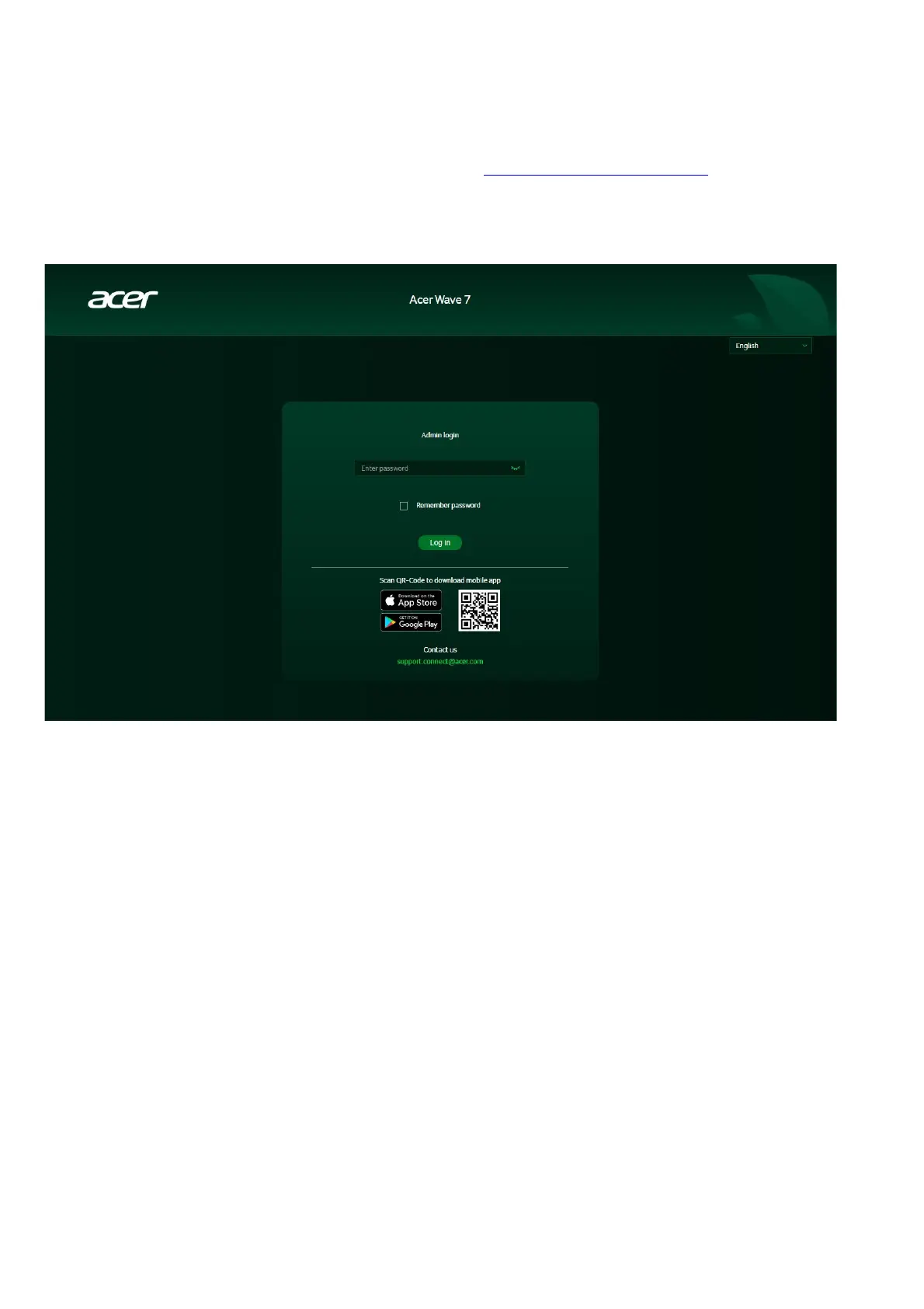
Please log in to the Acer Wave 7 Web Portal (http://acer-connect.com or IP:
http://192.168.76.1) by using the current valid Admin password. You can select the
language of Web UI by clicking on the drop-down arrow.
Please enter your login password to access the dashboard and settings of your Acer
Wave 7. The router will provide step-by-step instructions to help you set up and
configure your internet access and basic network settings.
You can also scan the QR code on the login screen using your Android or iPhone to
download the mobile app for remote router management.



 To Next Page