21
9.
LAN
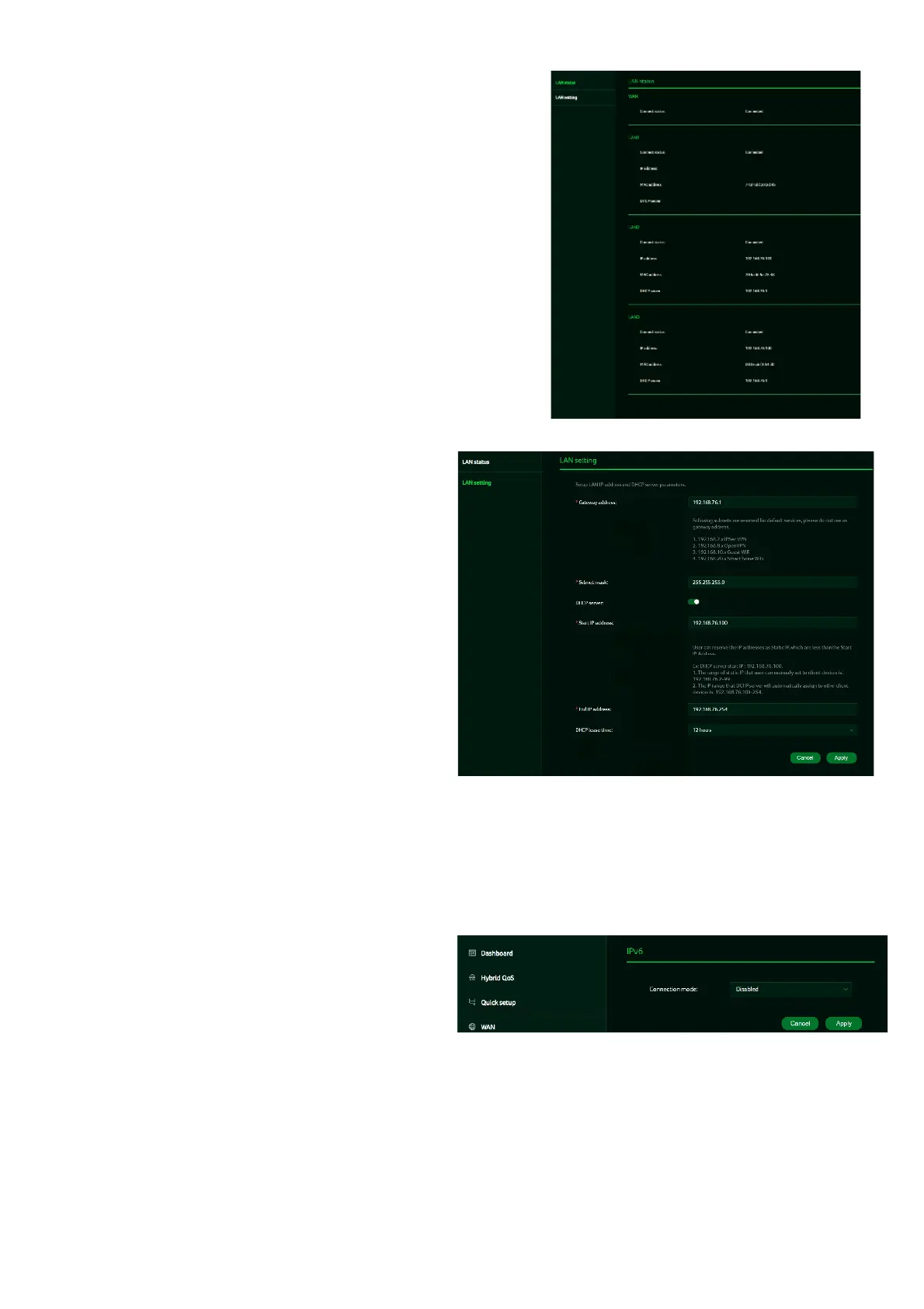
LAN status
On this page, you can view the status
of each LAN port, including its
associated IP address, MAC address,
and DHCP server. The Acer Wave 7
features one Game port and two LAN
ports, with one of the LAN ports also
serving as a WAN port.
LAN Setting
This tab allows you to configure the
LAN IP gateway address and toggle
the DHCP server feature on or off. You
can enter the gateway address and
subnet mask. The DHCP server
assigns IP addresses, default
gateways, and other network
parameters to client devices and
can be enabled or disabled based
on your network needs.
The following subnets are reserved
for default services and should not
be used as gateway addresses:
1. 192.168.7.x (IPsec VPN)
2. 192.168.8.x (OpenVPN)
3. 192.168.10.x (Guest Wi-Fi)
10.
IPv6
You can configure IPv6 settings from this
tab. The Acer Wave 7 supports the
following IPv6 modes: DHCPv6, static
IPv6, PPPoE, 464xlat, 6rd, and DS-Lite.
By default, these connection modes are
disabled.
Please consult your local Internet
Service Provider before enabling and
configuring these options.


 To Next Page
 Loading...




