3
1. Overview
The Acer Wave 7 is a state-of-the-art dual-band BE6400 Wi-Fi 7 wireless router, featuring a user-
friendly setup process via a Quick Setup Wizard. It supports 2.4GHz + 5GHz or 2.4GHz + 6GHz
configurations, maximizing the potential of Wi-Fi 7 technology for optimal data transmission and
minimal latency. Wi-Fi 7’s Multi-Link Operation (MLO) significantly enhances throughput, reduces
latency, and improves network efficiency, depending on the compatibility of the router and your
wireless devices.
Acer Wave 7 supports automated mesh setup, allowing seamless connectivity across multiple
routers, and offers flexible Mode switching for each router to enhance usability. Additional features
include port forwarding profiles, Hybrid QoS for efficient bandwidth utilization, and a VPN feature
for secure internet browsing. The Acer Wave 7 boasts a sleek, modern design with a minimalist
aesthetic, discreet LED indicators, and strategically placed ventilation, making it an attractive and
functional addition to any home or office.
Acer Wave 7 offers three packaging options for purchase: 1-pack, 2-pack, and 3-pack.
In the 2-pack and 3-pack options, Acer Wave 7 features a new capability to automatically form a
mesh network upon plugging in. Therefore, in these packages, you will see that one router is pre-
configured as the Controller, while the others are set as Agents.
Important:
Each router inside 1-pack, 2-pack and 3-pack options has different operation modes, which are
used to form the mesh network. You can log in Web UI to confirm or change the operation modes.
2. Installation and Setup
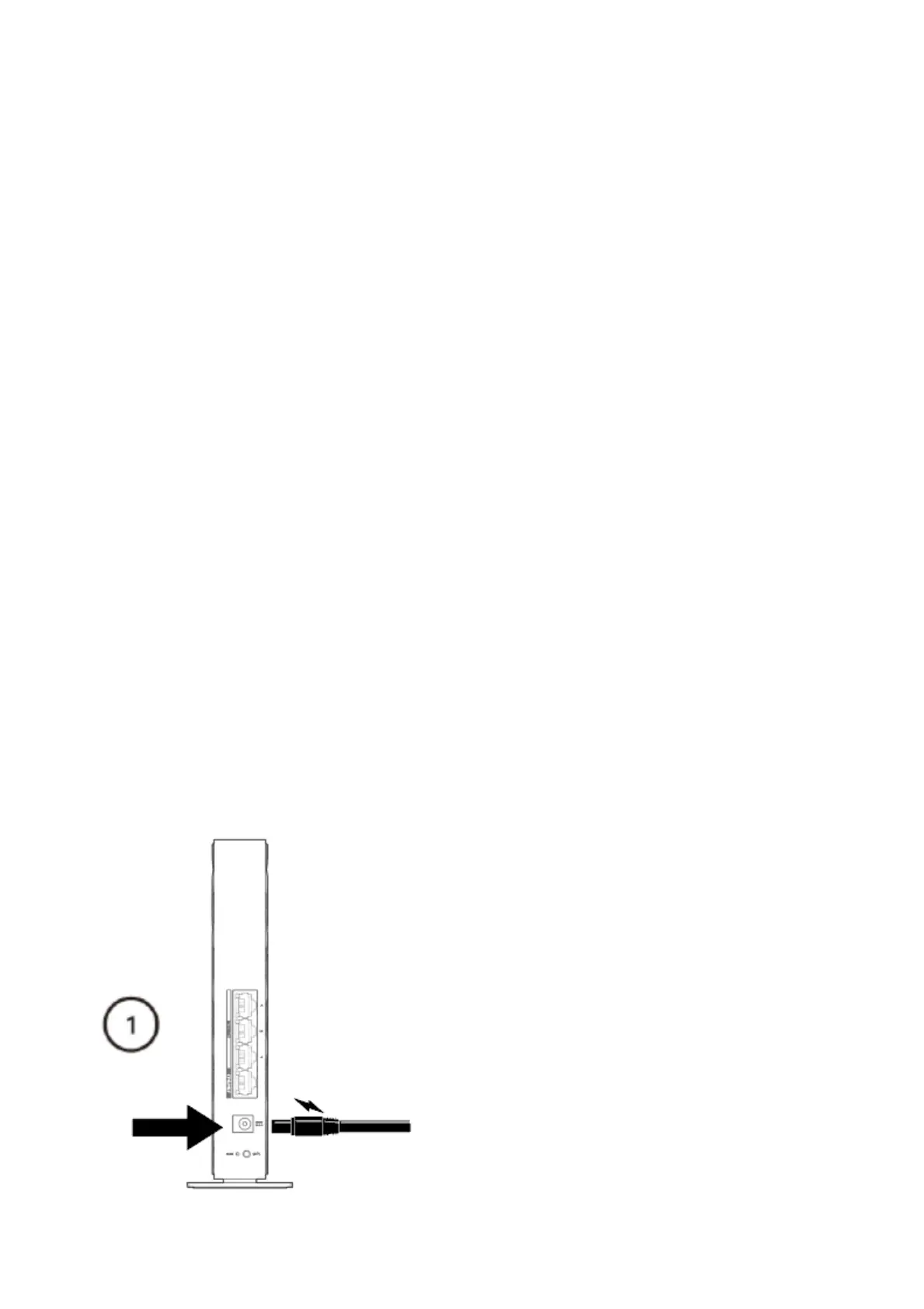
2.1. Plug in the AC adapter and turn the router power button ON located at the bottom of the device.



 To Next Page