ES700 User’s Manual 5
Power the Unit/Print Positioning
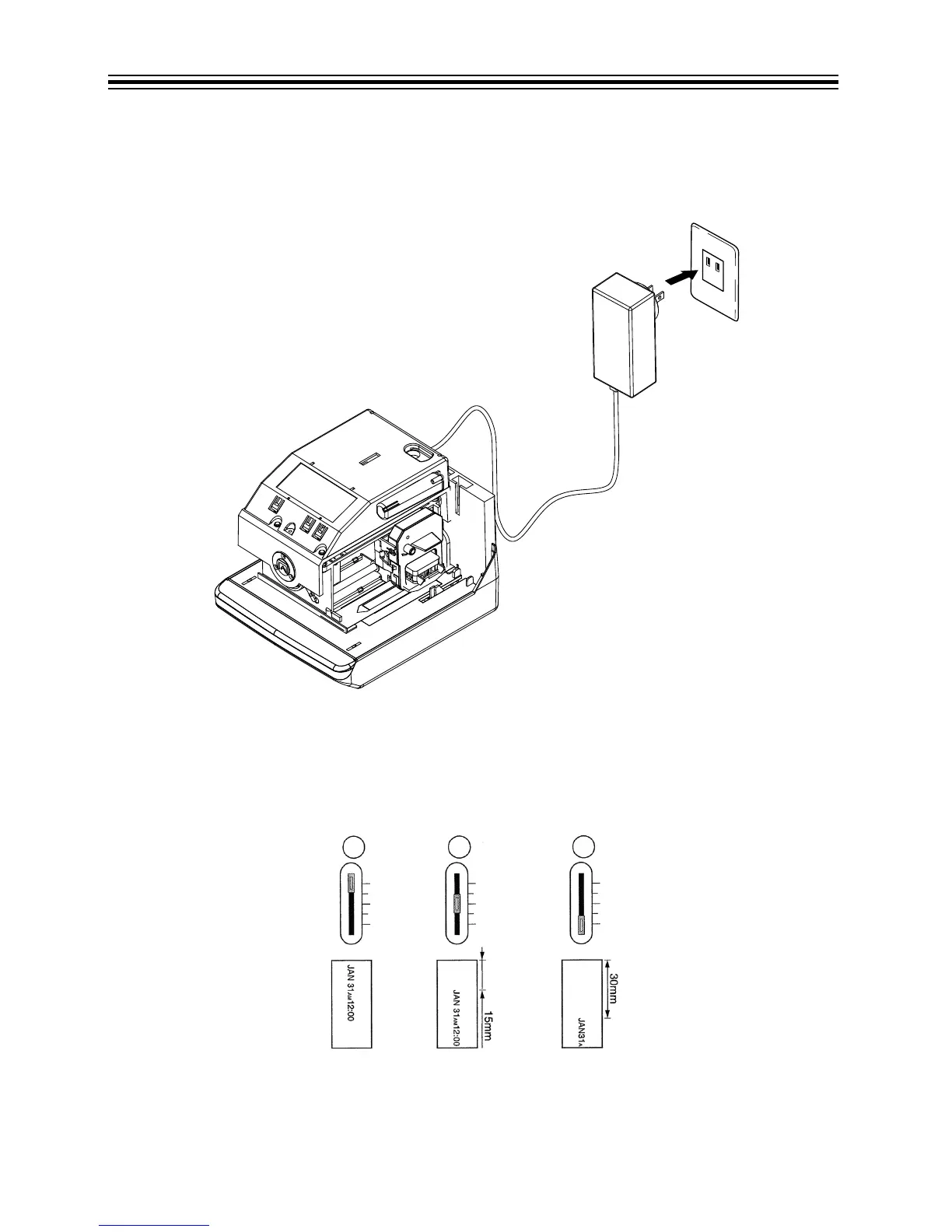
Plug the transformer into the AC outlet. Insert a card to get a sample print. Refer to Power the Unit
below.
Power the Unit
Print position from the card edge is adjustable by pressing and sliding the print position button
located on the right outside bottom of the unit. Maximum distance from edge of form to print is
approximately 1-3/16" (30 mm). Refer to Print Position on Time Card below.
Print Position on Time Card
$&DGDSWHU
$&RXWOHW



 To Next Page