ES700 User’s Manual 19
Language
This setting is available if you select "Month", "Day of the Week", or "Comment" in previous
"PRINT ORDER".
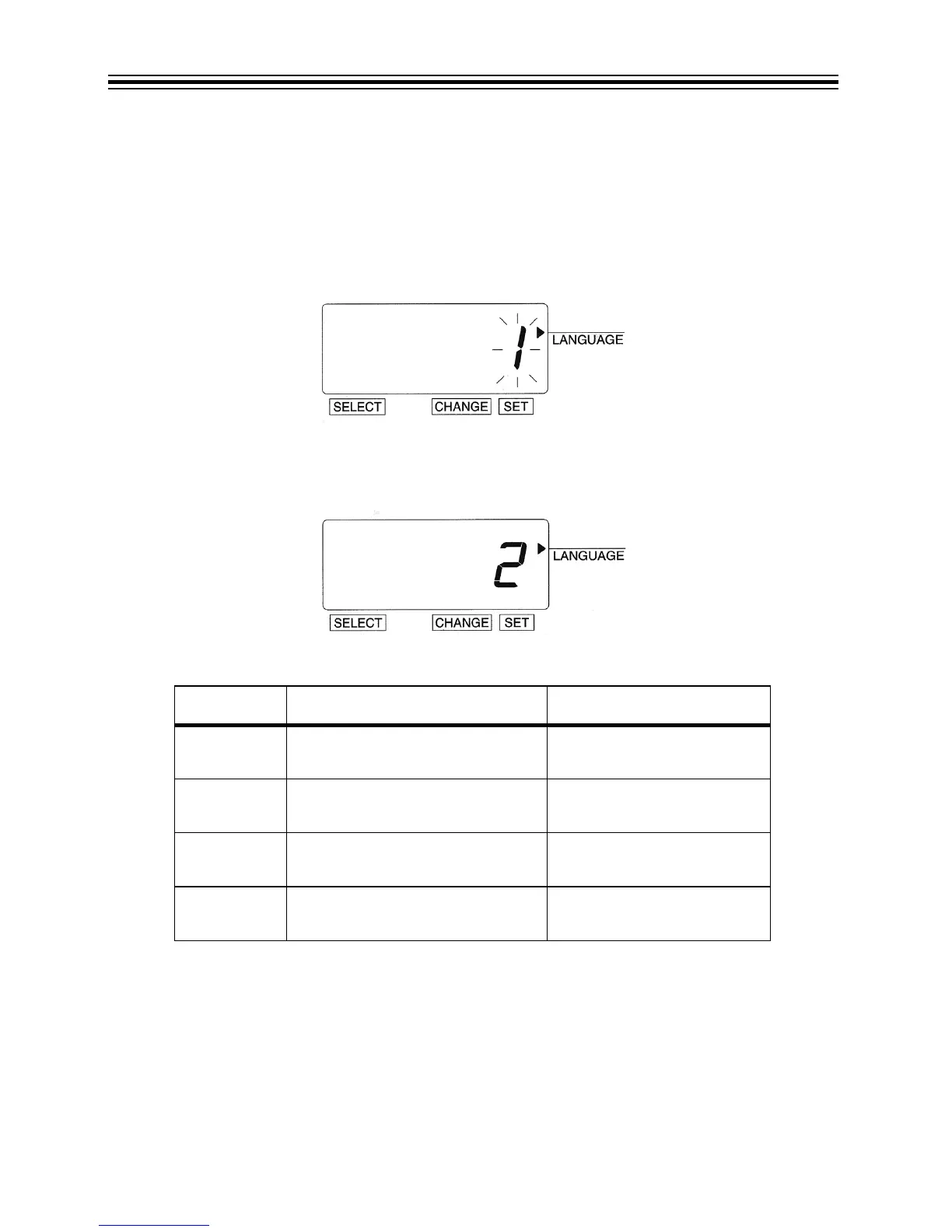
Example: Change the print language to French.
1. Press SELECT until the X is beside the "LANGUAGE" mark.
2. The flashing digit indicates "Print Language Options".
3. In this example, press CHANGE until the option is "2" (French). Refer to Language Options
table below.
4. Press SET.
Language Options
O
PTION PRINT LANGUAGE OPTIONS PRINT EXAMPLE
1 ENGLISH TH 25 DEC '08
OUT 31 10:00
2 FRENCH JE, 25 DEC '08
SORT 31 10:00
3SPANISH JU, 25 DIC '08
SAL 31 10:00
4 PORTUGUESE QI, 25 DEZ '08
SAIDA 31 10:00



 To Next Page