20
Print Length
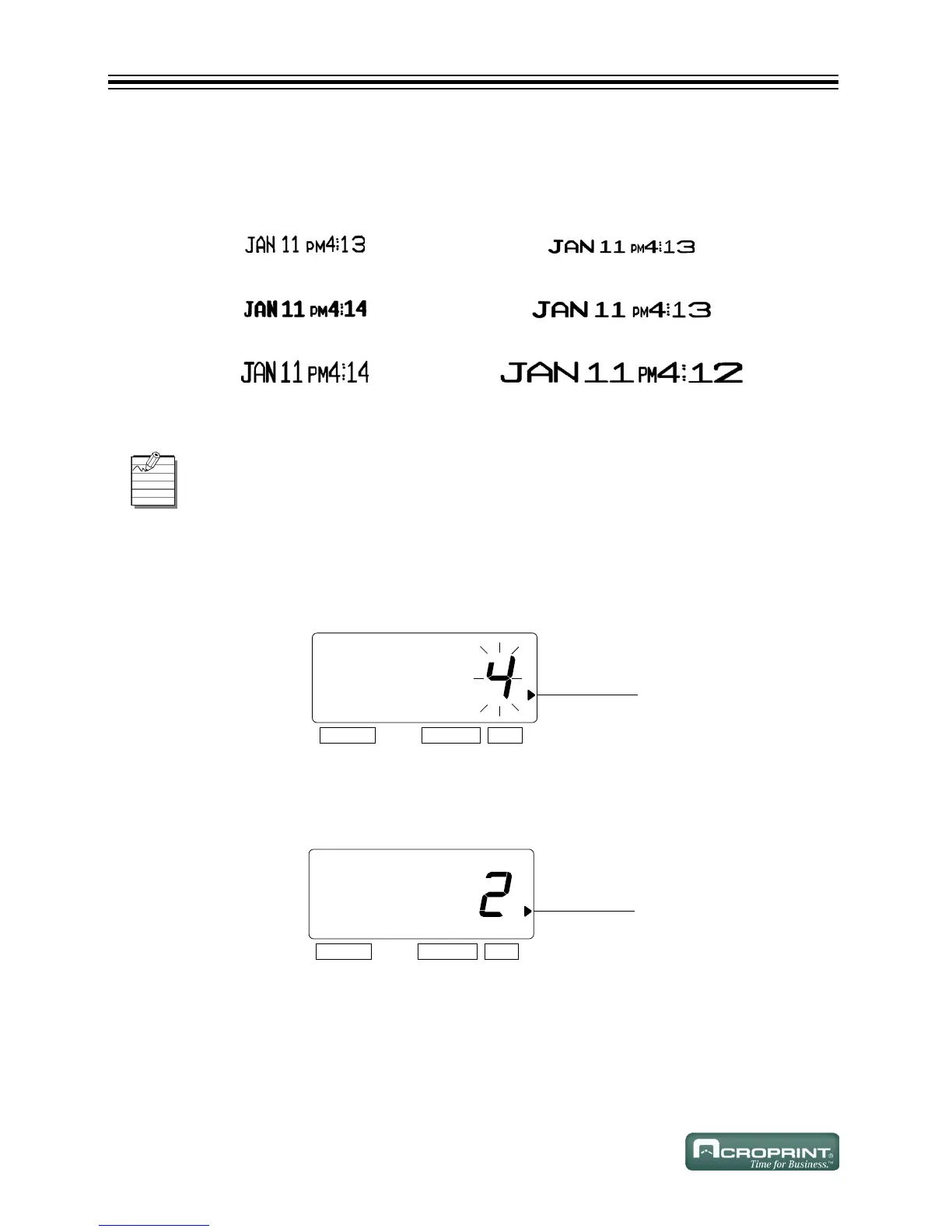
The print length default is 4. You may select from six (1-6) font sizes (refer to Print Length
Examples (1-6) below).
Print Length Examples (1-6)
Example: Change the print length from the 4 to 2.
1. Press SELECT until the X is beside the "PRINT LENGTH" mark.
2. The flashing digit indicates "Print Length Options".
3. In this example, press CHANGE until the option is "2".
Refer to Print Length Examples (1-6) above.
4. Press SET.
14
25
36
If the font size is too large to print, the font will revert to a smaller size before printing
correctly.
6(/(&7 &+$1*( 6(7
35,17/(1*7+
6(/(&7 &+$1*( 6(7
35,17/(1*7+



 To Next Page