ES700 User’s Manual 3
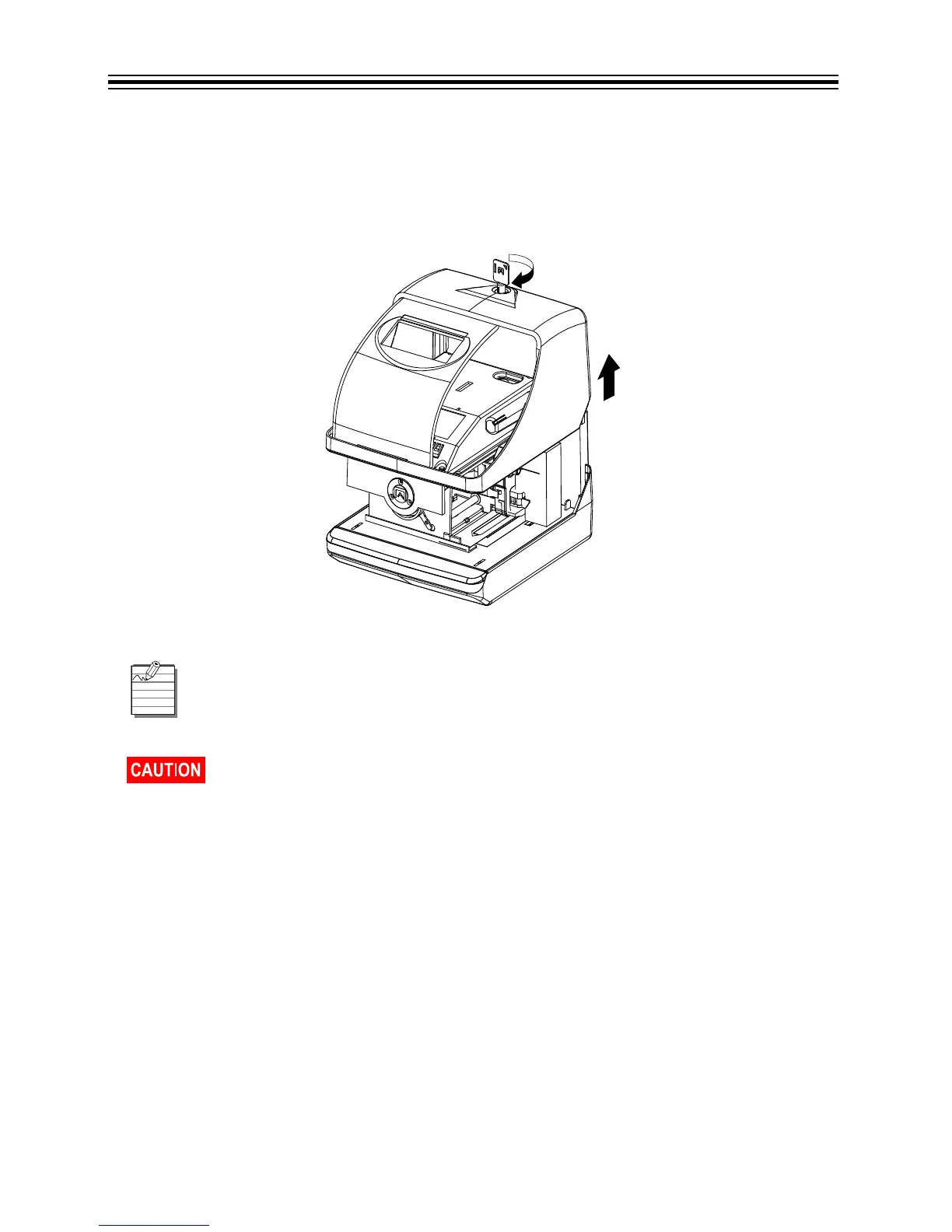
Open and Close Unit
Open Unit
Insert the key into the lock on cover of the unit. Turn the key in the clockwise position to unlock the
unit. Remove the cover. Refer to Open Unit below.
Open Unit
When you open the unit for the first time, you must remove the Protective Pad and
Cardboard Insert. Plug the AC Adapter into the back of the unit. Refer to Remove
Protective Pad and Cardboard Insert/Plug AC Adapter into Unit on page 4.
Ribbon May Dislodge. To avoid damage to the printer, press the ribbon cartridge
firmly into position after removing the protective pad. Refer to Remove Protective
Pad and Cardboard Insert/Plug AC Adapter into Unit on page 4.



 To Next Page