10
SETTINGS
Time
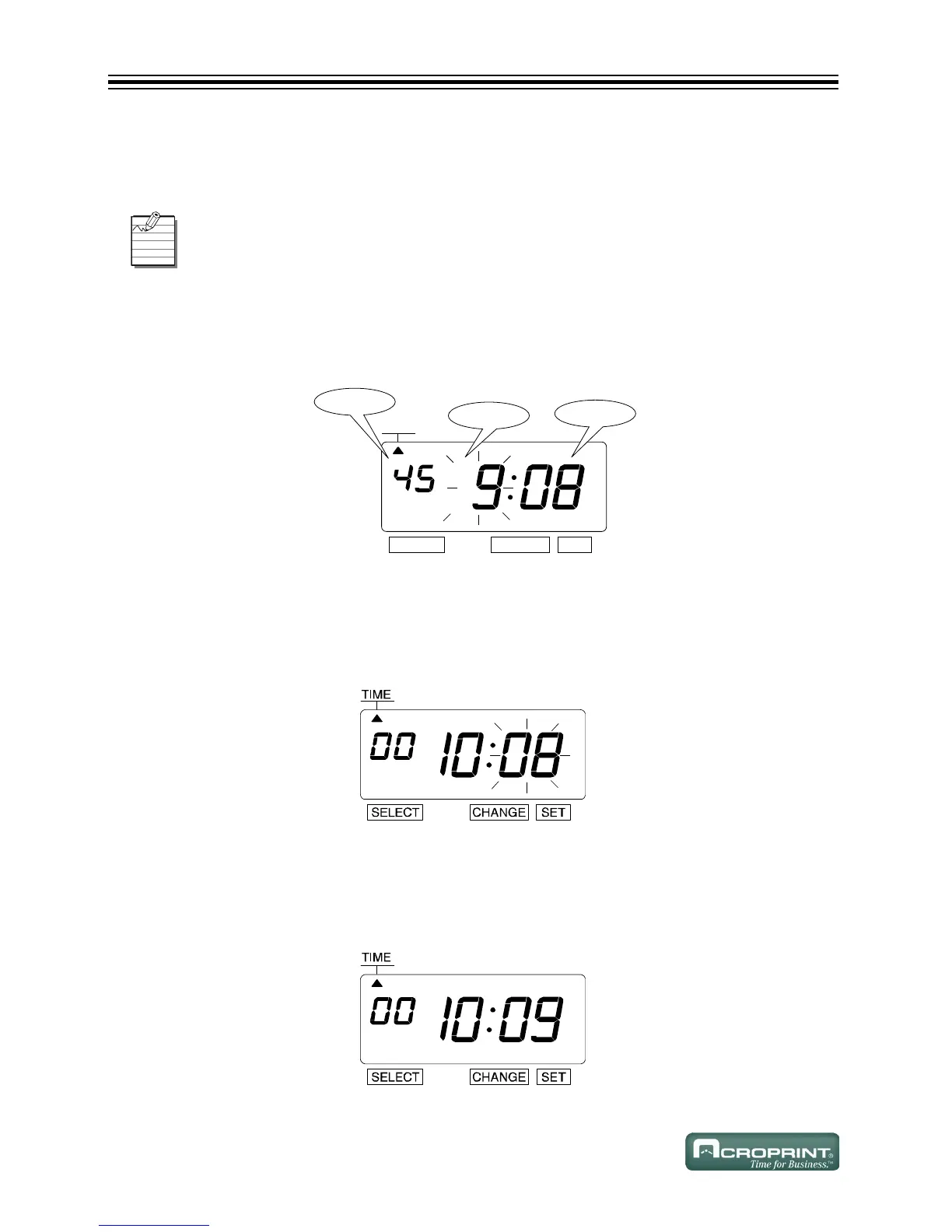
Example: Change the time from 9:08 AM to 10:09 AM.
1. Press SELECT until the S is under the "TIME" mark.
2. "Hour" flashes.
Change Hour
1. Press CHANGE until the Hour is "10".
2. Press SET.
3. The flashing changes from "Hour" to "Minute".
Change Minute
1. Press CHANGE until the Minute is "09".
2. Press SET.
3. The "Second" starts to run from "00".
Set the Time Zone before setting the Time (see Set Time Zone on page 7). Changing the
Time Zone will change the Time.



 To Next Page