ES700 User’s Manual 21
Print Method
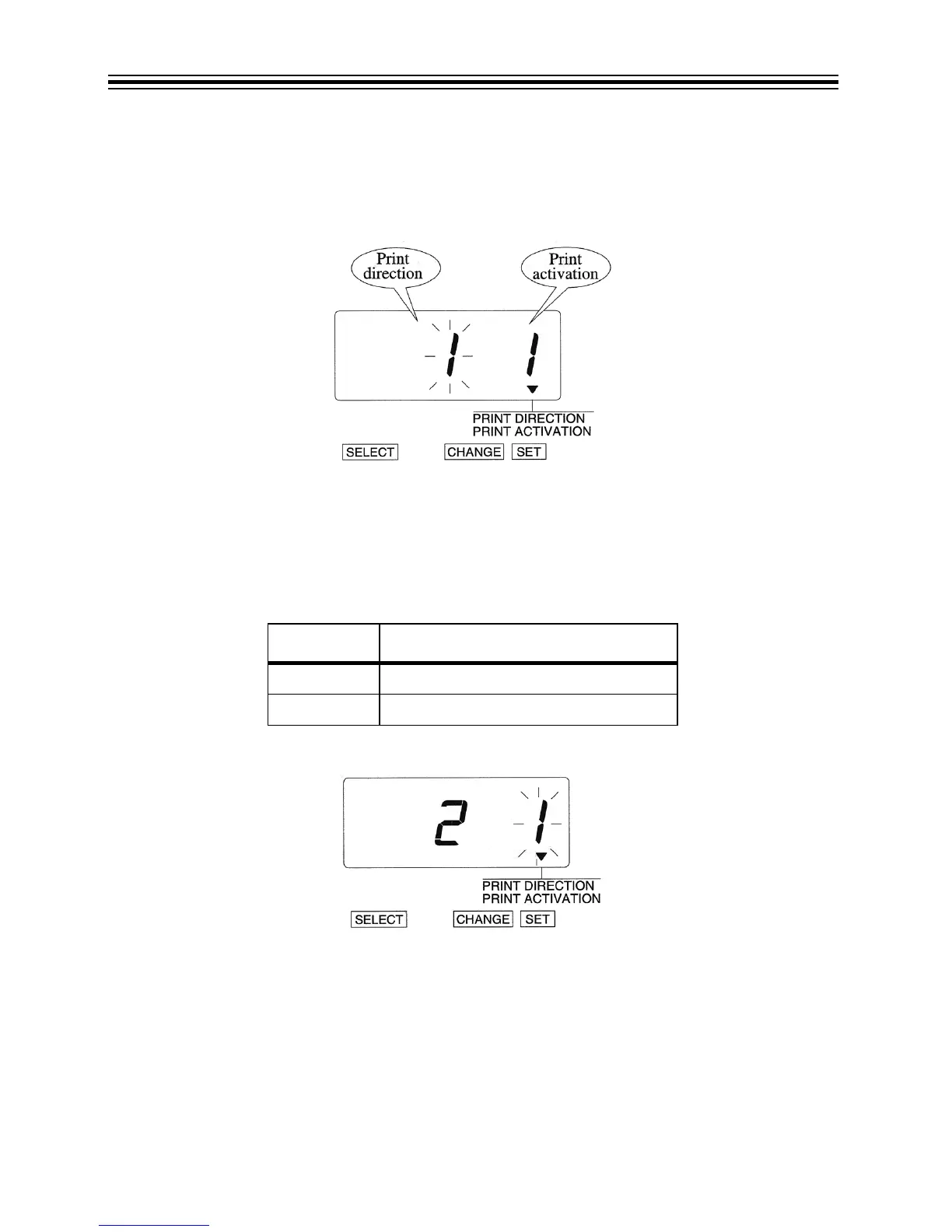
Example: Change the print direction to "Left" and the print activation to "Manual".
1. Press SELECT until the T is above the "PRINT DIRECTION/PRINT ACTIVATION" mark.
2. The flashing digit indicates "Print Direction Options".
Change Print Direction
1. In this example, press CHANGE until option is "2" (Left-Hand Margin Form). Refer to Print
Direction Options below.
2. Press SET.
Print Direction Options
3. The flashing digit changes from "Print Direction" to "Print Activation".
O
PTION PRINT DIRECTION OPTIONS
1 Right-Hand Margin Form
2 Left-Hand Margin Form



 To Next Page