ES700 User’s Manual 13
Print Order
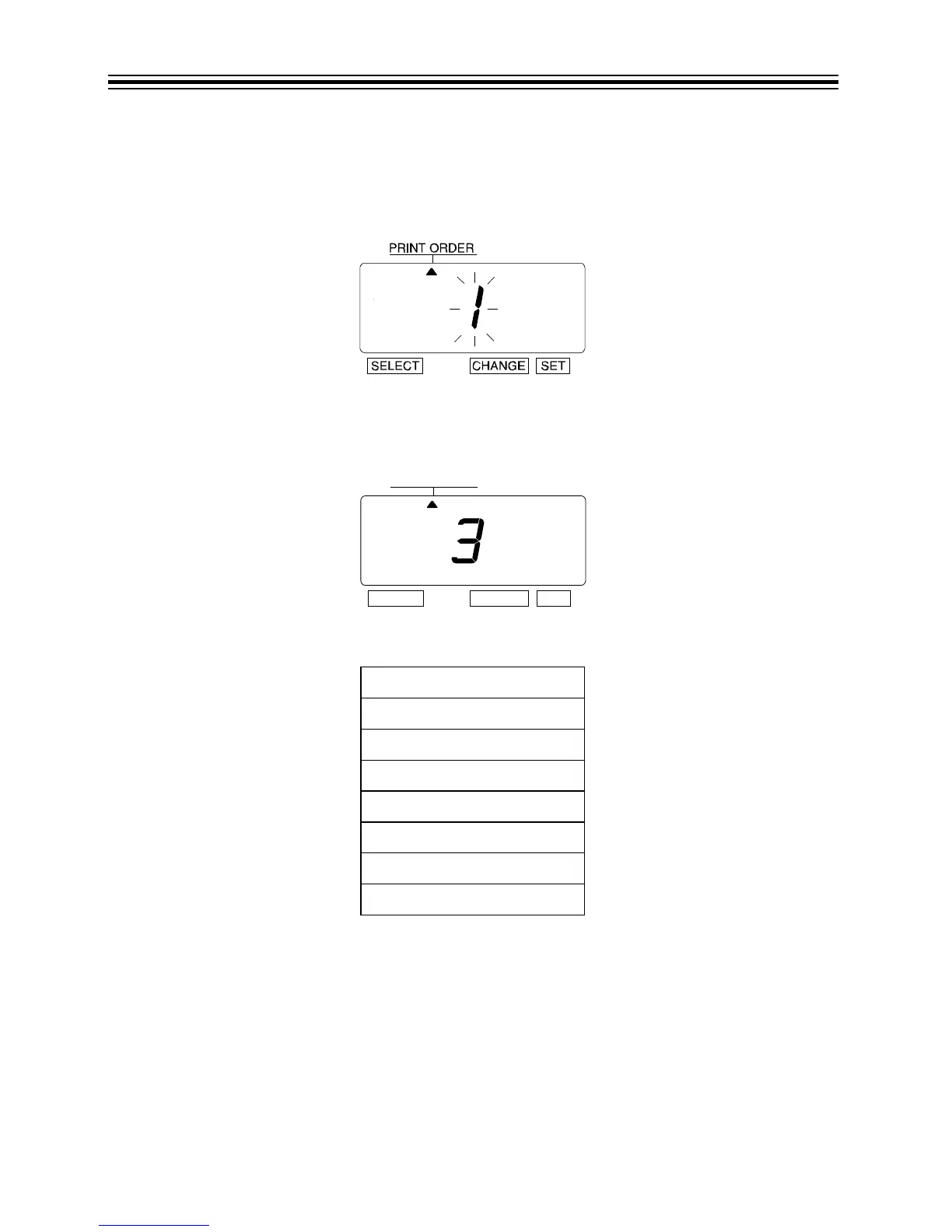
Example: Set the print order to "Month, Date, Year, Hour, Minute".
1. Press SELECT until the S is under the "PRINT ORDER" mark.
2. The flashing digit indicates "Print Order Options".
3. Refer to Print Order Options on page 14.
4. In this example, press CHANGE until the option is "3" (M.D.Y.H.Min.).
5. Press SET.
Legend
Y = Year
M = Month
D = Date
DOW = Day of the Week
H = Hour
Min = Minute
S = Second
C = Comment



 To Next Page