14
Print Order Options
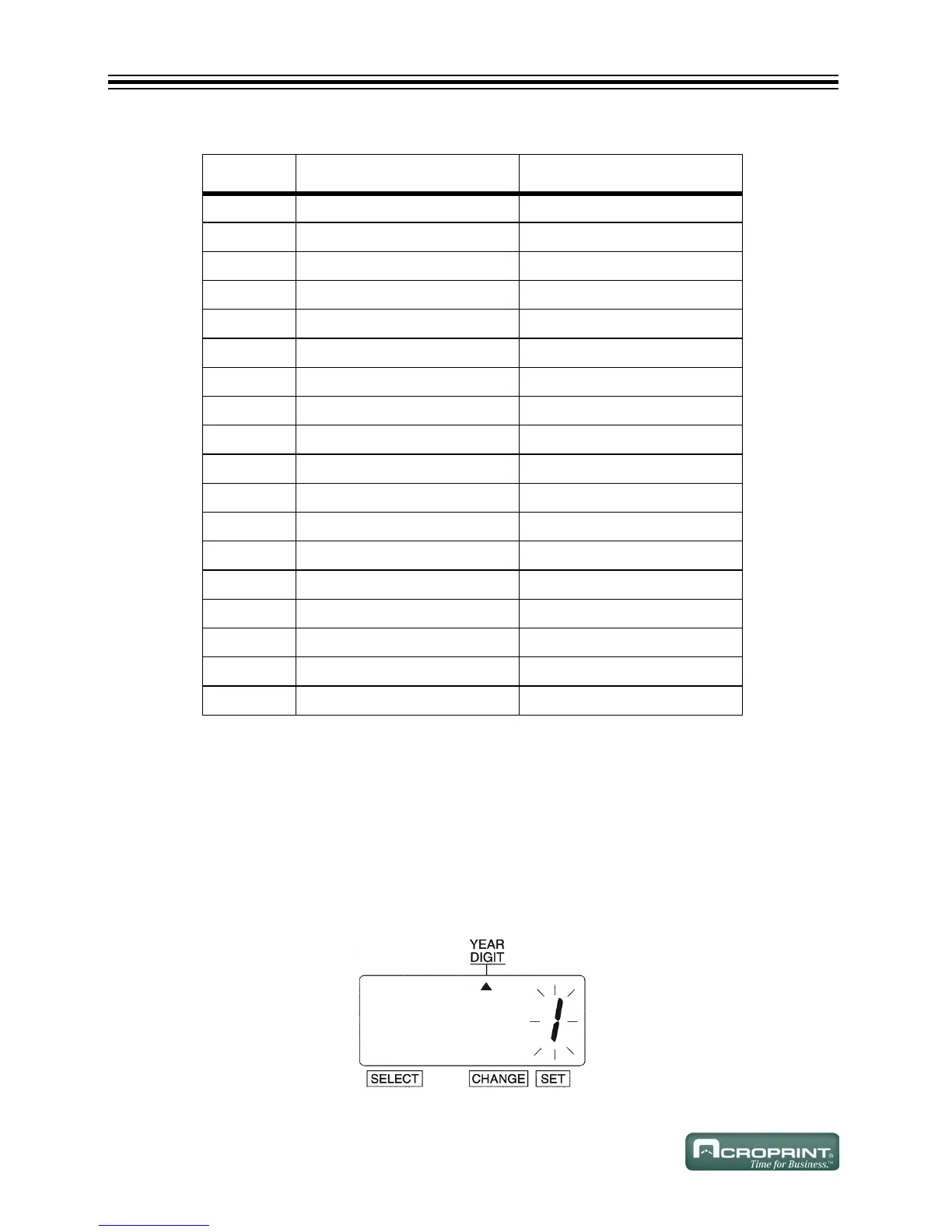
Year Digit
Change Year Digit
If you have selected the unit to print the year, this allows you to choose the number of digits in the
year (two or four).
Example: Change the Year imprint to 4 digits.
1. Press SELECT until the S is under the "YEAR DIGIT" mark.
2. The flashing digit indicates "Year Digit Options".
O
PTION PRINT ORDER OPTIONS PRINT EXAMPLE
1 M.D.H.Min JAN 31 AM 10:00
2 D.M.H.Min 31 JAN AM 10:00
3 M.D.Y.H.Min JAN 31 '08 AM 10:00
4 D.M.Y.H.Min 31 JAN '08 AM 10:00
5 Y.M.D.H.Min '08 JAN 31 AM 10:00
6 Y.M.D.H.Min.S '08 JAN 31 AM 10:00:00
7 D.H.Min 31 AM 10:00
8 DOW.D.H.Min TH, 31 AM 10:00
9 Y.M.D '08 JAN 31
10 M.D JAN 31
11 DOW.D.M.Y TH, 31 JAN '08
12 C.M.D.Y SENT JAN 31 '08
13 C.D.M.Y SENT 31 JAN '08
14 C.Y.M.D SENT '08 JAN 31
15 M.D.Y.C JAN 31 '08 SENT
16 D.M.Y.C 31 JAN '08 SENT
17 Y.M.D.C '08 JAN 31 SENT
18 C.D.H.Min SENT 31 AM 10:00



 To Next Page