ES700 User’s Manual 33
REPLACING THE RIBBON CASSETTE
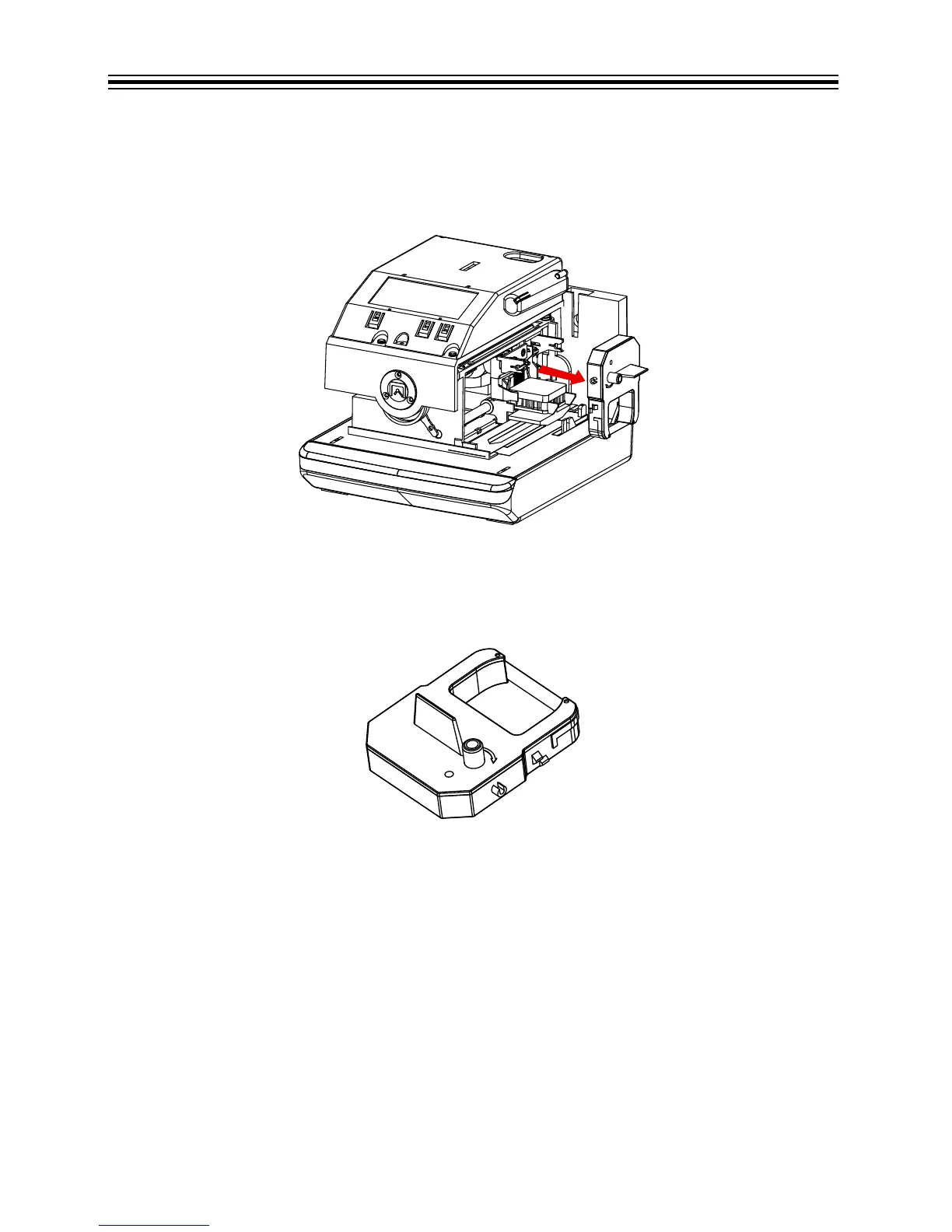
1. Open the unit. Refer to “Open Unit” on page 3.
2. Hold the ribbon cassette by its tab and pull the ribbon cassette straight out to remove it.
Refer to Remove Ribbon Cassette below.
Remove Ribbon Cassette
3. Turn the knob of the new ribbon cassette in the direction of the arrow (clockwise) to tighten
the ribbon. Refer to Tighten Ribbon Cassette below.
Tighten Ribbon Cassette



 To Next Page