ES700 User’s Manual 29
Enter Password
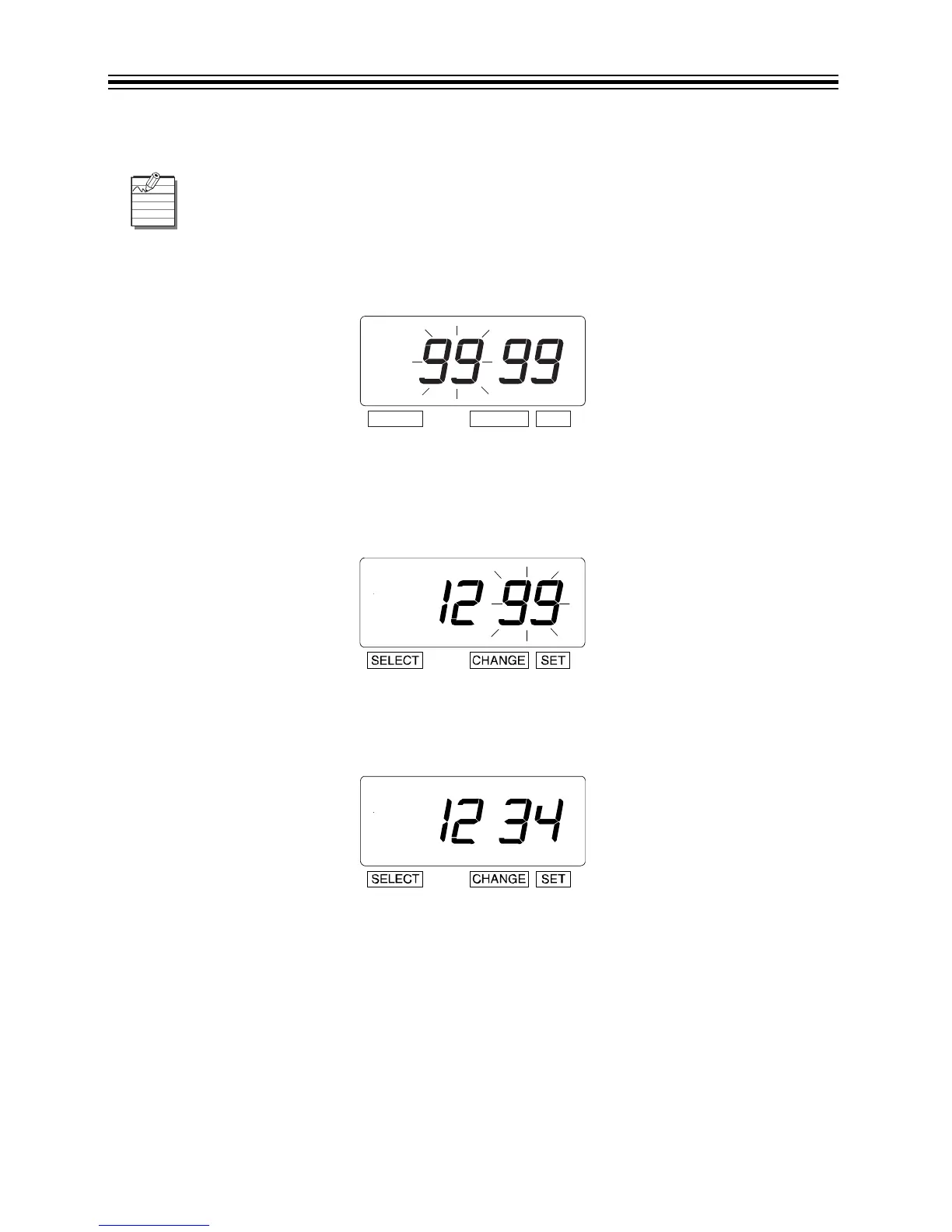
1. Press SELECT twice.
2. The numbers "9999" are displayed and the first two digits flash.
Set the First Two Digits
1. In this example, press CHANGE until the first two digits are "12".
2. Press SET.
3. The flashing changes to the last two digits.
Set the Last Two Digits
1. In this example, press CHANGE until the last two digits are "34".
2. Press SET twice.
Cancel the Password
The code "0000" must be entered to cancel password activation.
Once the password is set, you must enter the current password before changing any
settings.



 To Next Page