28
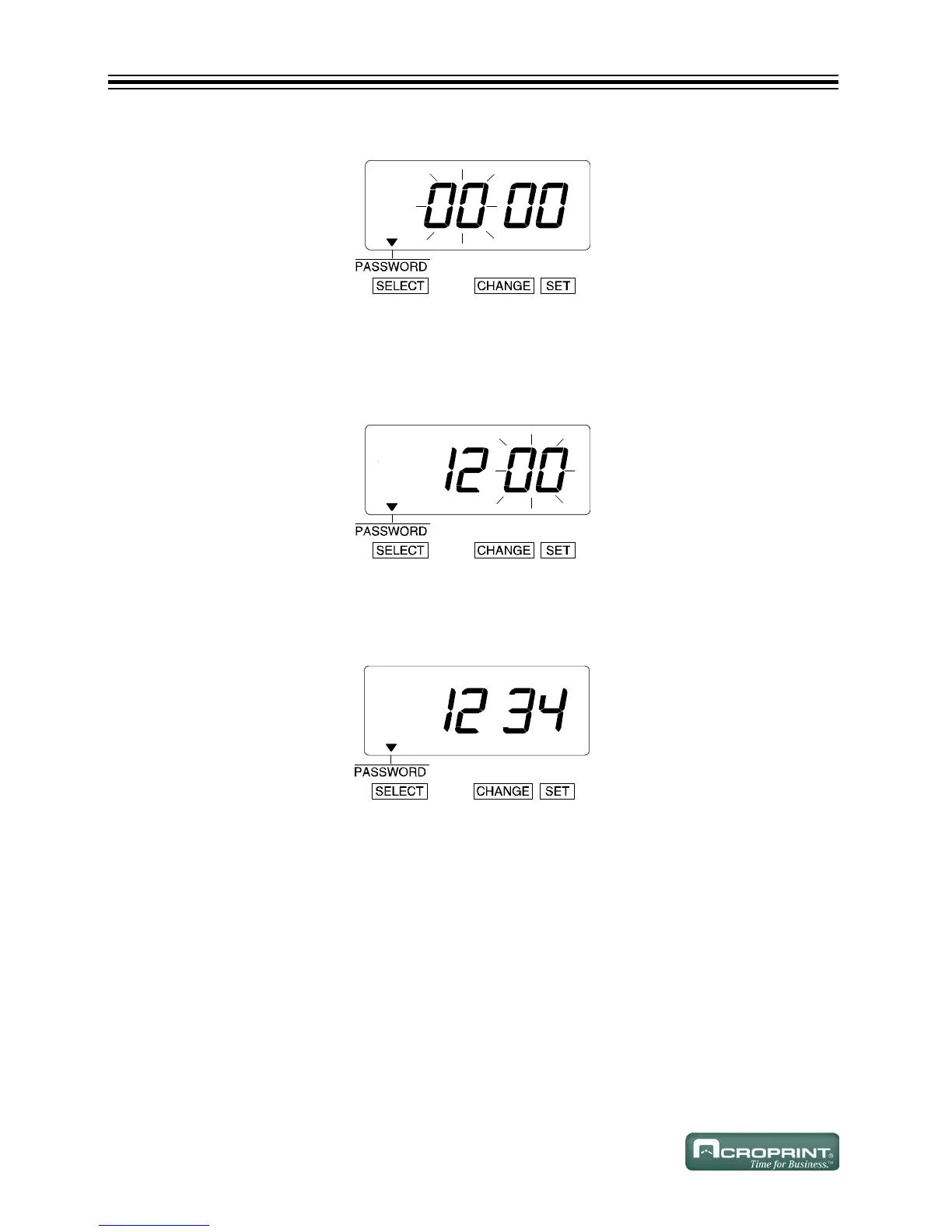
2. The first two digits flash.
Change the First Two Digits
1. In this example, press CHANGE until the first two digits are "12".
2. Press SET.
3. The flashing changes to the last two digits.
Change the Last Two Digits
1. In this example, press CHANGE until the last two digits are "34".
2. Press SET.



 To Next Page