ES700 User’s Manual 15
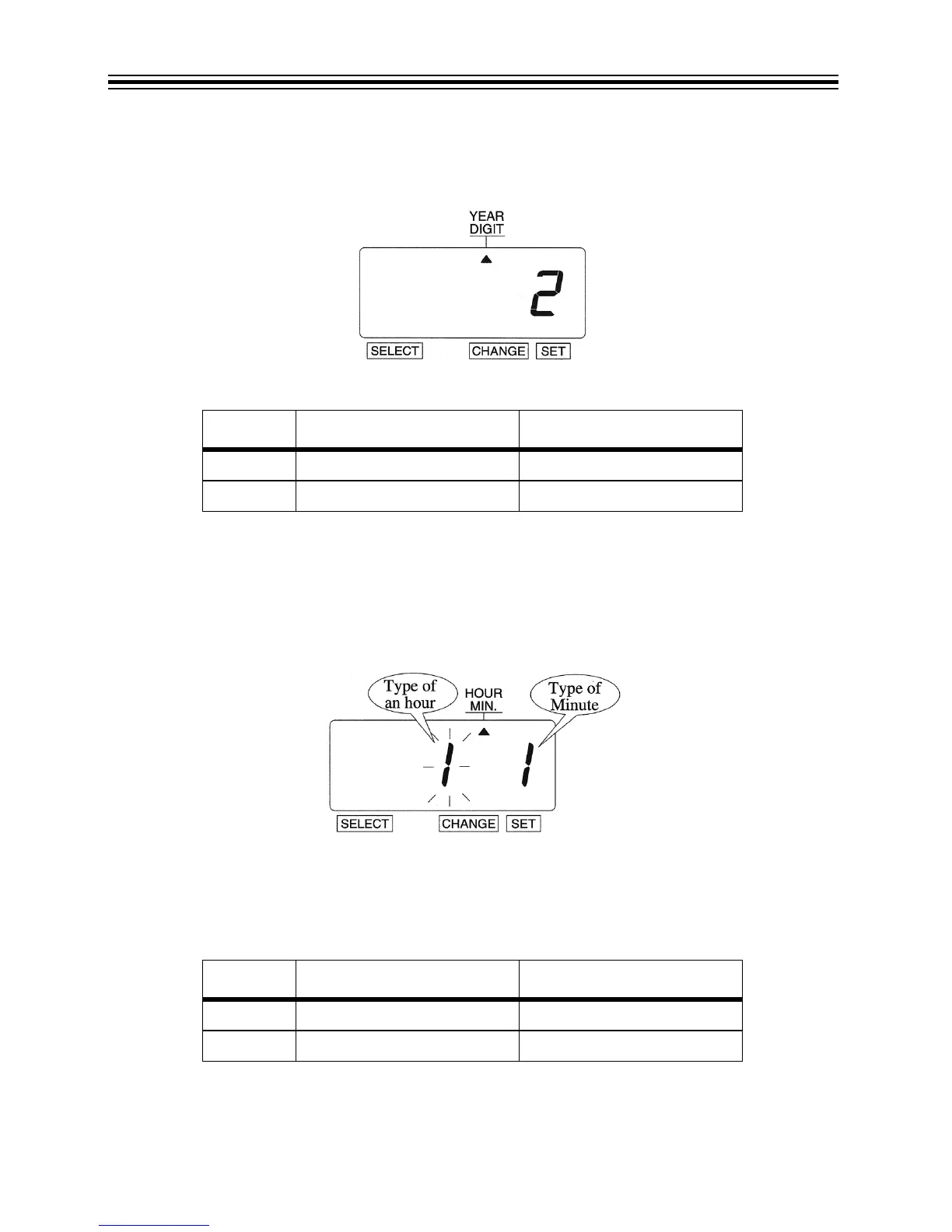
3. In this example, press CHANGE until the option is "2" (4 Digits). Refer to Year Digit Options
below.
4. Press SET.
Year Digit Options
Hour/Minute
Change Hour/Minute
Example: Set the "Hour" and "Minute" to 24 Hour and 1/100 Min.
1. Press SELECT until the S is under the "HOUR/MIN" mark.
2. The flashing digit indicates "Type of Hour".
3. In this example, press CHANGE until the option is "2" (24 Hour). Refer to Type of Hour
Options below.
4. Press SET.
Type of Hour Options
O
PTION YEAR DIGIT OPTIONS PRINT EXAMPLE
1 2 Digits JAN 31 '08 AM 10:00
2 4 Digits JAN 31 2008 AM 10:00
OPTION TYPE OF HOUR PRINT EXAMPLE
1 12 Hour JAN 31 PM 3:00
2 24 Hour JAN 31 15:00



 To Next Page