16
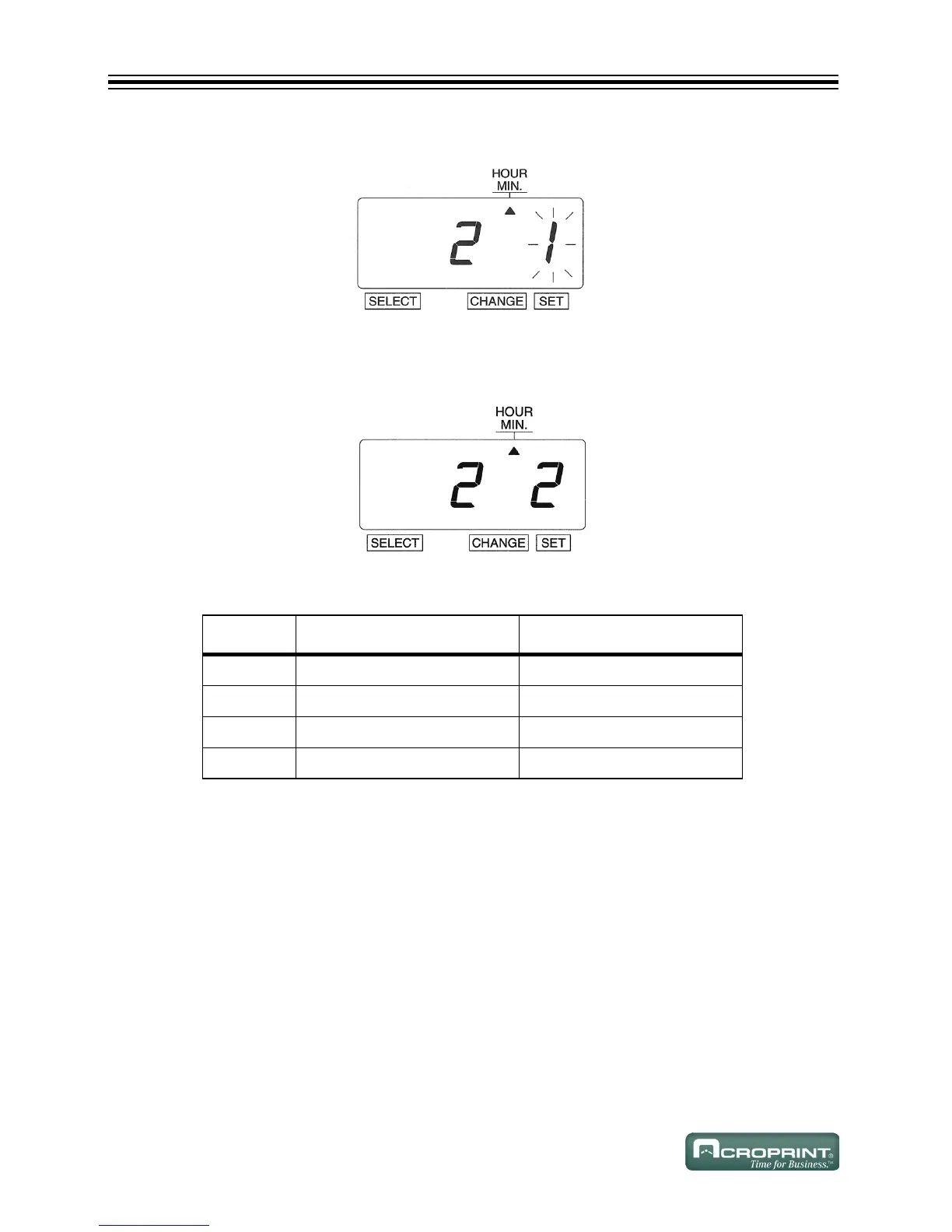
5. The flashing digit indicates from "Hour" to "Minute".
6. In this example, press CHANGE until the option is "2" (1/100 Min.). Refer to Type of Minute
Options below.
7. Press SET.
Type of Minute Options
O
PTION TYPE OF MINUTE PRINT EXAMPLE
1 1/60 Min JAN 31 2008 10:10
2 1/100 Min JAN 31 2008 10.17
3 1/20 Min (=5/100 Min) JAN 31 2008 10.15
4 1/10 Min JAN 31 2008 10.1



 To Next Page