ES700 User’s Manual 11
Date
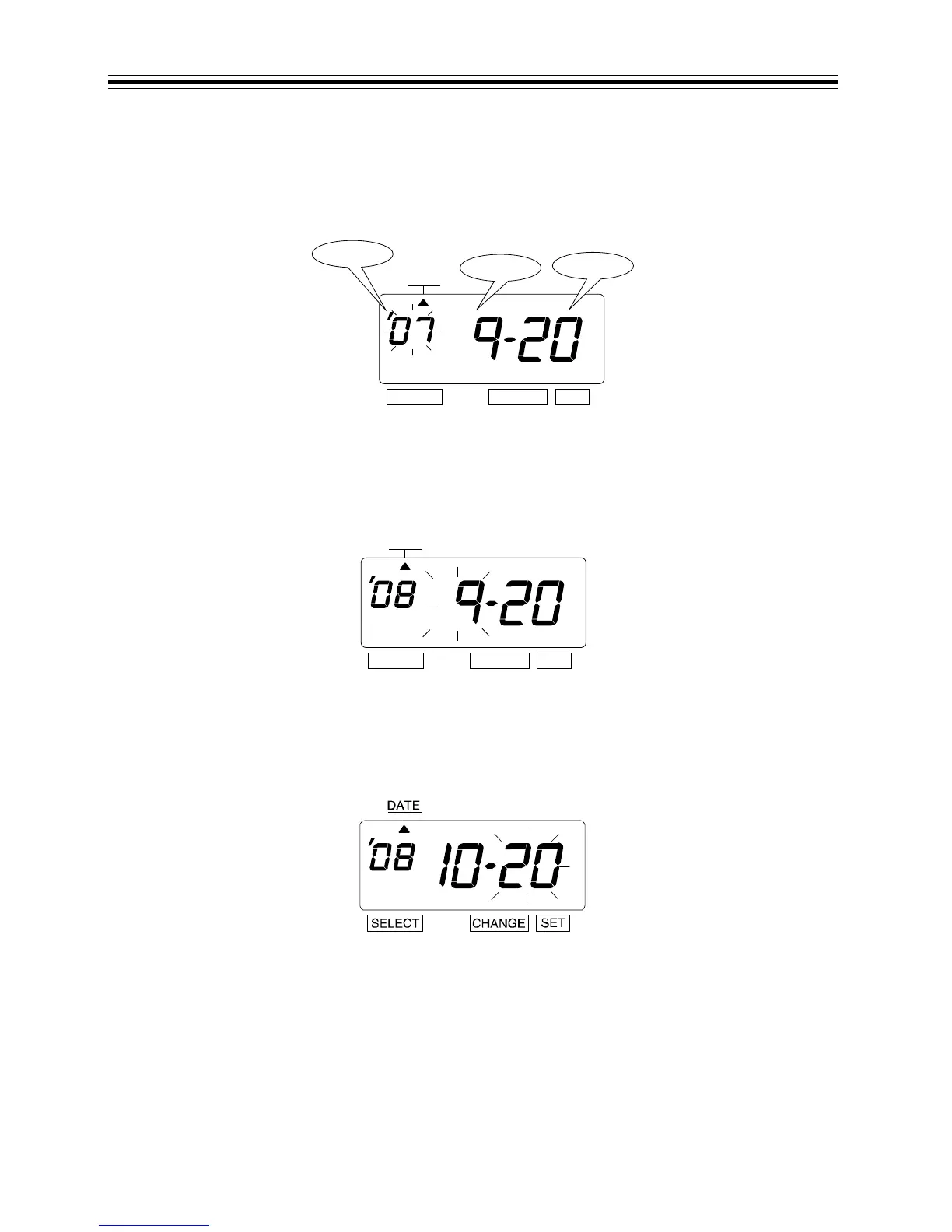
Example: Change the date from September 20, 2007 to October 21, 2008.
1. Press SELECT until the S is under the "DATE" mark.
2. "Year" flashes.
Change Year
1. Press CHANGE until the Year is "08".
2. Press SET.
3. The flashing changes from "Year" to "Month".
Change Month
1. Press CHANGE until the Month is "10".
2. Press SET.
3. The flashing changes from "Month" to "Date".



 To Next Page