22
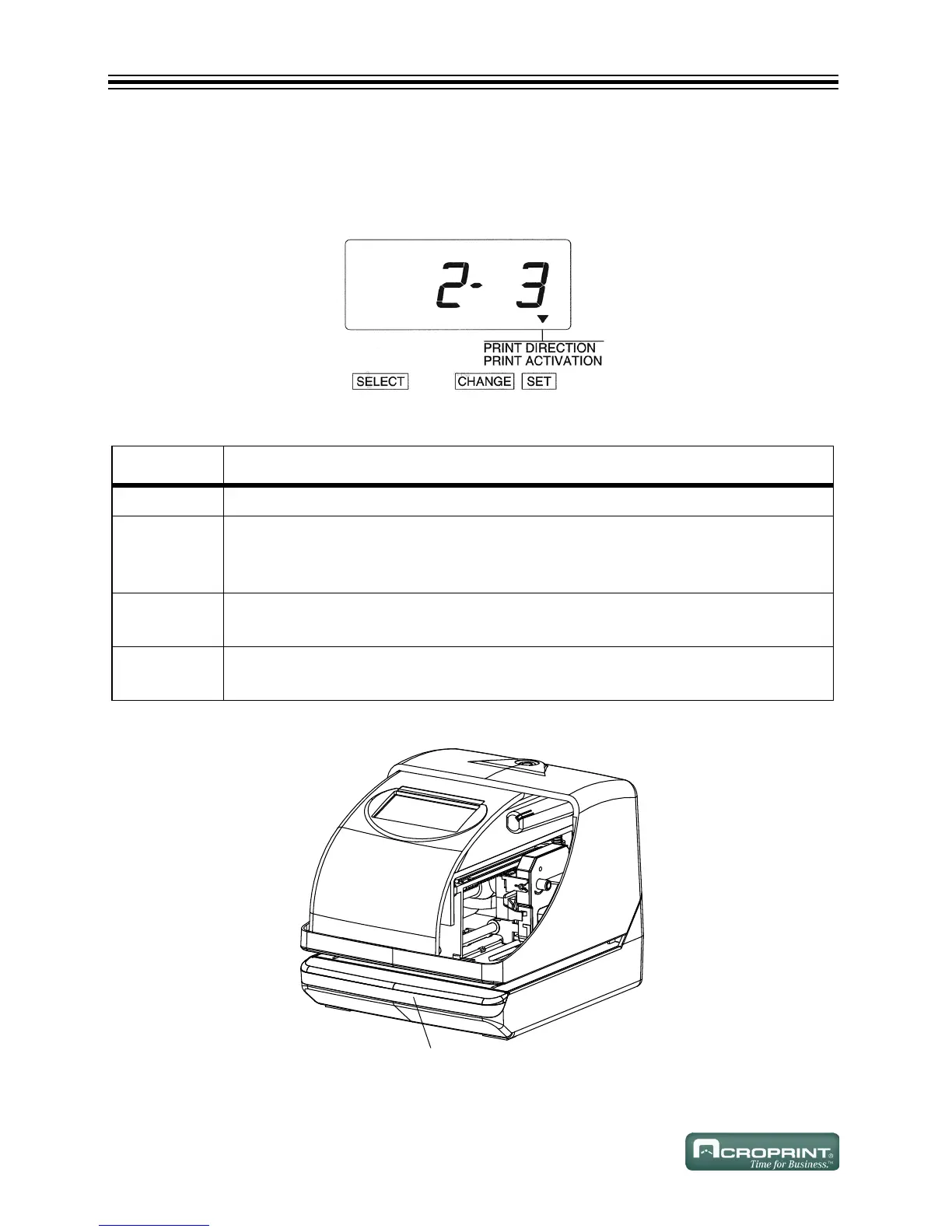
Change Print Activation
1. In this example, press CHANGE until the option is "3" (Manual). Refer to Print Activation
Options below.
2. Press SET.
Print Activation Options
Press Push Bar
O
PTION PRINT METHOD OPTIONS
1 Automatic – Allows you to print by inserting a card or piece of paper.
2 Semi-Automatic – Allows you to print by pressing the push bar only when a card
or piece of paper is inserted (prints only if the card or form reaches the sensor).
Refer to Press Push Bar below.
3 Manual – Allows you to print by pressing the push bar (even if the card or paper
does not reach the sensor). Refer to Press Push Bar below.
4 Combination – Allows you to print by pressing the push bar or inserting a card or
piece of paper. Refer to Press Push Bar below.
3XVKEDU



 To Next Page