GNR-3000 System Administrator’s Manual
23
Definitions of LED Indicators
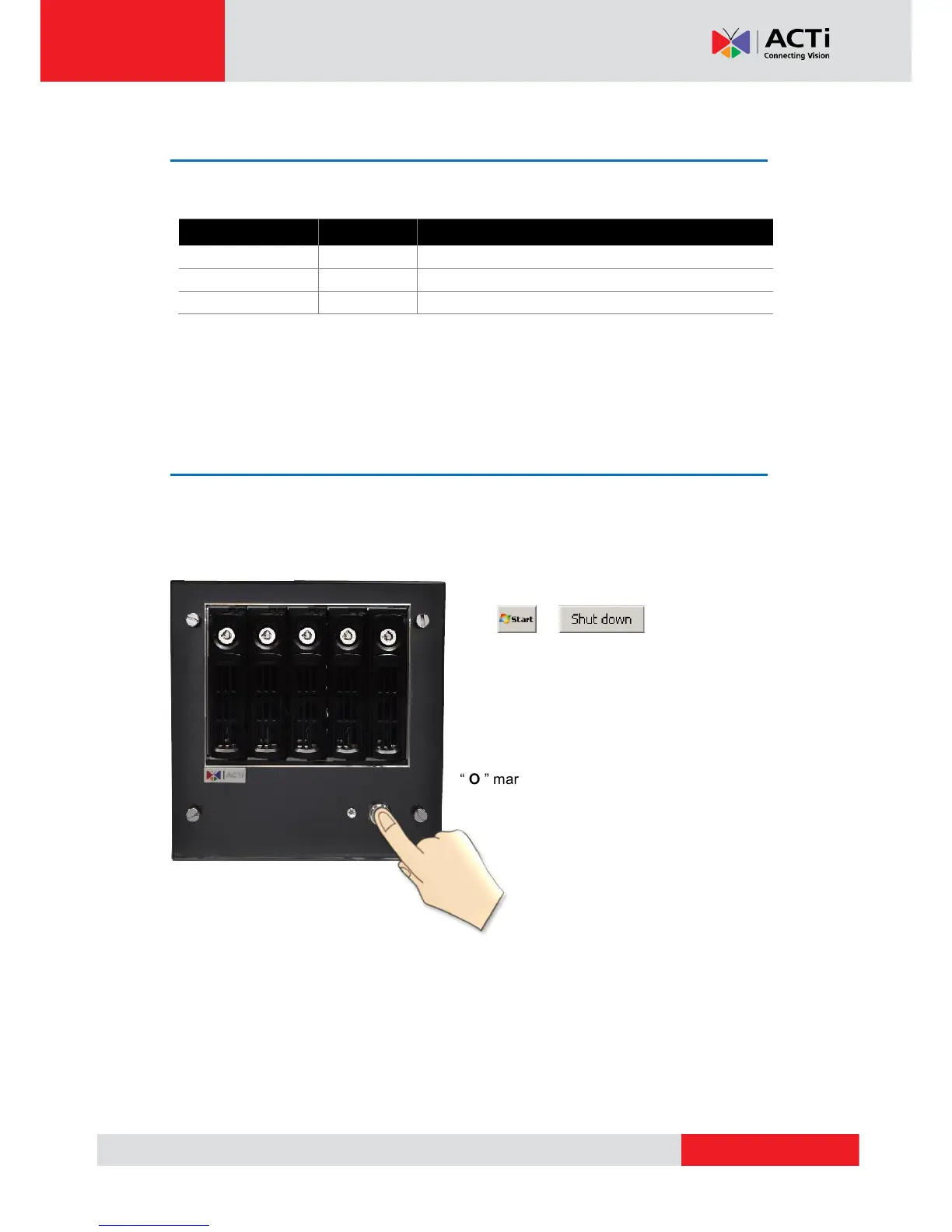
Turn Off the Unit
The unit can be turned off by the methods described below, and the Power Status LED
Indicator will go off right after the device is turned off.
1. Shut down the system from Windows Start
.
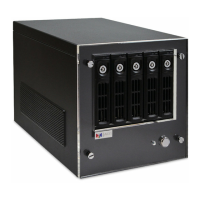
2. Press down Power Button to turn the
device off.
To completely cut off the power supply of this unit,
press down the Power Switch to the side with
“ O ” mark.


 To Next Page