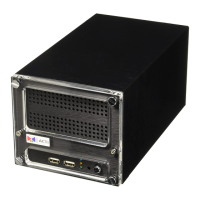
GNR-3000 System Administrator’s Manual
39
Assign a Static IP Address to GNR
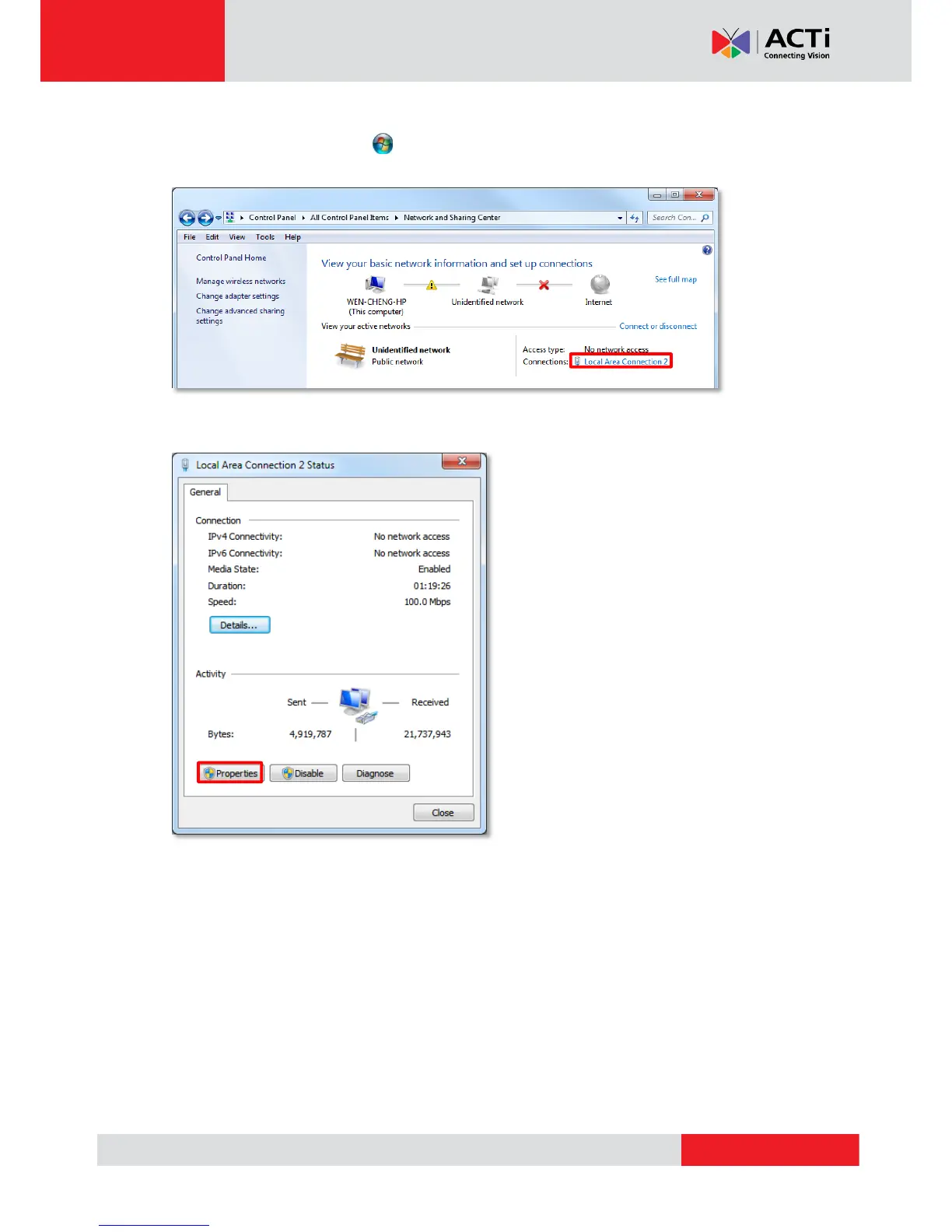
1. Click Windows Start menu and select “Control Panel”.
2. Enter “Network and Sharing Center”, select the network card connection.
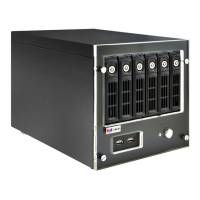
3. On Connection Status window, click “Properties


 To Next Page