GNR-3000 System Administrator’s Manual
52
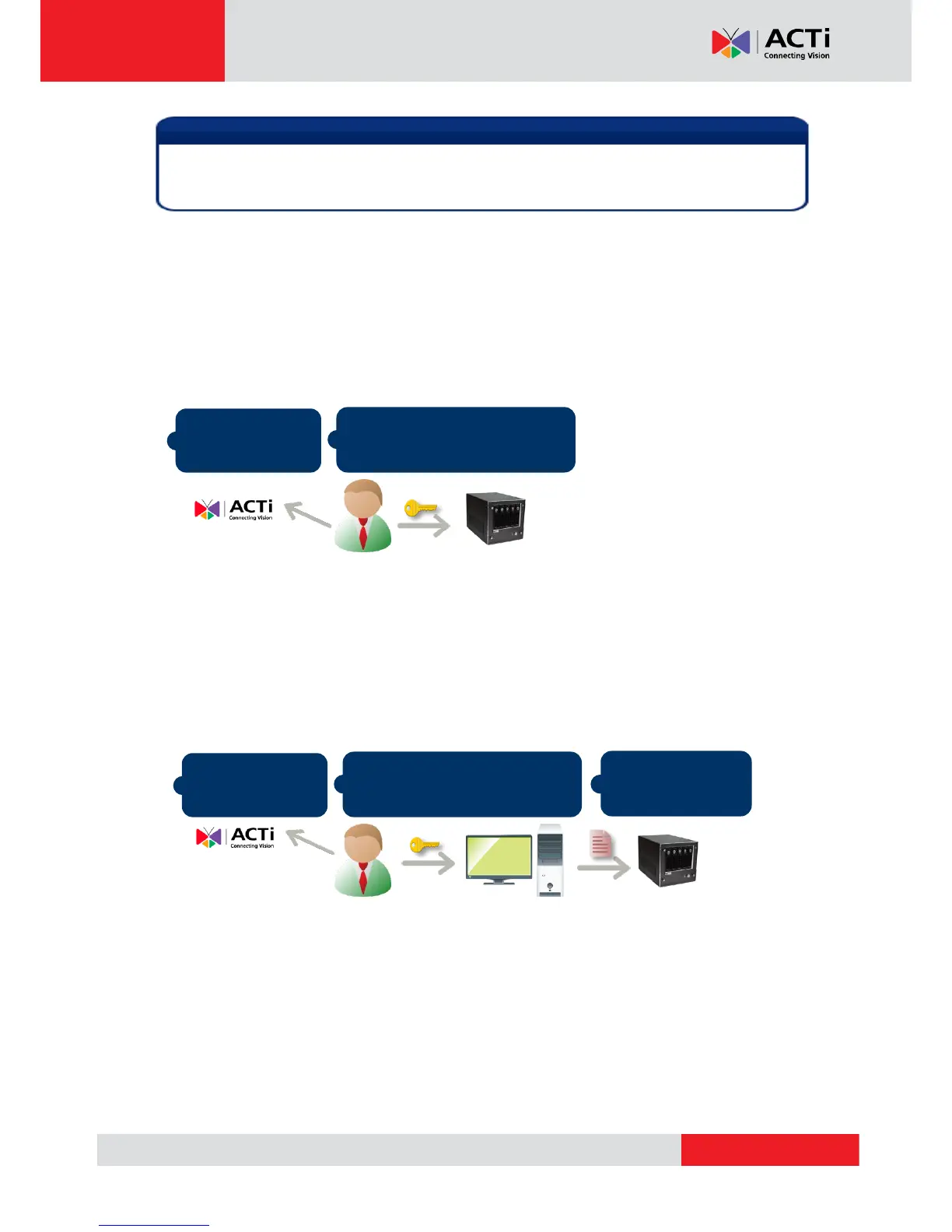
There are two ways to activate the licenses depending on your NVR server network condition:
Online Activation and Offline Activation.
Online Activation
If your GNR has available Internet access, choose online activation.
Offline Activation
Offline activation does not require Internet access GNR. It is used when GVR is located in
network not connected to public Internet (e.g. in a military base). You will need to get an
activation file from another computer and transfer it to GNR.
On another computer, access
ACTi website to activate the
licenses using the
L
L
L
I
I
I
C
C
C
E
E
E
N
N
N
S
S
S
E
E
E
K
K
K
E
E
E
Y
Y
Y
Although certain fisheye camera view modes (e.g. Quad mode) display multiple regions in a
view, they are still counted as one single channel in terms of licensing.



 To Next Page