*
1
Available when NVR is connected to a multi-streaming device.
*
2
Available when NVR is connected to a hemispheric device.
*
3
Available for hemispheric devices with “Wall” Mount Type.
*
4
Available when “Video Encoder” is selected as MJPEG.
*
5
Available when “Maximum Bitrate” is selected as “Unlimited”.
Save Storage by Setting Event Recording Frame Rate
Video surveillance system is aimed to preserve as much evidence as possible, and you may
want to have a view be recorded 24/7 to capture every important moment; however, the
general recording methods provided by most network recording systems- event and schedule
recording, will either consume too much storage or have risk in missing important scenes. The
“Set Frame Rate for Event Recording Mode” function record everything at economical
storage usage by automatically adjusting video frame rate during event recording period.
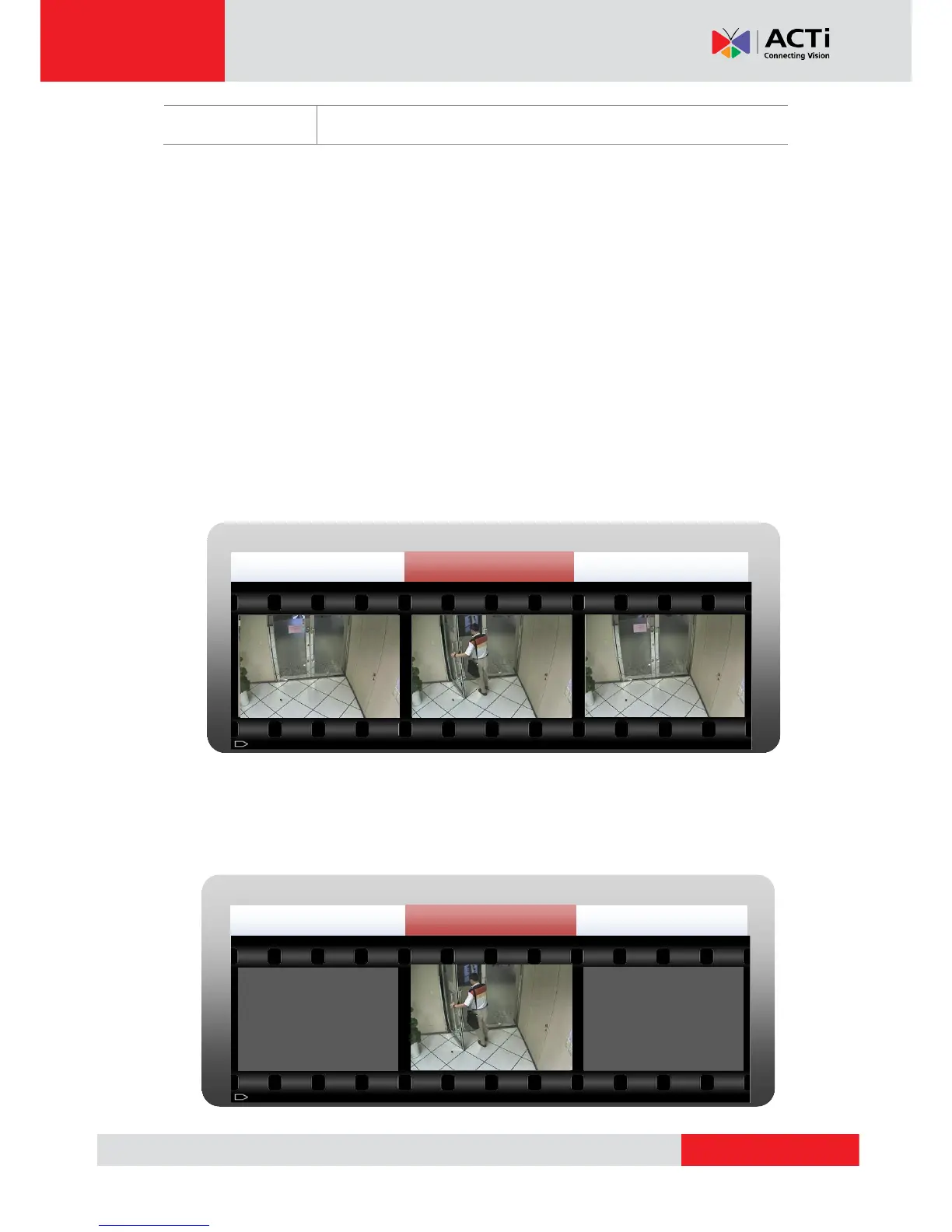
Schedule Recording
Continuous recording promises no loss of video evidence; however, large data storage is
required because this video is always recorded at the high frame rate you set for device.
Event Recording
This mode is storage-efficient because recording would stop during the non-event moments;
while certain vital video evidences may be missed if the triggering device fails to take
effect.



 To Next Page