GNR-3000 System Administrator’s Manual
97
Event Management
When something happens on camera site, such as someone walks by, the door opens or
closes, a fire breaks out or the sun goes down – these are all Events. Events which occur in
the environment or were preprogrammed in the camera may be used as Triggers. Triggers
cause the device to react with Responses. The link between trigger and response is governed
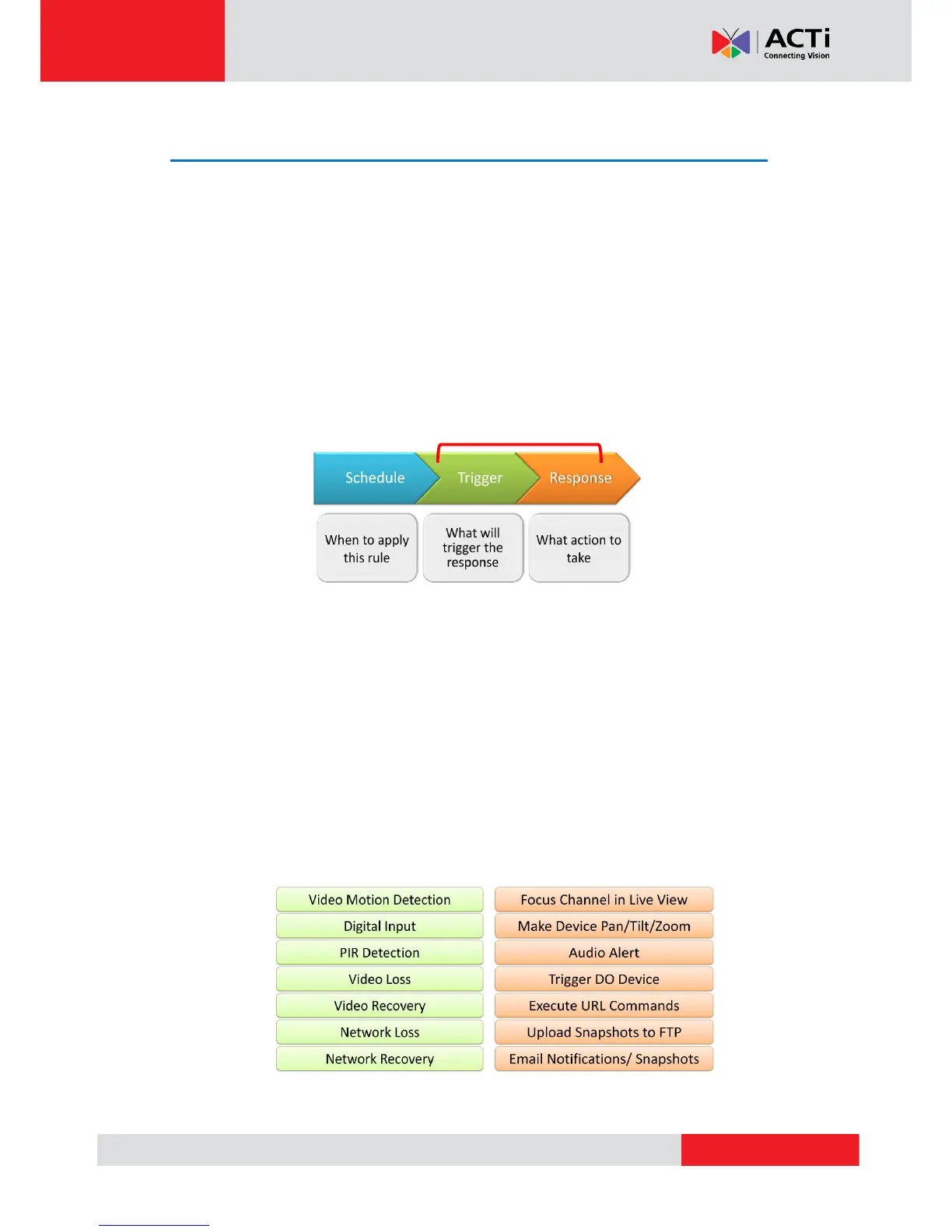
by Event Rules. Event rules become active or inactive based upon a weekly Schedule. Each
event rule detects one specific trigger and may initiate multiple responses. An example rule
would be for NVR to send e-mail to alert the supervisor (Response 1) and trigger alarm
(Response 2) when motion detection from camera is triggered (Trigger) during the event
handing active period (Schedule).
How Does NVR Handle Events
In NVR 3.0, each device can be involved in several event rules. As different device models
possess various capabilities, the supported event trigger types would vary. For example, a PIR
built-in camera can execute a PIR-triggered event rule, while this option is not provided to
other models without this feature; similarly, the supported response types would vary by device
models, like Goto-preset behavior can only be executed by PTZ devices. The below chart
shows NVR server supported Trigger types and Response types. Once a device is added to
NVR server, the server would create empty rules with compatible trigger types for you to
configure.



 To Next Page