39
Operation Manual
LC7-2 Wall Control
Operation Manual - LC7-2 Wall Control
Document: 0525-080 Ver. 1 190923
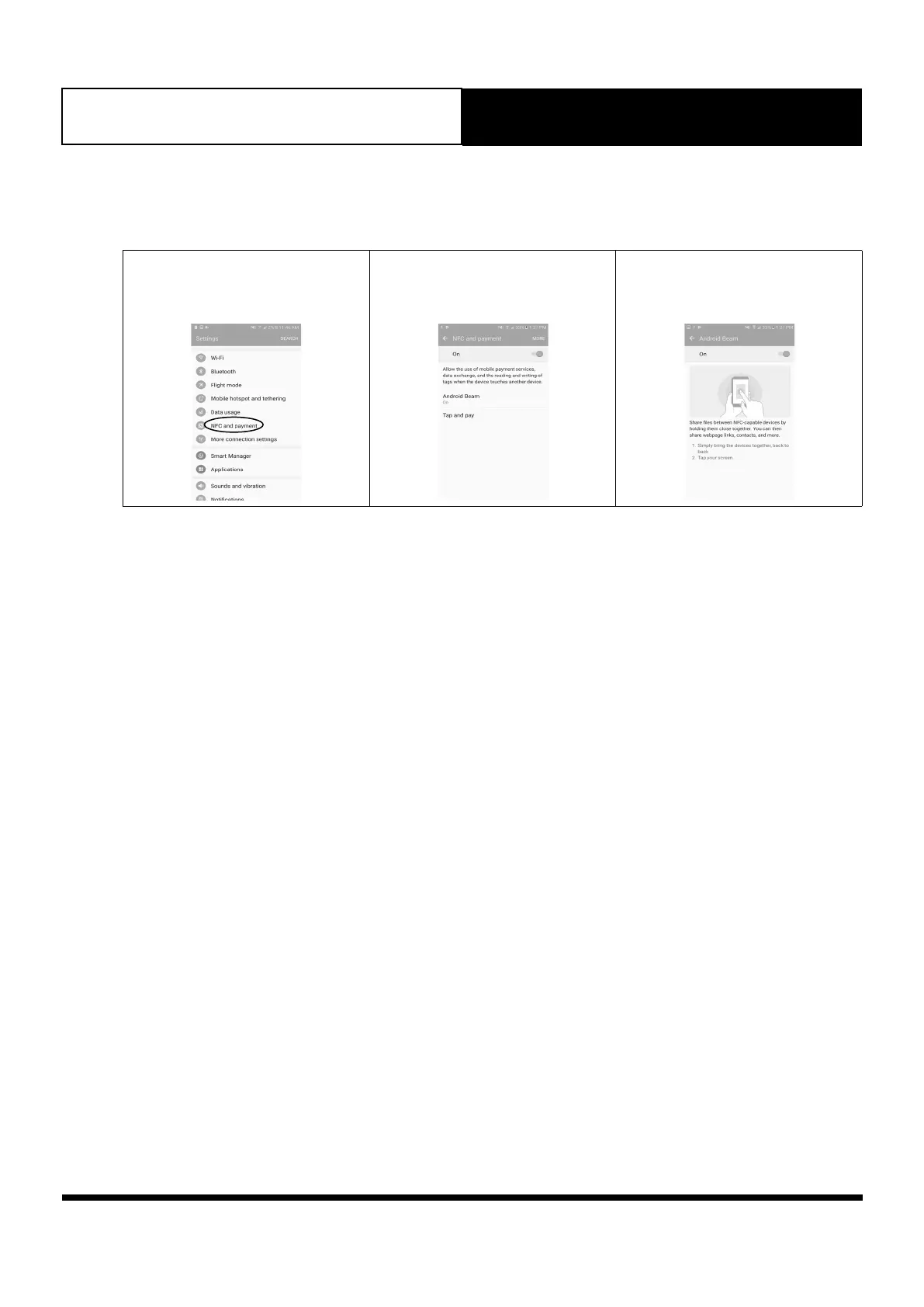
16.02. Android Users
Note: Images may vary from those shown below.
1. Go to Settings and look for
NFC and payment. Press ON to
activate NFC.
2. Press Android Beam
3. Follow the on-screen instructions.
4. Once successfully scanned, a pop-up window will appear to redirect you to external website.
https://www.actronair.com.au/nfc
5. List of Control Models will appear on the screen of your mobile device.
Select the model number of your control to view the operation manual.
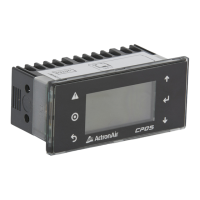
Note: The Model number of your control can be found underneath the Power On/Off button of the control.



 To Next Page