37
Operation Manual
LC7-2 Wall Control
Operation Manual - LC7-2 Wall Control
Document: 0525-080 Ver. 1 190923
15.02. Activating After Hours Function
NOTE
To disable Keypad Lock, follow same steps above. However, in step 5 select OFF.
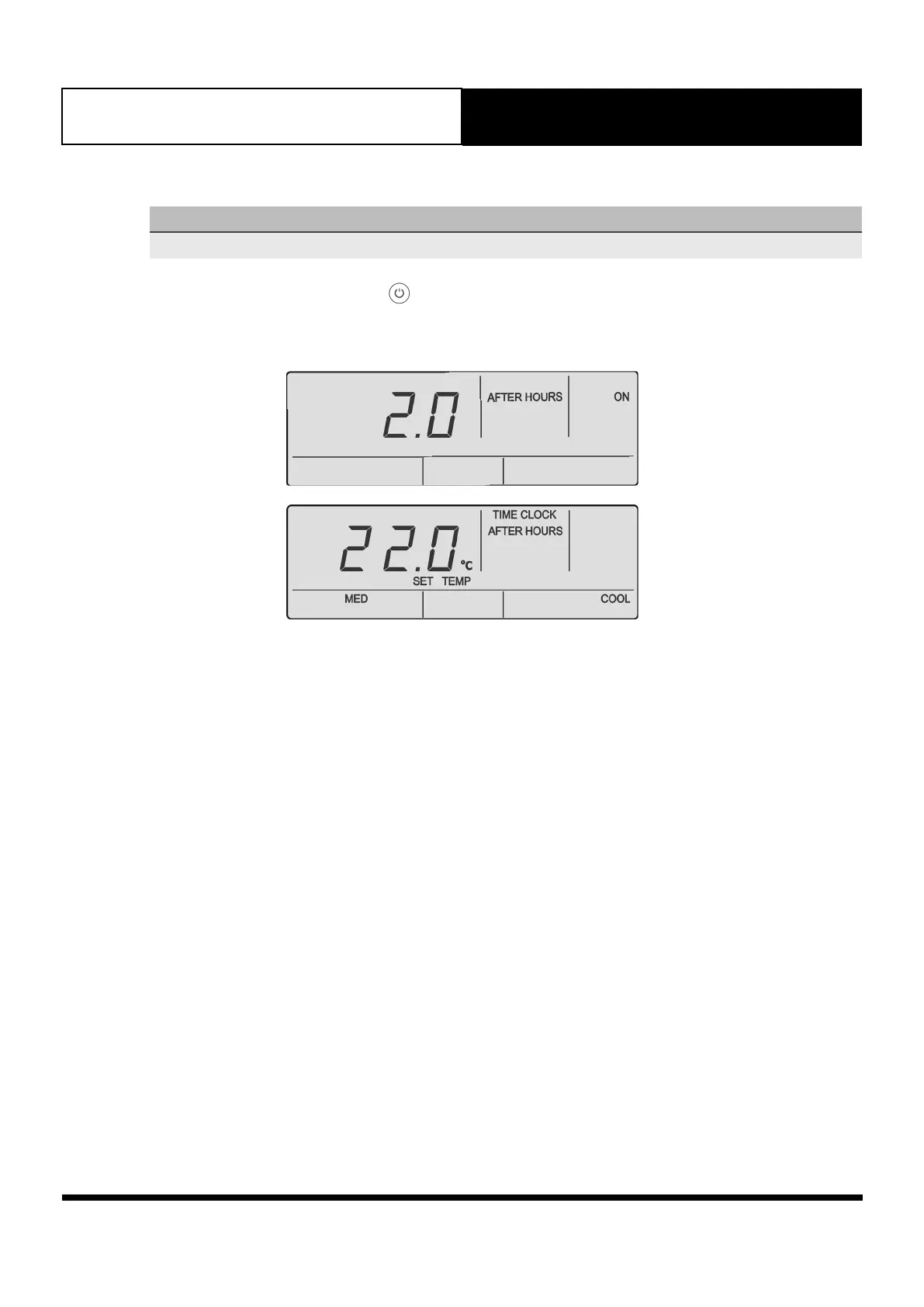
1. Press the AFTER HRS button or the button. AFTER Hours timer and ON will be displayed for 3 seconds.
Once 3 seconds expires, the after hours function will now be active.



 To Next Page