154
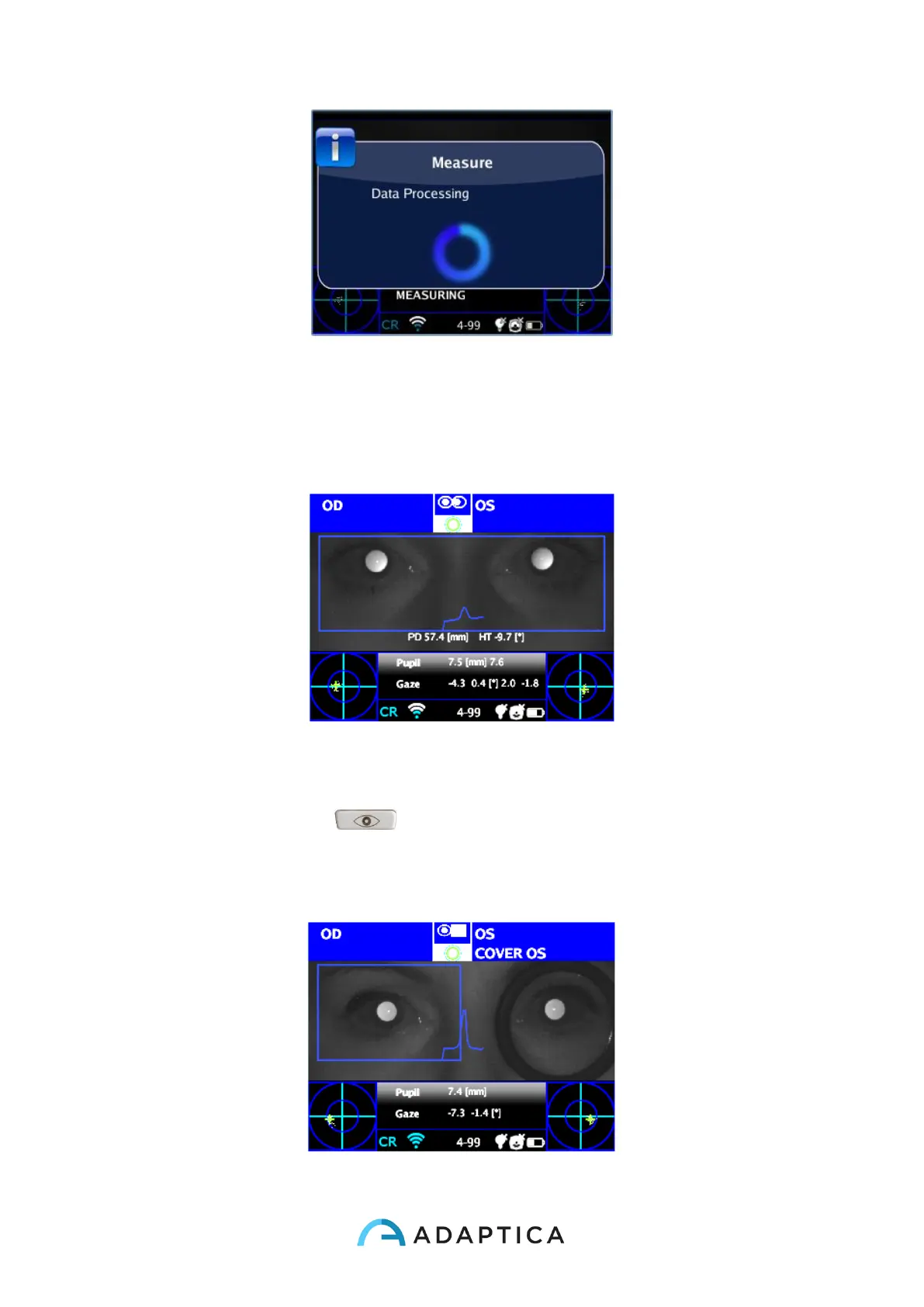
Data Processing
6. After the measurement a green indicator on the top bar of the display, at the center,
will give you the feedback of correct measurement:
Green Indicator
7. Click the BUTTON C ( ) and select the eye where you want to perform the
cover test, using the Binocular Occluder provided by Adaptica (NOT OTHER
OCCLUDERS) to cover the contralateral eye.



 To Next Page