166
Browsing mode
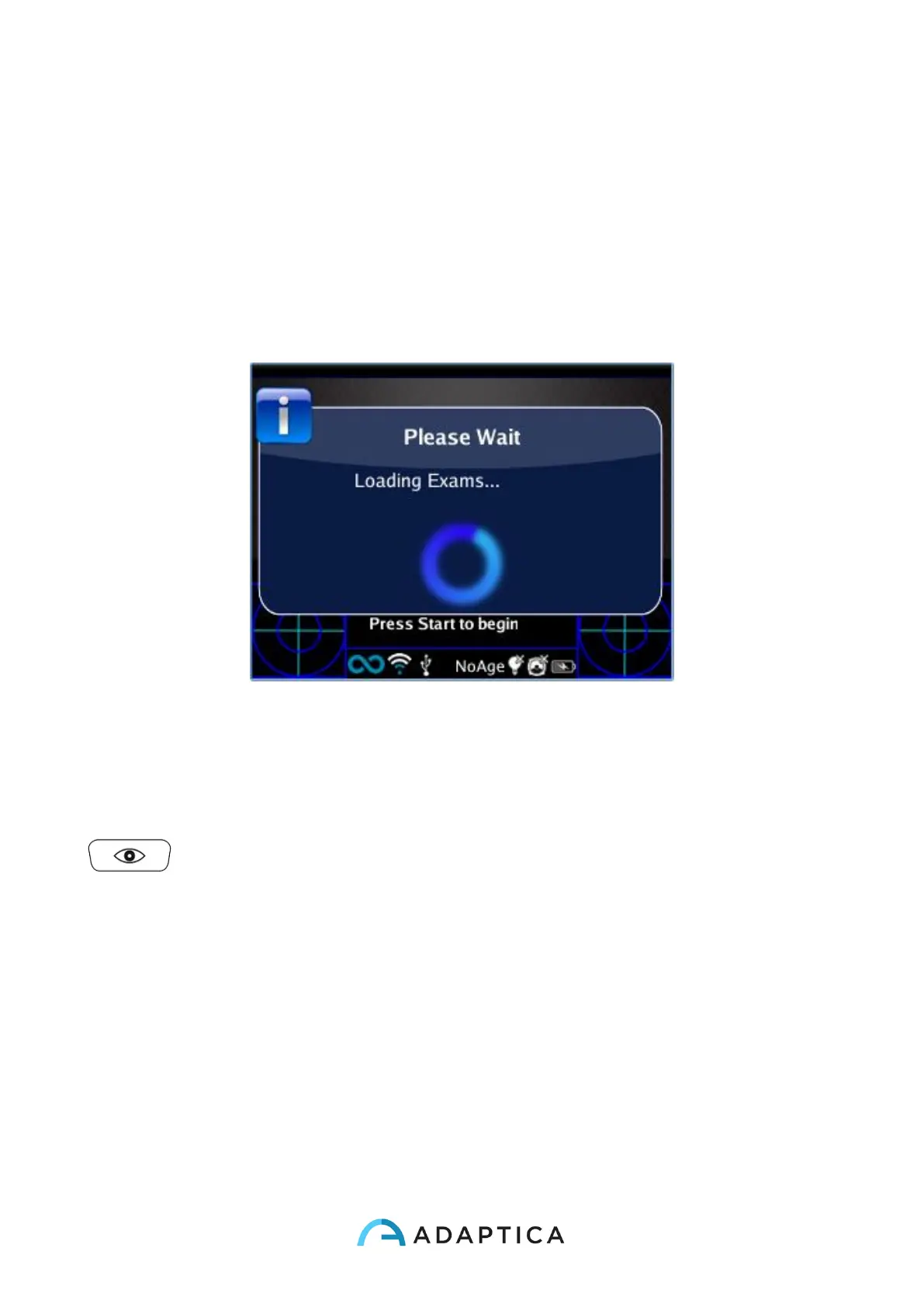
It’s possible to load a previously saved Dynamic Pupillometry exam: long push on the DOWN
button of the 2WIN joystick. Then the operator can read/browse the previous exams by
pushing the UP or DOWN button. Then, the main window of the 2WIN will display in the
upper part the maximum and minimum pupil diameter for each OD and OS. By pressing the
RIGHT button in the 2WIN Joystick it’s possible to analyze the complete result of the exam.
Post exam measurements
It’s possible to measure some details of the final result of the Dynamic Pupillometry Appli-
cation. In order to start this post exam analysis, the operator must press the EYE button (
) in the 2WIN when in the auxiliary window (after pressing the RIGHT button). The
system will automatically discover a transition event and will place several lines in the graph
starting with the SX pupil.



 To Next Page