11
(1) The default of main interface is:
Electricital measure mode is current, five digits display
Pressure measure displays five digits
The pressure unit defaults to the pressure unit selected at time of order
Example: As to the calibrator with (0~100) kPa, the default pressure unit is kPa.
(2) When in data logging mode, the default of main interface is:
The electrical measure mode is five digits
Pressure measure displays five digits
The pressure unit defaults to the pressure unit selected at time of order
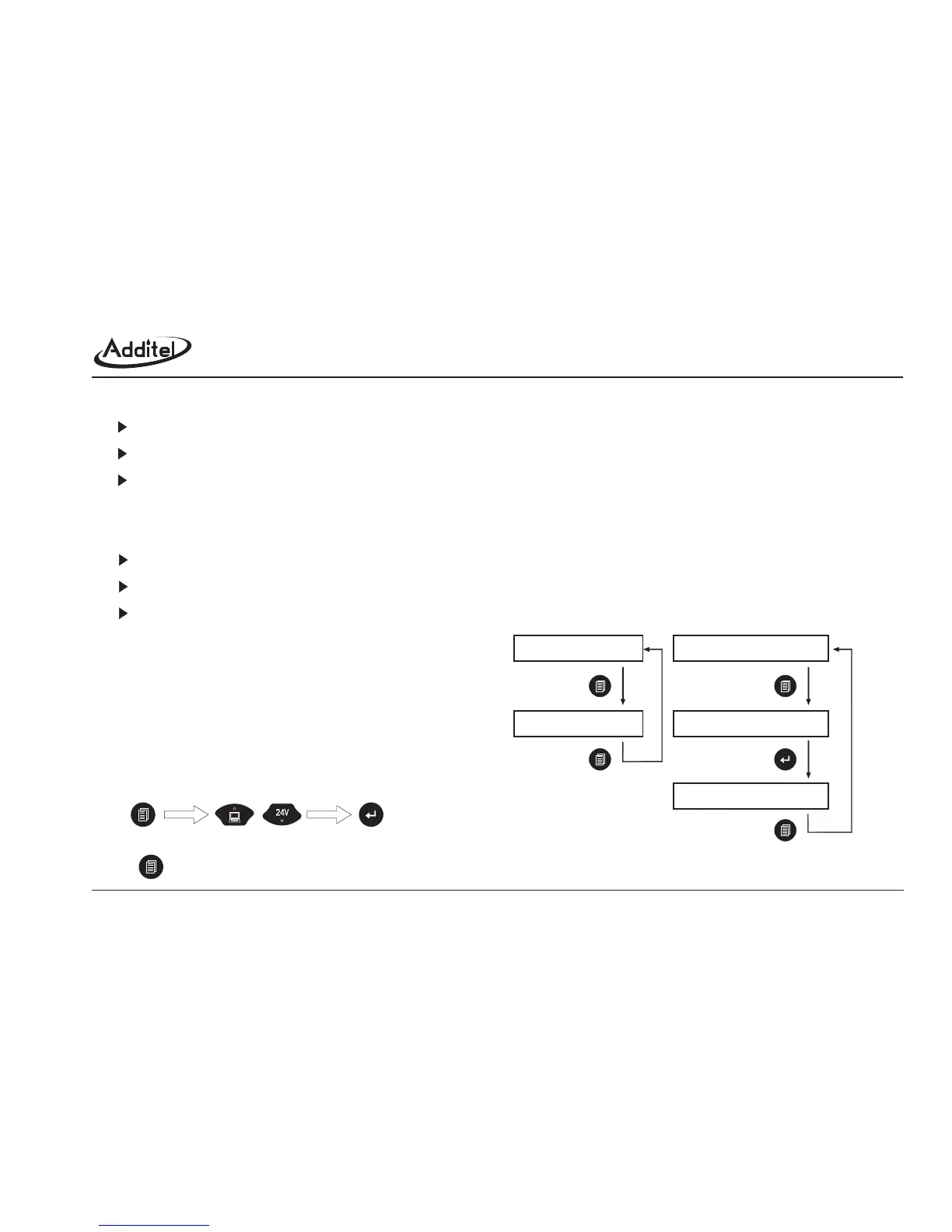
Includes main function menu and calibration menu,
refer figure1-6-1.
Press to return to the previous menu or exit.
1.6 Menu introduction
1.6.1 Enter into menu
1.6.2 Operation steps
main interface
press shortly
press shortly
main interface
press longer
press shortly
press shortly
main menu
input password[2003]
calibration menu
Figure 1-6-1: How to enter into the menu
Enter main menu Select sub-menu Enter sub-menu



 To Next Page