3.1.3 Send data via the serial port
3.1.4 Set file attributes
3.1.5 Delete all data
Operation steps:
a. After connected the and computer via RS232 cable, please startup the
serial port receiving software and setup the correct baud rate.
b. Select .
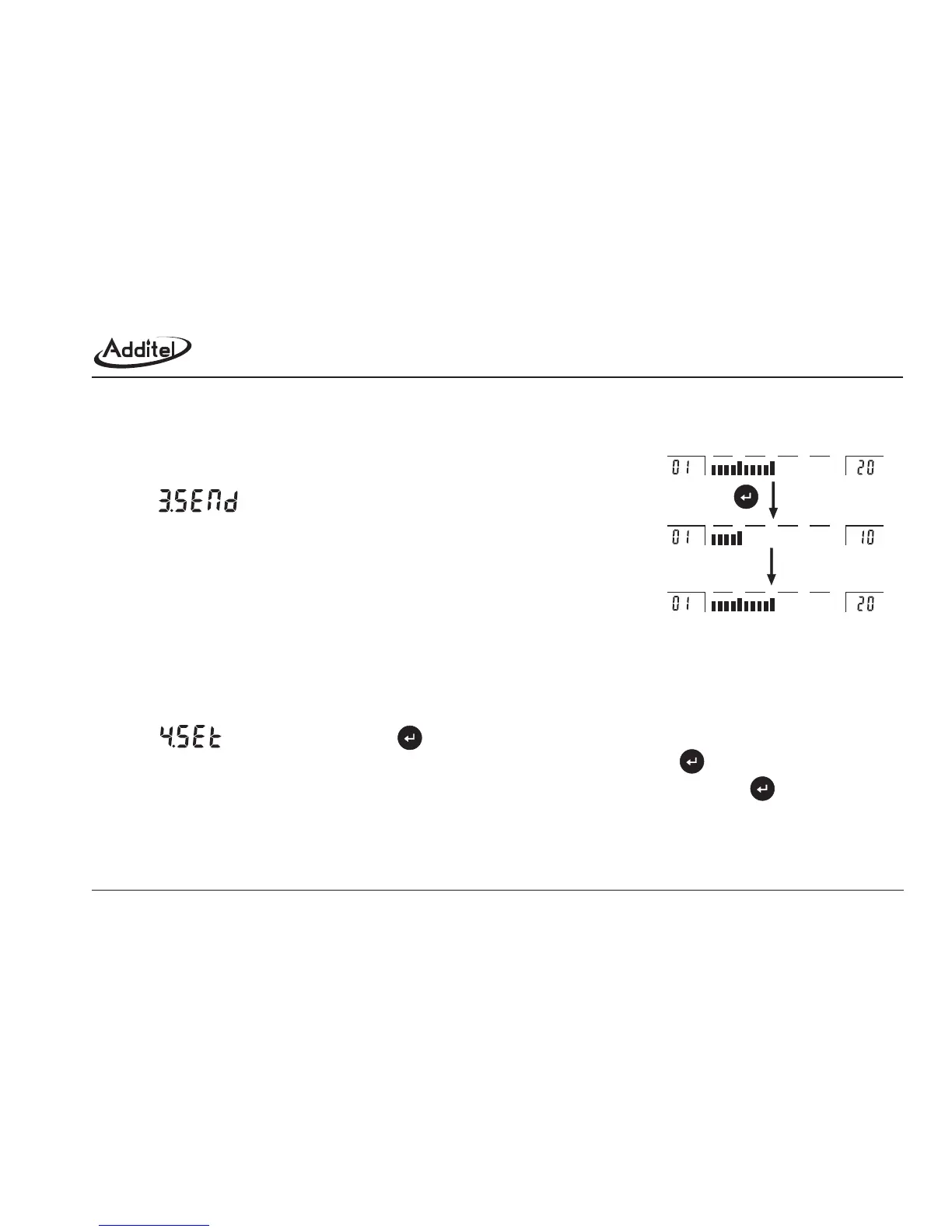
c. The sending process is dynamically displayed in the two sides of reading area and
status area. (Figure 3-1-3)
d. After sending the screen goes back to the file menu.
.
File attributes includes: The CODE of second gauge, min scale division value.
The factory default setting: Second gauge CODE is 111111(6 digits), minimum scale division value: 00.1000 (6 digits).
The setup steps:
a. Select in the file menu and press .
b. Next, screen displays the "CODE "of the second gauge, please input the code and press .
c. Screen displays the minimum division value (scale), please input the actual division value and press .
d. The screen returns to the file menu automatically.
This function is to delete all data and file attributes, and returns to factory default setting. The operation steps:
ADT672
Remark: For sending data format, please refer the appendix II: communication protocol
Figure 3-1-3 File upload process
0255075100
0255075100
0255075100
middle
29



 To Next Page