26
2.7.4 Software
3.0 Basic introduction
◆
◆
◆
◆
◆
3.1 How to operate save menu
Please refer to 9500 Additel/Land introduction for more information. Additel/Land is available for free download at
http://www.additel.com/products/Software/.
30 files, 40 records per file.
Select a file from files (1~30), a record is saved by press once till the file is full.
including hour record, interval record.
Hour-record: save one record per every hour
Interval-record: the interval can be set up (1 second ~100 hours)
In the record mode, the files are saved according to the set up sequence.
The record mode defaults to the previous setting.
In the record mode, the keypad is locked. By pressing to quick save and unlock the keypad.
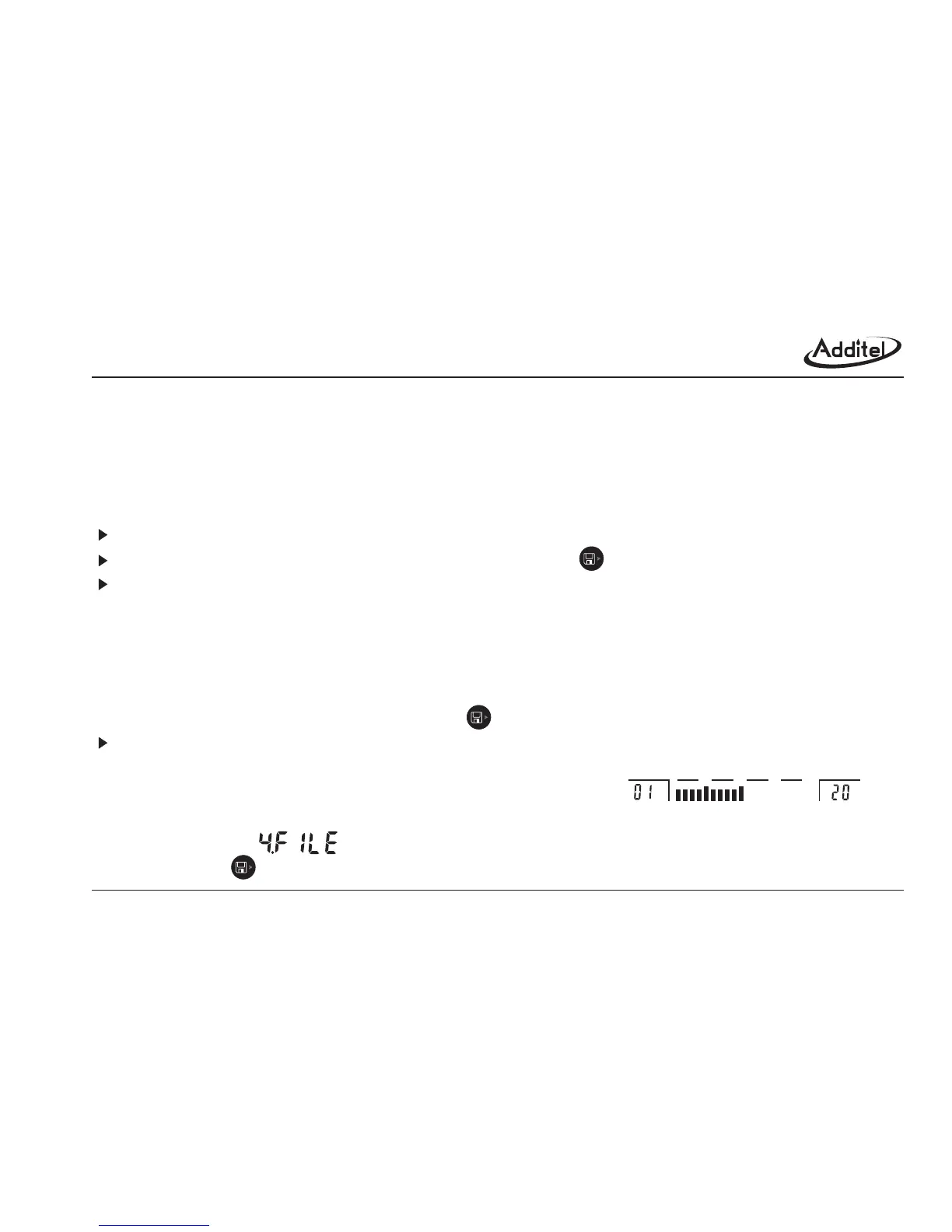
left reading area display the current file number;Right reading area displays the saved records; status area
indicate the % of current saved files.
(1) Enter into save menu.
Method 1: Select the (FILE) in the basic function menu
Method 2: Press button in the main interface.
.
.
Data logger function
Memory capacity:
Manual mode:
Record mode:
Save status:
;
Figure 3-0 Saving area
0255075100
file No. capacity% indication saved records



 To Next Page