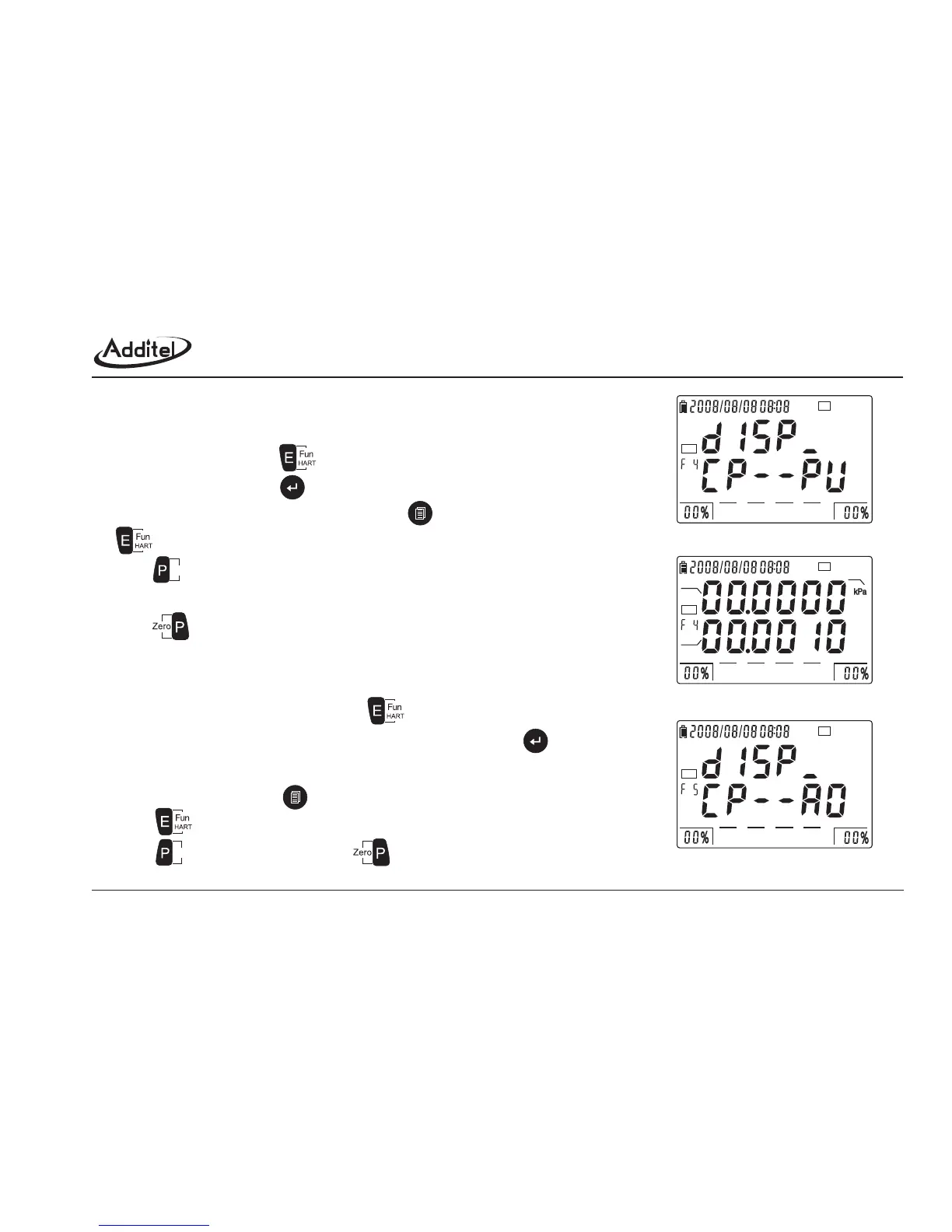
4.5.4 Function 4: display CP value and PV value
4.5.5 Function 5: display CP value and AO value
a. As figure 4-5-4-1, press to enter into HART function 4.
b. As figure 4-5-4-2, press to display CP and PV value; The units remain the same
as pressure units; Under this interface, press to go to figure 4-5-4-1; Press
to go function 5.
c. Press to switch CP & PV units. (mmH O, mmHg, inH O, inHg, psi, kPa, MPa,
Pa, kgf/cm , mbar, bar)
d. Press to clear the CP value and PV value to zero.
The operation method as following:
a. Switch to HART function 5 by pressing , as figure 4-5-5-1.
b. As figure 4-5-5-2, screen shows CP and AO value by pressing ; the
digits of CP and AO are determined by pressure and current respectively.
Under this interface, press to switch to the interface as figure 4-5-5-1;
Press to function 6.
c. Press to switch CP unit; Press to clear the CP value to zero.
The operation method as following:
22
2
Figure 4-5-4-1: F4 entrance
Figure 4-5-4-2: display CP value & PV
Figure 4-5-5-1: F5 entrance
24V
HART
0255075100
24V
HART
0255075100
CP
PV
unit
24V
HART
0255075100
Units
Units
43



 To Next Page