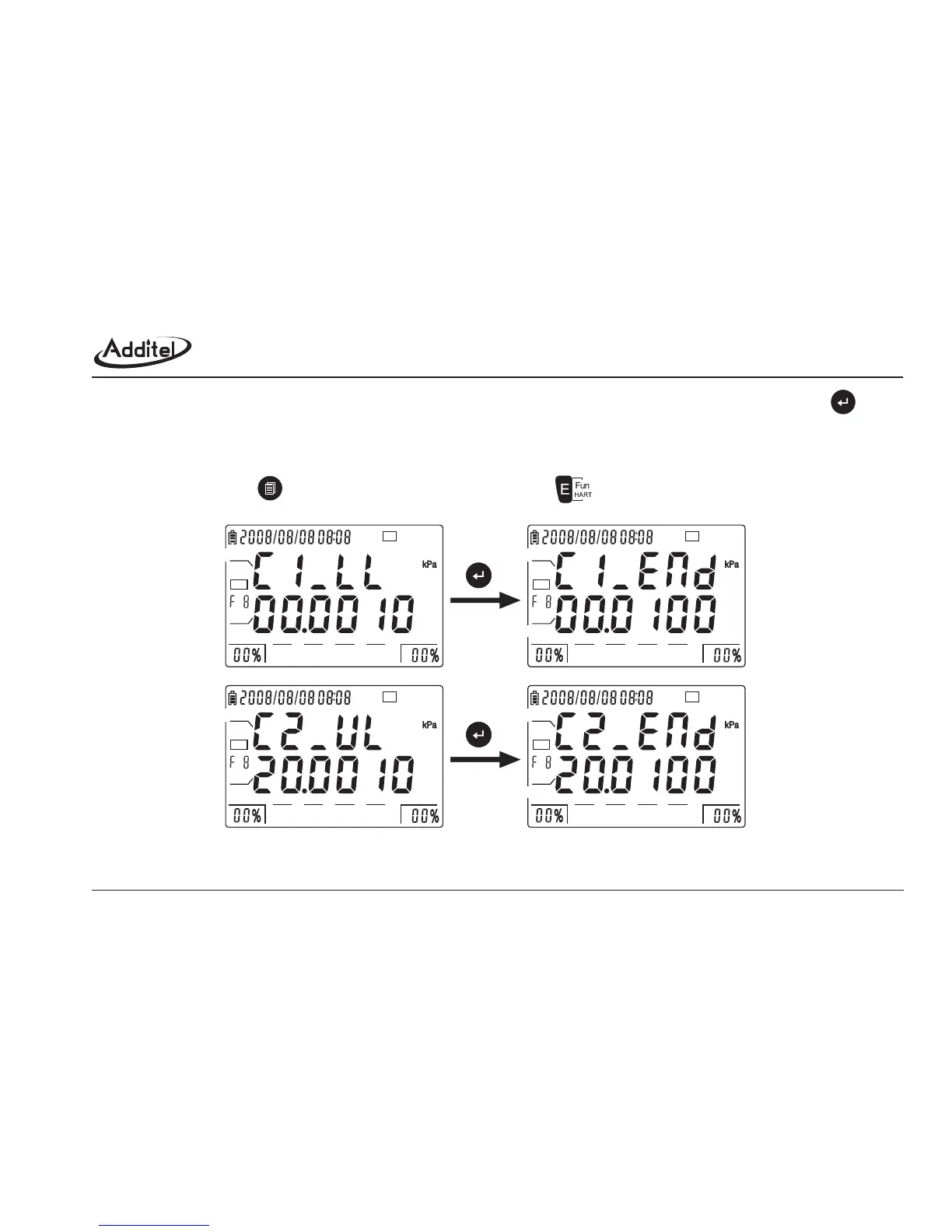
to prioritize the calibration points.Then supply the pressure to the selected point. After CA value is steady, press to
finish the calibration. Once every point is calibrated, the first line shows the character [END], the second line displays the
new lower/higher limit of PV range. (As figure 4-5-8-2)
c. After calibration, press to the interface as figure 4-5-8-1, press to function 9.
Figure 4-5-8-2: PV calibration process
24V
HART
0255075100
CP
24V
HART
0255075100
CA
END
24V
HART
0255075100
CP
24V
HART
0255075100
END
PV_UL
PV_LL
1st point 1st point
2nd point 2nd point
47



 To Next Page