61
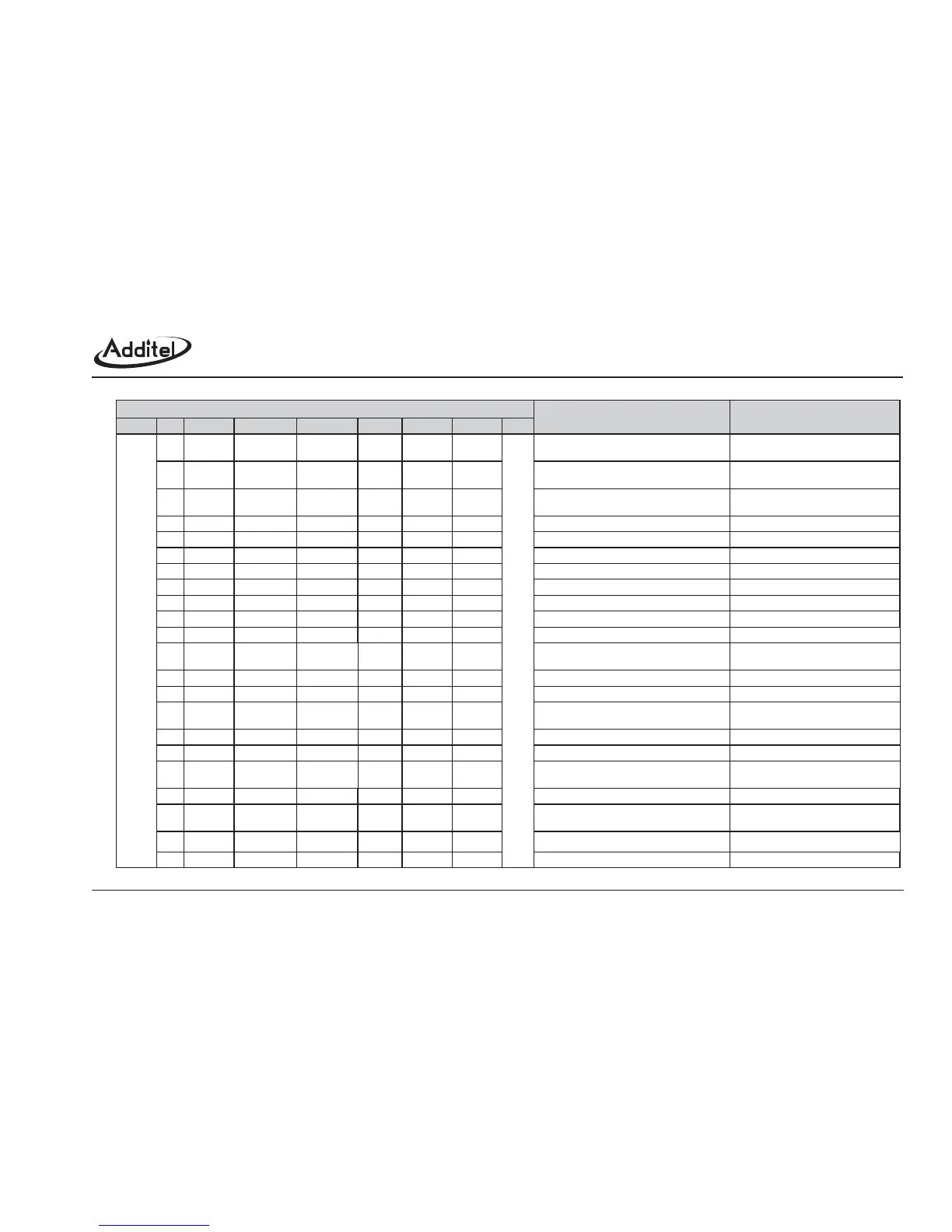
Function Introduction
Instructions
C4
Eos
C3C2C1C0
KnnnnX
A
W
W
W
W
R
HART
sending frame
0(manual)
1(auto)
Set up HART’s command in random
Set up file storage mode
Read save mode
Set the time of hour-record
Appoint a file and enter save status
Save a new record
Quit save status
Read a file's data
Delete a file
Delete all files
Entrance instruction of pressure calibration
HART return frame
A:F:FMODE:OK +Eos
A:F:FMODE: manual/automatic: hour :
interval: interval time: file (Y/N) +Eos
hour minute
second
Input the pressure value and relative
calibration point, for calibration
Quit pressure calibration
Entrance instruction for current calibration
Quit current calibration
Entrance instruction for voltage calibration
Input the current value and relative
calibration point, for calibration
Quit voltage calibration
Input the voltage value and relative
calibration point, for calibration
Write note's information
Cancel calibration parameter and calculation
for P/ I/ V, go back to factory default setting.
A:F:FTIME:OK +Eos
A:F:FSTART:OK +Eos
A:F:FSAVE:OK +Eos
A:F:FSTOP:OK +Eos
Return format refer to (1)
A:F:FDELO:OK +Eos
A:F:FDELA:OK +Eos
A:F:OCPS:OK +Eos
A:F:OCPOK:OK +Eos
A:F:OCIS:OK +Eos
A:F:OCP:OK +Eos
A:F:OCIOK:OK +Eos
A:F:OCVS:OK +Eos
A:F:OCI:OK +Eos
A:F:OTAG:OK +Eos
A:F:OCV:OK +Eos
A:F:OCVOK:OK +Eos
A:F:OFALT:OK +Eos
HARTCMD
FMODE
FMODE
FTIME
0(hour)
1(interval)
0(short)
1(long)
W
W
W
W
FSTART
FSAVE
FSTOP
FRDO
FDELO
1~30
File number
File number
W
W
W
W
W
W
W
W
W
W
W
R
FDELA
OCPS
OCP
OCPOK
OCIS
Z(zero)
M(middle)
F(full)
Standard P at
calibration point
1(save)0(cancel)
OCI
OCIOK
OCVS
OCV
OCVOK
OFALT
OTAG
OTAG
1/ 2 /3
Standard I at
calibration point
1(save)0(cancel)
1/ 2 /3
Standard V at
calibration point
1(save)0(cancel)
P/ I /V
Note No.(1~10)
Note No.(1~10)
Note content
50 bytes longest
Read note's information
A:F:OTAG:Note #:Note info +Eos
R
Address
0X00
-
-
-
-
-
-
-
-
-
-
-
-
-
-
-
-
-
-
-
-
-
-
-
-
-
-
-
-
-
-
-
-
-
-
-
-
-
-
-
-
-
-
-
-
-
-
-
-
-
-
-
-
-
-
-
-
-
-
-
-
-
-
-
-
-
-
-
-
-
-
-
-
-
-
-
-
-
-
-
-
-
-
-
-
-
-
-
Correct return value



 To Next Page