Advanced RF Technologies, Inc.
7. WEB-GUI
7.1 Web-GUI Setup
The Web-GUI allows the user to communicate with the DAS system either locally or remotely. To connect to
the DAS system locally, you will need a laptop with an Ethernet port and a RJ-45 crossover cable. To connect to the
DAS system remotely, you will need to have an active internet connection and the ADXV system must have and
external modem box connected to the ADXV.
7.1.1 DAS system/PC Connection Using Web-GUI
• Verify that your Local Area Connection is set to Obtain an IP address automatically under the Internet Protocol
(TCP/IP) properties
- If you are connecting to the unit remotely (use of a modem), then skip this and next step.
• Connect the RJ-45 crossover cable between the laptop’s Ethernet port and the repeater’s Ethernet port
• Launch an Internet Browser
• Type the following IP address into the address bar of Microsoft Internet Explorer: http://192.168.63.1
- If you are connecting to the unit remotely, then type the IP address of the modem to connect to
the unit
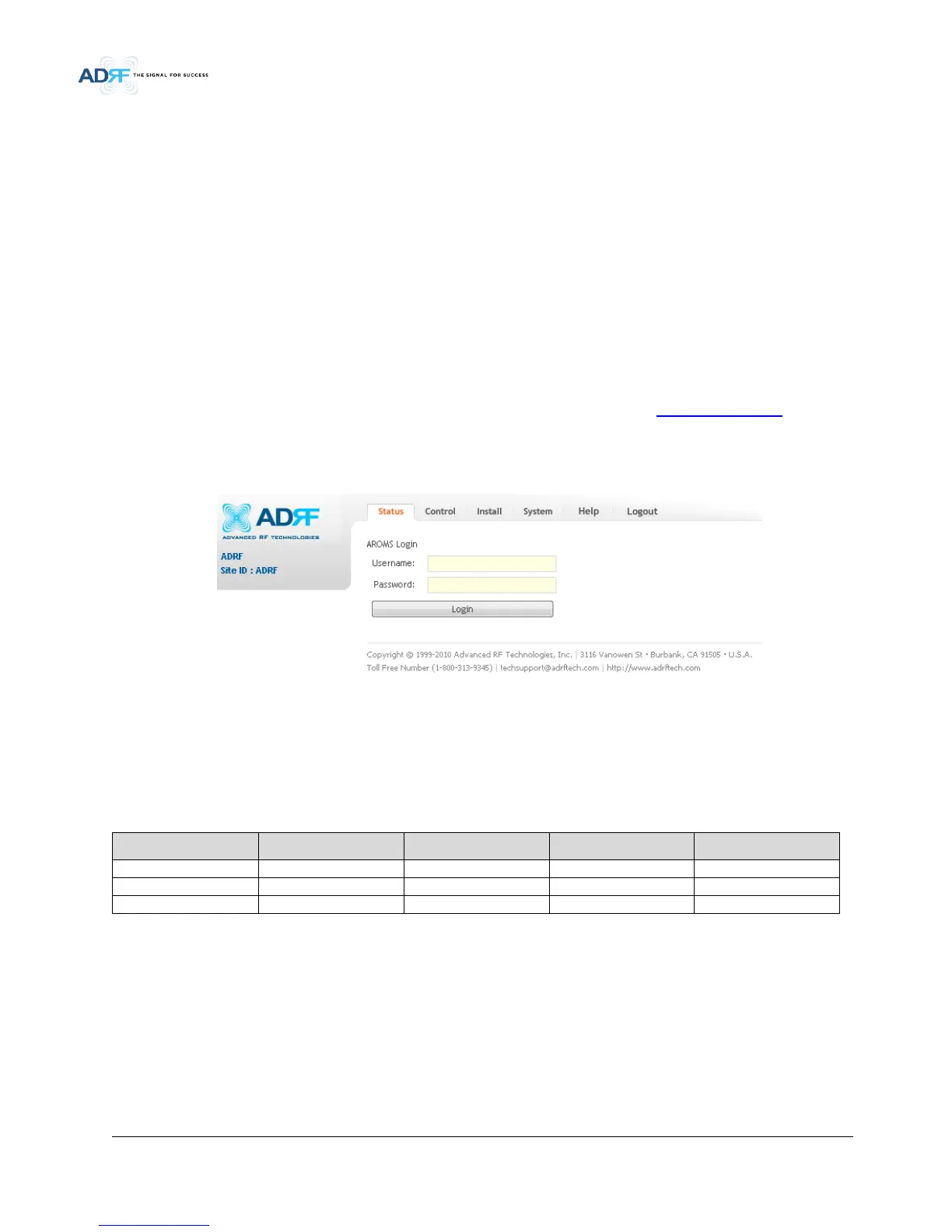
• The following login screen will appear:
Figure 7-1 Login screen
If you are not the Administrator, please type in your assigned username & password which you should have
received from the Administrator.
Table 7-1 Account Information for Login
Account type Show items Control Items Default ID Default Password


 To Next Page