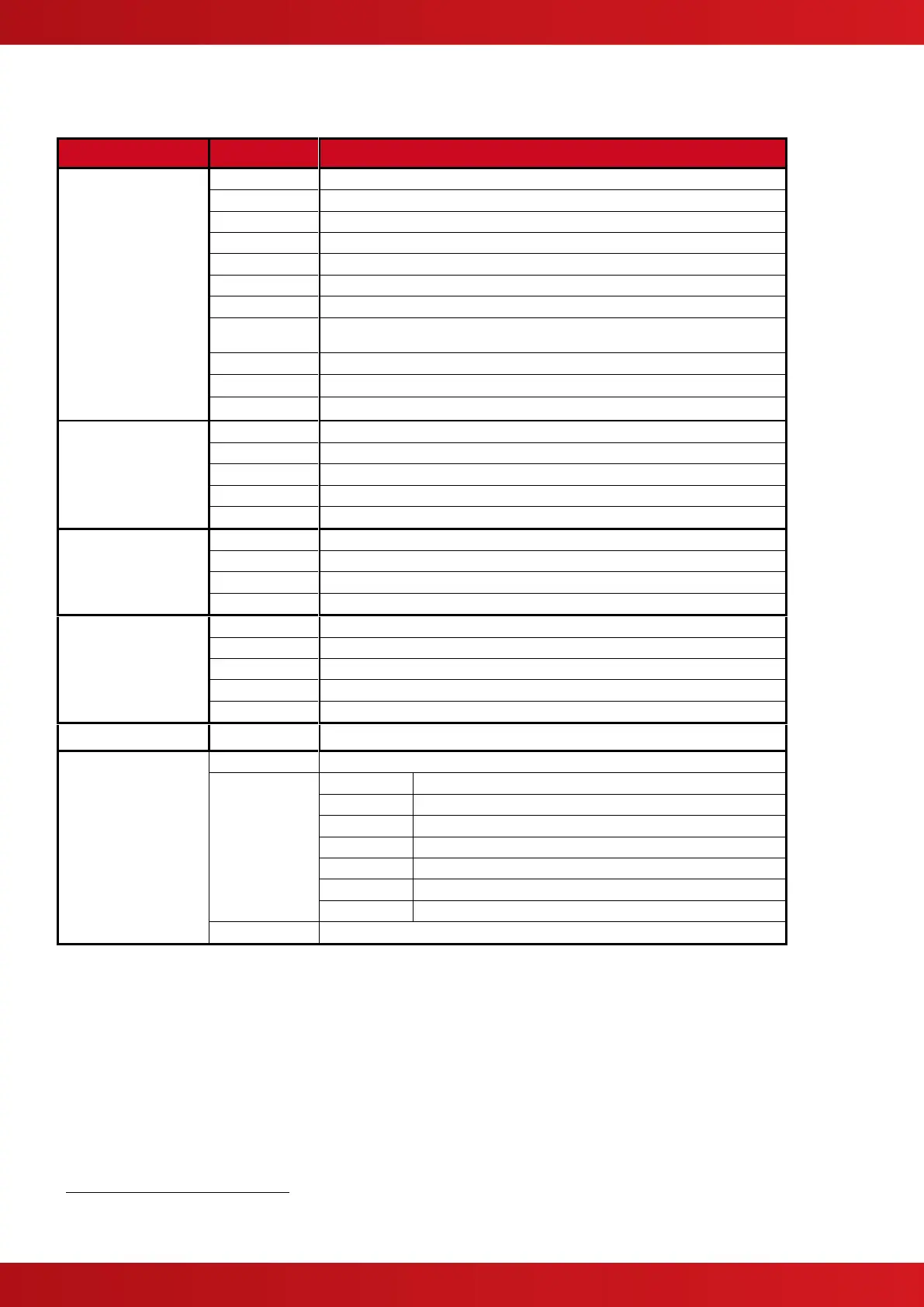
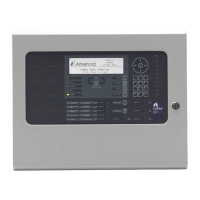
View Zones and Inputs that are reporting a fire alarm condition.
View Zones and Inputs that are reporting a fault condition.
View Zones and Inputs that are reporting an alarm condition.
View Zones, Inputs and Outputs that are disabled.
View the current state of Inputs.
View the current operational condition of all output circuits / devices.
View the Event Log / Alarm Counter
View the operational state, voltage and current loading of the panel input and
output circuits.
View Zones and Inputs that are reporting a warning condition
View Zones and Inputs that are reporting a supervisory condition
Disable a complete zone or an individual input.
Disable sounder outputs or other devices.
Return Level 2 access to the default User 1
Disable a user-defined disablement group
Enable a complete zone or an individual input.
Enable sounder outputs or other devices.
Enable a user-defined disablement group
Permits remote access controls
Configure one or more zones for walk test.
Test the Graphics Display, Status Indicators and Keyboard.
Test the connection to the Printer
Turn ON / OFF Investigation delays
Enter the Level 3 Commissioning and Panel Programming Functions
Print the status of inputs
Print the status of outputs
Print the fault conditions
Print the disabled conditions
Print the Event Log. (All Events of Fire Only Events Selectable).
Advance the paper in the printer
Configure the printer connection and automatic print options
Allows authorised level 2 users to change time.
This option can be configured per Level 2 User ID. User 1 does not have permission to change these options.
Not required if a key switch is fitted to change access levels.
www.acornfiresecurity.com
www.acornfiresecurity.com


 To Next Page