UPS IST7 (10KVA-40KVA)
User Manual 4 Touch Screen Operation
43
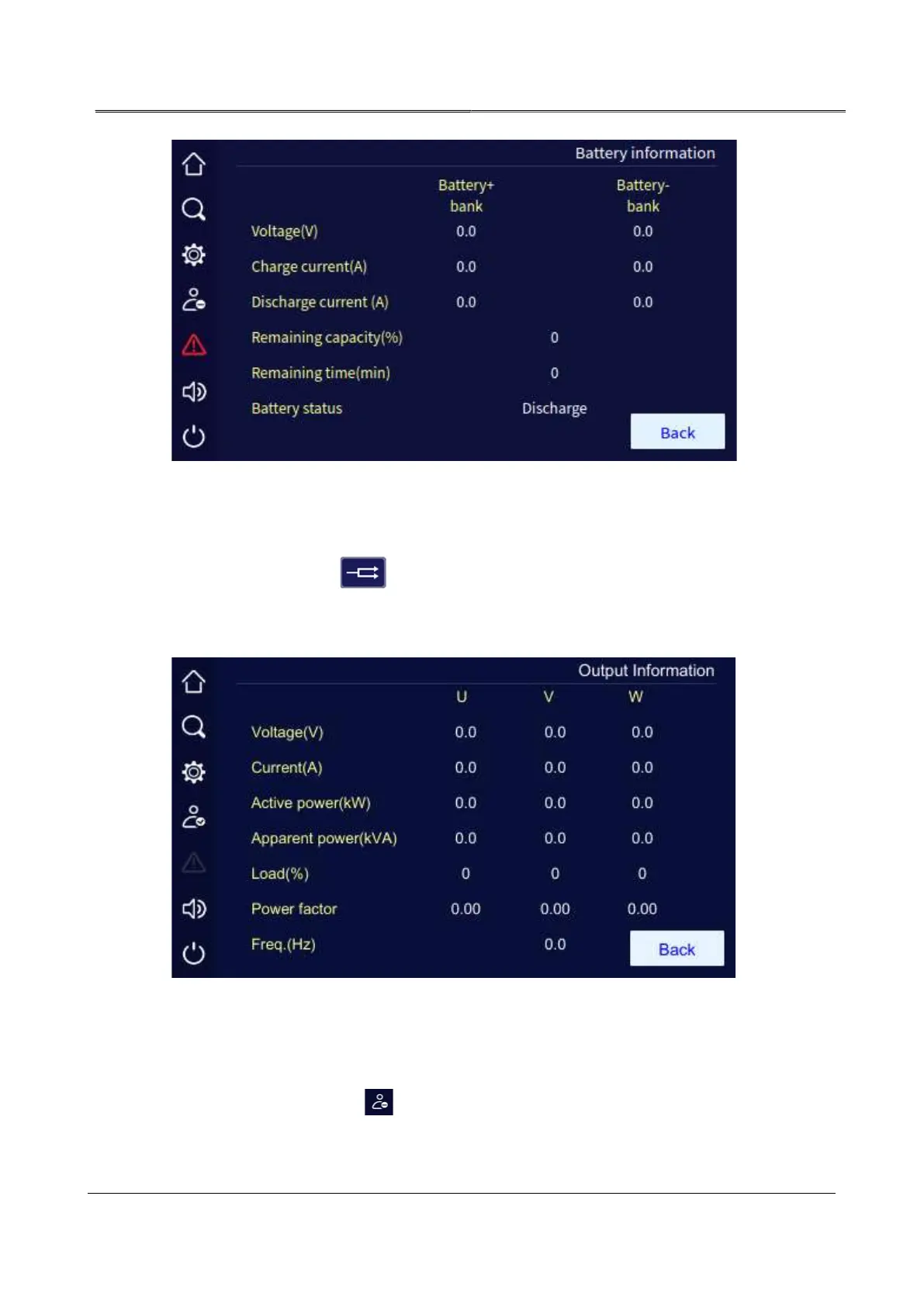
Battery information page
4.2.5 Output Information Page
In the main page, click " " icon, it will enter the output information page. The page shows
the output voltage, current, load, active power, apparent power, power factor, output frequency,
etc.
Output information page
4.3 Login Page
In the main page, click " " icon, it will enter the login page. Only login, the setting
management can be done.



 To Next Page