4 Touch Screen Operation
UPS IST7 (10KVA-40KVA)
User Manual
62
Item Settable value
Test load rate (%) 10-100
Impact load mode On, Off
Click number input box, it will display the input range of setting value at the top of the input
keyboard. When the setting exceeds the range, the setting will be invalid. After setting, click
" " button to save the setting. Successful setting/unsuccessful setting mark is the
same as that of system management.
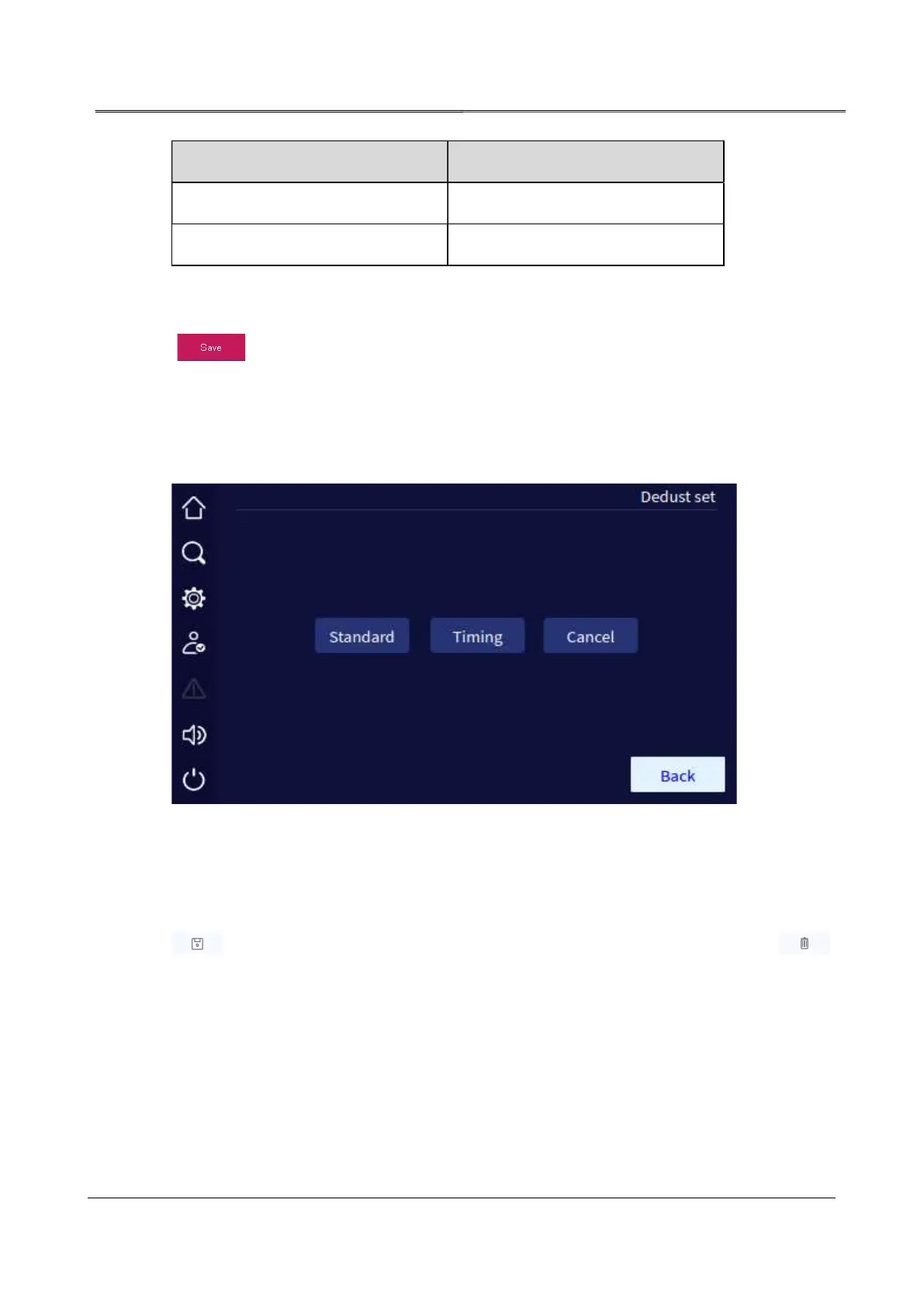
4.5.8 Dedust Setting Page
In setting manage page, click Batt. Manage icon, it will enter battery manage page.
Dedust set page
4.5.9 Record Manage Page
Reco. mange page can export and clear the history log, user log, and wave capture. Click "
" button, you can export the selected items by USB flash drive, click the " "
button, you can clear the selected items. Before clearing, it will show the prompting window
to confirm.



 To Next Page