UPS IST7 (10KVA-40KVA)
User Manual 4 Touch Screen Operation
57
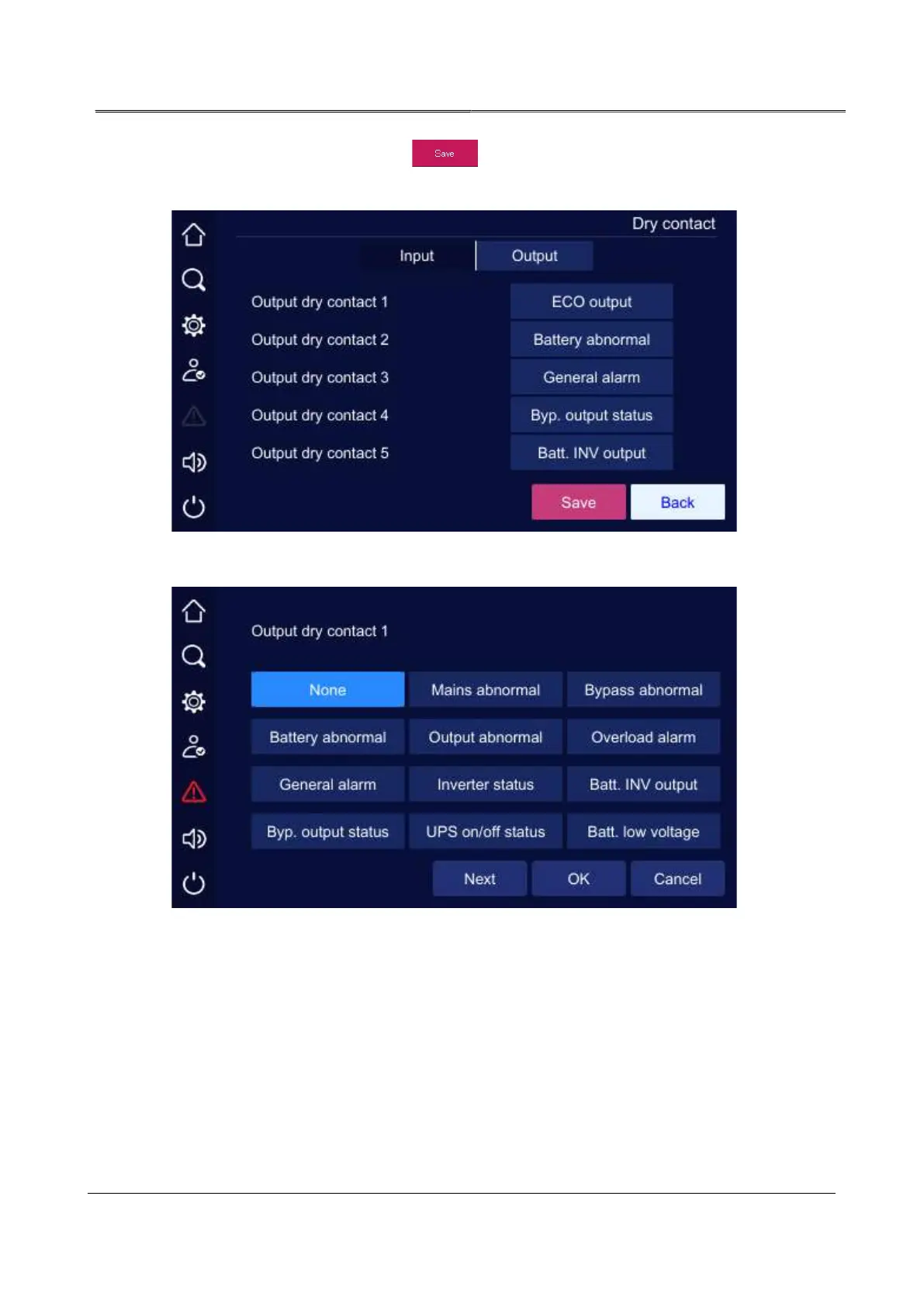
setting page. After setting, click " " button on Dry contact page to save the setting.
Successful setting/unsuccessful setting mark is the same as that of system management.
Output dry contact setting page 1
Output dry contact setting page 2
4.5.4 Communication Setting Page
User can select the communication way of upper-computer in communication setting page,
Modbus and SNMP can be set. For Modbus communication, user can set the Modbus
address and baud rate.



 To Next Page